
De-Bloater removes unwanted system apps from Android using Magisk, KernelSU, or APatch.
De Bloater
De-Bloater uses Magisk, KernelSU, or APatch to remove unwanted system apps without modifying the system partition.
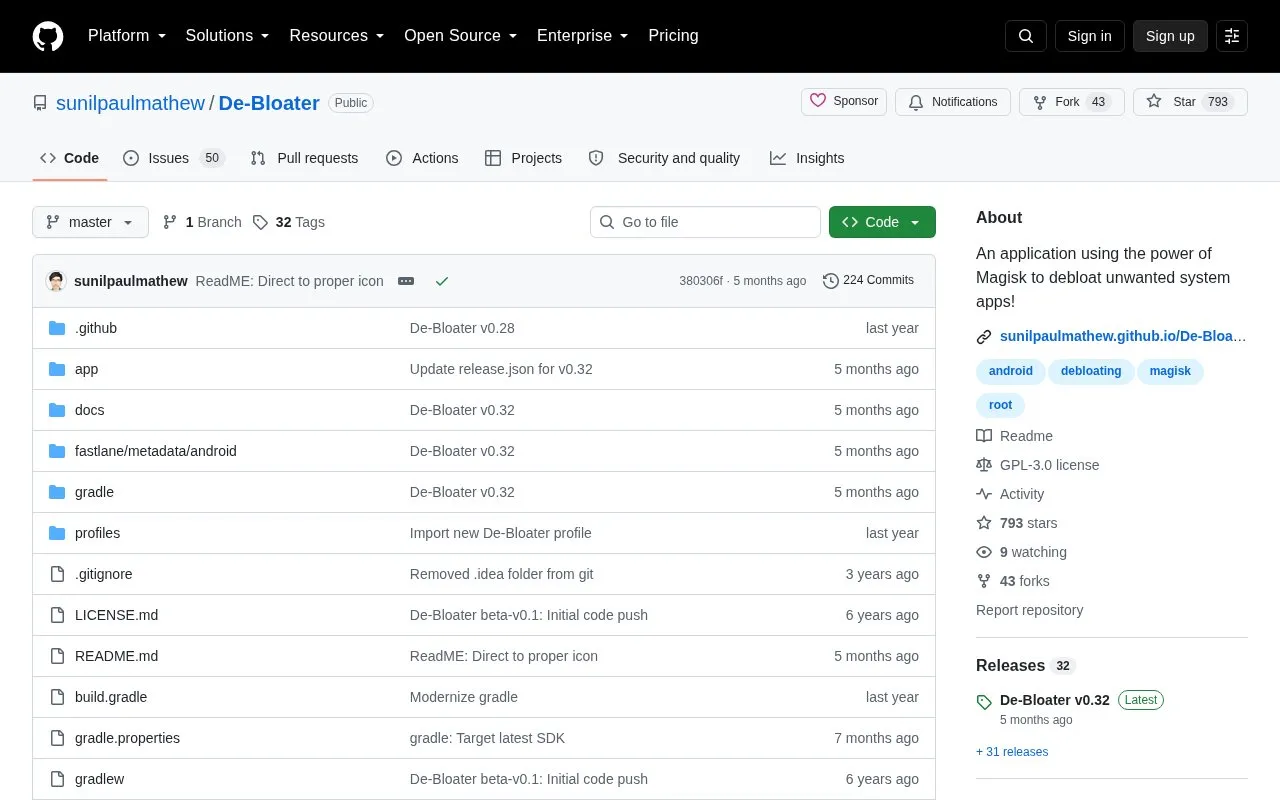
About De Bloater
De-Bloater removes unwanted system apps systemlessly using Magisk, KernelSU, or APatch. It creates a module named De-bloater that replaces selected APKs from locations such as /system, /vendor, and /product.
It requires root access and a fully functional Magisk, KernelSU, or APatch environment with modules, and does not work with other rooting solutions or Magisk core-only mode. Removals and restores require a reboot, and removed apps can be restored selectively or by resetting the module.
Key features
- Removes system apps from /system, /vendor, /product and other directories
- Creates a De-bloater module to replace selected APKs systemlessly
- Selectively restores removed apps from second page
- Resets module from top menu to restore removed apps
- Applies removals and restores after device reboot
Best for: Best for rooted Android users with Magisk, KernelSU, or APatch who want to remove system apps without modifying the system partition.
Good for
- Removes apps systemlessly by creating a dedicated module
- Allows selective restore or full module reset
- Open-source code under GPL-3.0 license
Watch out for
- Requires root access and fully functional Magisk, KernelSU, or APatch including modules
- Does not work with other rooting solutions or Magisk core-only mode
- Requires reboot for changes; removing important apps may cause bootloop
De Bloater at a glance
- Category
- Mobile Apps › Android Apps
- Type
- Open-source project
- Pricing
- Not confirmed. Check the site
- Open source
- Yes · Source code
- Language
- English
- Last checked
- Oct 5, 2026 · Online when checked
- Listed
- Oct 5, 2026
De Bloater alternatives
Tools and sites you could use instead, ranked by how closely they match.

A curated guide lists Android root apps, Magisk and KernelSU modules, and step-by-step rooting instructions.
Open source
24 alternatives
Magisk combines open-source tools for modifying and customizing Android devices.
Open source
24 alternatives
APatch patches the Android kernel and system as a kernel-based root solution, offering a method for device-level modifications.
Open source
24 alternatives
Folk Patch patches an Android boot partition to provide root access to the kernel.
Open source
24 alternatives
Metadata Remover deletes image metadata on Android, helping remove embedded information from photos.
Open source
24 alternativesPopular in Android Apps
Well-known listings from the same topic.
SwiftKeymicrosoft.com/en-us/swiftkeyMobile Abyssmobile.alphacoders.comPocketPal AIpocketpal.devGrapheneOSgrapheneos.orgTransittransitapp.comGameLoopgameloop.com


De Bloater FAQ
What is required to use De-Bloater?
Root access and a fully functional Magisk, KernelSU, or APatch environment with modules. It does not work with other rooting solutions or in Magisk core-only mode.
How do removals and restores take effect?
Select apps to remove, then reboot. Restore selectively from the second page or use Reset Module from the top menu, then reboot.
What to do if the phone bootloops after removing an app?
Delete "/data/adb/modules/De-bloater" via recovery.
Is something wrong or out of date?
Tell us and an editor will check it.
Own this website?
Claim this listing
Claim the listing and suggest updates yourself. An editor checks every claim first.