

This GitHub gist describes steps for debloating the Nox Android emulator.
This GitHub gist provides instructions for debloating the MEmu Android emulator.
About Debloat
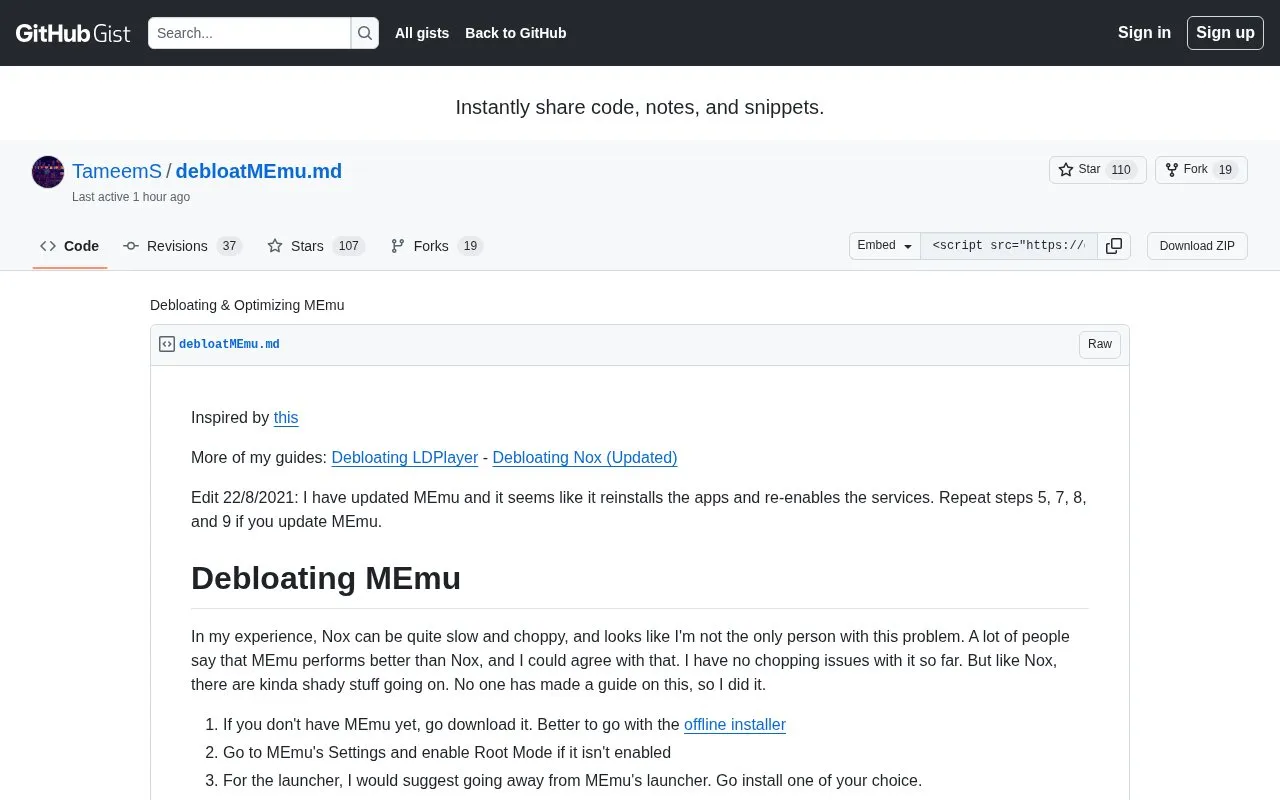
This GitHub gist provides instructions for debloating and optimizing the MEmu Android emulator. It covers enabling root mode, replacing the default launcher, deleting bundled Guide, Launcher, and Installer folders with a root browser, using Blokada as an always-on VPN, and adding MEmu and ad-related domains to the Windows hosts file.
It notes that updating MEmu can reinstall removed apps and re-enable services, requiring some steps to be repeated. It also links to related guides for LDPlayer and Nox.
Key features
- Enable root mode in MEmu settings
- Replace MEmu launcher with a user-chosen launcher
- Delete bundled Guide, Launcher, and Installer folders via root browser
- Block ad-related domains using Blokada as always-on VPN
- Block listed MEmu and ad domains via Windows hosts file
- Set custom launcher to auto-start with version-specific instructions
Best for: People who use MEmu and want instructions to remove bundled apps and limit ad-related connections.
Good for
- Provides specific folders, settings paths, and hosts file entries
- Addresses both emulator settings and Windows-side blocking
- Links to related guides for LDPlayer and Nox
Watch out for
- Updating MEmu can reinstall apps and re-enable services, requiring repeated steps
- Requires root mode and third-party tools such as a root browser and Blokada
- Some launcher setup steps differ for MEmu 6.3.7 or below
Debloat at a glance
- Category
- Mobile Apps › Android Productivity Apps
- Type
- Website
- Pricing
- Not confirmed. Check the site
- Platforms
- Android, Web
- Open source
- Not stated
- Language
- English
- Last checked
- Oct 5, 2026 · Online when checked
- Listed
- Oct 5, 2026
Debloat alternatives
Tools and sites you could use instead, ranked by how closely they match.

MEmu Play is an Android emulator for playing mobile games on a computer.
Popular in Android Productivity Apps
Well-known listings from the same topic.
Safenotesgithub.com/keshav-space/safenotesNoteinnotein.aiGAMEYEgameye.appFamilyWallfamilywall.comJTXjtx.techbee.atTaskitotaskito.io


Debloat FAQ
Do I need to enable root mode?
Yes, the guide instructs users to enable Root Mode in MEmu settings.
What happens if I update MEmu after following the guide?
Updates can reinstall the apps and re-enable services, so the guide says to repeat steps 5, 7, 8, and 9.
Does launcher setup differ by MEmu version?
Yes, on MEmu 6.3.7 or below the guide says to set the launcher as default in Android Settings without needing the auto-start app.
Is something wrong or out of date?
Tell us and an editor will check it.
Own this website?
Claim this listing
Claim the listing and suggest updates yourself. An editor checks every claim first.