

Connect to WireGuard or AmneziaWG servers on Android with WG Tunnel, an open-source client.
Open source
24 alternativesConnect to WireGuard and AmneziaWG servers from a desktop computer with this open-source client.
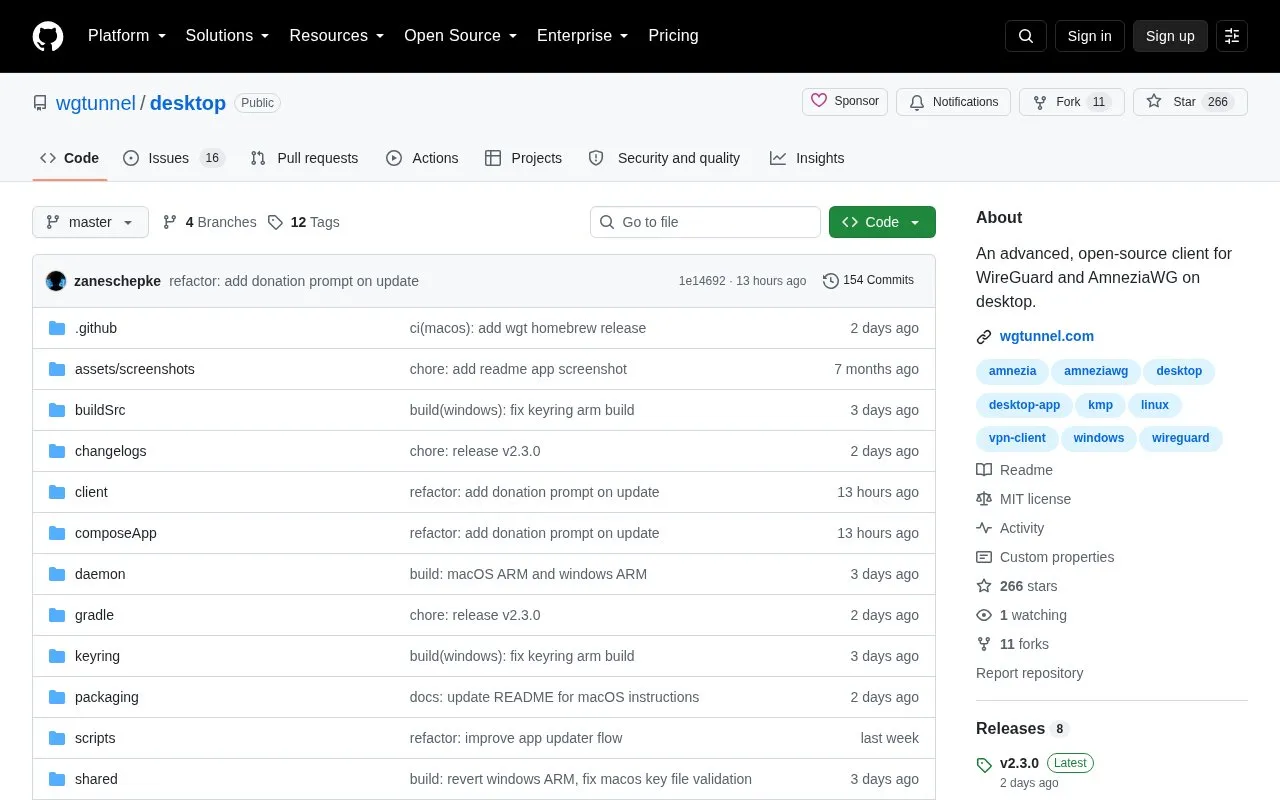
WG Tunnel Desktop is an open-source client for WireGuard and AmneziaWG on Windows, Linux and Apple Silicon Macs. It is a native application that brings the Android app's feature set to desktop. You can import, export, edit and sort tunnels. The tunnel runs as a system service that keeps working when the GUI is not running.
Pricing is not clearly stated.
Tools and sites you could use instead, ranked by how closely they match.
Connect to WireGuard or AmneziaWG servers on Android with WG Tunnel, an open-source client.
Gluetun runs a VPN client in a Docker container with multiple providers, OpenVPN or WireGuard, DNS over TLS, and built-in proxy servers.
Create a VPN between a client and server across untrusted or restricted networks with DSVPN.
Connect through proxy protocols with Exclave, a proxy client that supports routing and proxy chains.
Manage proxy connections on Windows, macOS, and Linux with Clash Verge Rev, a desktop GUI client.
FlClash provides an open-source, ad-free multiplatform proxy client based on ClashMeta.
Well-known listings from the same topic.
Tell us and an editor will check it.
Claim the listing and suggest updates yourself. An editor checks every claim first.


