

Diff Checker
Compare two images online for visual differences, or use Diffchecker Desktop to keep private image comparisons on your computer.
About Diff Checker
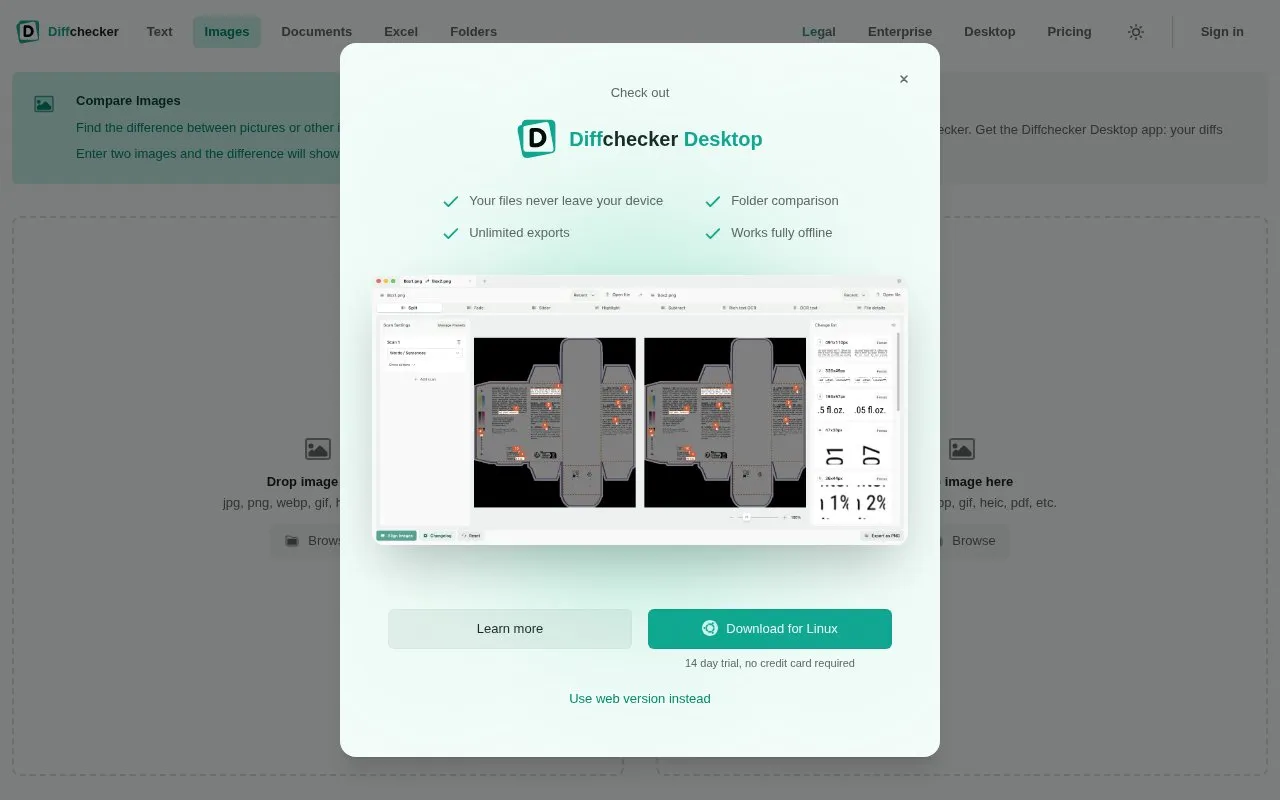
Diff Checker's image diff tool compares two images pixel by pixel in the browser. Images can be dropped in and compared without creating an account; an account is only needed to save, share, or upgrade. Accepted inputs include jpg, png, webp, gif, heic, and pdf, and the two files do not have to be the same size or format. The tool groups changed pixels into regions and lists them beside the image, and offers nine views such as side-by-side, slider, fade, flicker, subtract, and highlight. It can also compare text read from inside images, and compare file metadata such as dimensions, format, color profile, and EXIF. Alignment tools move one image onto the other by offset, rotation, scale, or perspective warp, either automatically or by hand, so changes in content are reported rather than changes in framing. A separate desktop app is offered for offline comparisons; the vendor states that with the desktop app diffs never leave the computer.
Key features
- Compares two images pixel by pixel with no sign-up required
- Nine views including side-by-side, slider, fade, flicker, subtract, highlight
- Groups changed pixels into numbered regions listed beside the image
- Four tunable settings control difference threshold, merge distance and region size
- OCR compares words inside images, including text kept in original positions
- Compares file metadata: dimensions, size, format, color profile and EXIF
Best for: Anyone who needs a quick visual or textual comparison of two images or a PDF page, including designers checking revisions and users who want offline comparison via the desktop app.
Good for
- Images can be compared in the browser without an account
- Handles mismatched sizes and formats, and accepts PDF pages as image inputs
- Automatic and manual alignment account for offset, rotation, scale, and perspective
Watch out for
- An account is required to save, share, or upgrade
- PDF input compares one chosen page as an image; document compare is needed for every page
- Offline and private comparison requires the separate Diffchecker Desktop app
Diff Checker at a glance
- Website
- diffchecker.com/image-diff
- Category
- Online Tools › Image Tools
- Type
- Online tool
- Pricing
- Free
- Platforms
- Web
- Open source
- Not stated
- Language
- English
- Last checked
- Oct 5, 2026 · Online when checked
- Listed
- Oct 5, 2026
Guides for Image Tools

Popular in Image Tools
Well-known listings from the same topic.
CamScannerapps.apple.com/us/app/camscanner-pdf-scanner-a…BeeRefbeeref.orgGreenshotgetgreenshot.orgLightshotapp.prntscr.comnomacsnomacs.orgConverseenconverseen.fasterland.net


Diff Checker FAQ
Do I need an account to compare images?
No. You can drop in two images and compare immediately; an account is only needed to save, share, or upgrade.
Which file formats and sizes are supported?
JPG, PNG, WebP, GIF, HEIC, PDF and similar formats are accepted. The tool states there are no file size limits, and the two images do not need to be the same size or format.
Can I compare a PDF?
Yes, you can drop in a PDF and choose one page to compare as an image. Document compare is the option for checking every page.
Is something wrong or out of date?
Tell us and an editor will check it.
Own this website?
Claim this listing
Claim the listing and suggest updates yourself. An editor checks every claim first.