

calcurse provides text-based calendar and scheduling features, with source downloads, packages, and release notes available.
dLine
dLine brings calendar events into the terminal, with reminders and event management described by its project page.
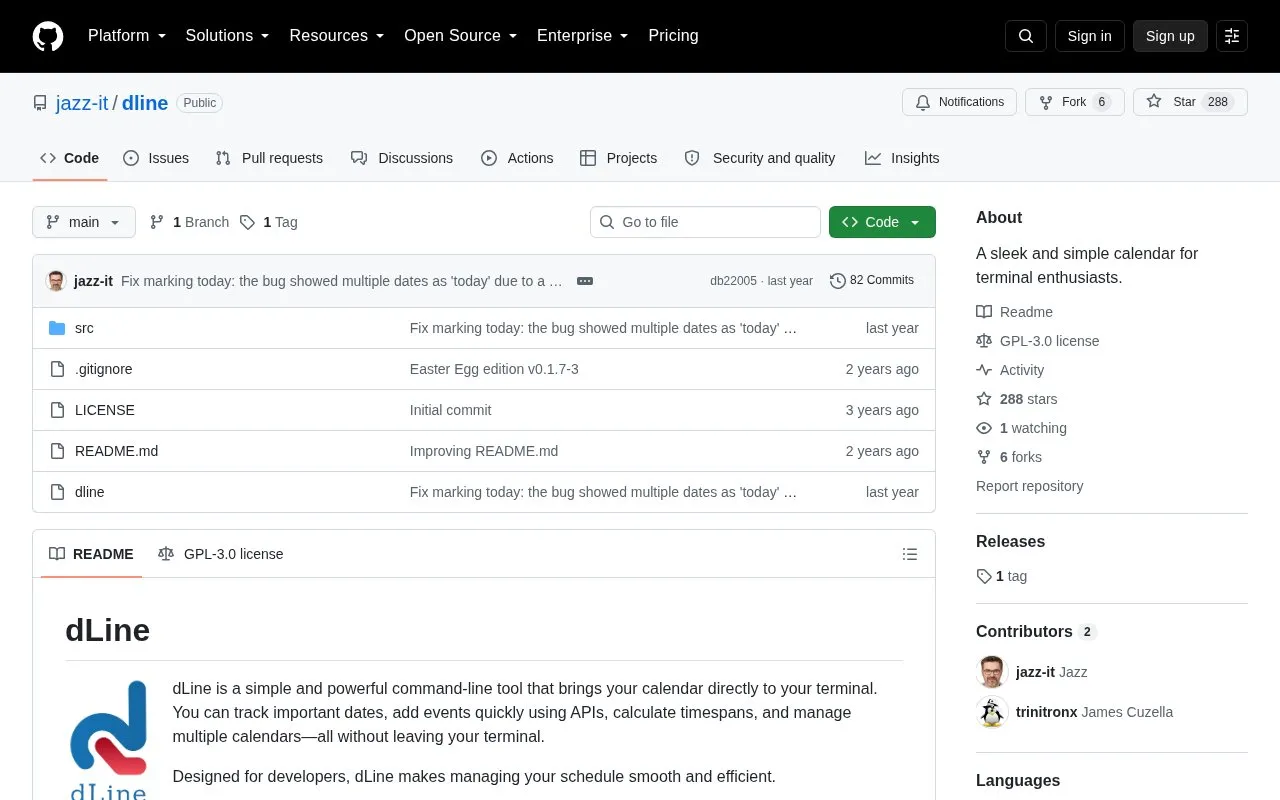
About dLine
dLine is an open-source command-line calendar tool for terminal users, and the project describes it as designed for developers. It shows the current month's events with color-coded categories, displays a plain monthly calendar for any chosen month, and counts workdays between two dates. Users can add events directly or interactively, manage several calendars, and import public holidays.
In its default dynamic view, background processes look for unresolved deadlines up to six months ahead and overdue deadlines up to one month back. They also create pop-up reminders for events within 48 hours. Calendar data can be updated from APIs automatically, and the timing of these processes can be set in a .dlinerc file. On first launch, the tool asks for a region in order to fetch relevant holidays, and this can be changed later. The source excerpt does not state which operating systems are supported, and it does not describe pricing.
Key features
- Dynamic view of the current month's events with color-coded categories and filtering
- Static monthly calendar display for any month, using a yyyy/mm argument
- Workday counting between two dates, separating weekdays and weekends
- Adding events from the command line, either directly or in interactive mode
- Management of multiple calendars, including importing public holidays
- Background deadline countdowns and pop-up reminders for events up to 48 hours ahead
Best for: Developers and other terminal users who want to view, add and manage calendar events without leaving the command line.
Good for
- Open source, with a LICENSE file in the repository
- Event and maintenance behavior can be configured through a .dlinerc file
- Supports user translations and custom color schemes
Watch out for
- Reminder countdowns depend on the at command for scheduling
- The source excerpt does not state which platforms or operating systems are supported
dLine at a glance
- Website
- github.com/jazz-it/dline
- Category
- Software & Utilities › Linux & Mac Apps
- Type
- Open-source project
- Pricing
- Not confirmed. Check the site
- Open source
- Yes · Source code
- Language
- English
- Good for
- Developers
- Last checked
- Oct 6, 2026 · Online when checked
- Listed
- Oct 5, 2026
dLine alternatives
Tools and sites you could use instead, ranked by how closely they match.
GNOME Evolution combines email and calendar functions, with user documentation on its help page.

cliamp plays music in a terminal and is described as inspired by Winamp.
Open source
24 alternatives
ShellGPT brings AI language models to command-line workflows, according to its repository description.
Open source
24 alternatives
Pi-Apps catalogs software for Raspberry Pi, with projects described as open source in its repository title.
Open source
24 alternatives
Powerlevel10k is a theme for the Zsh shell, as described by its repository page.
Open source
24 alternativesPopular in Linux & Mac Apps
Well-known listings from the same topic.
Browshbrow.shBibDeskbibdesk.sourceforge.ioCommandlineFUcommandlinefu.comBashlybashly.devzshzsh.orgLibreELEClibreelec.tv


dLine FAQ
How do I count workdays between two dates?
Run dline -w with a start date and an end date. The tool categorizes weekdays and weekends automatically. If no start date is given, it uses today.
Can dLine import public holidays?
Yes. Importing public holidays is listed under administration, and on first launch the tool asks for a region to fetch relevant holidays. The region can be changed later.
How are automatic updates handled?
The dynamic view fetches fresh calendar events from APIs as a routine maintenance task. The timing and frequency of these updates can be set through the .dlinerc file.
Is something wrong or out of date?
Tell us and an editor will check it.
Own this website?
Claim this listing
Claim the listing and suggest updates yourself. An editor checks every claim first.