
picom composites desktop windows on X11 and includes support for animation effects.
Docs
The picom manual documents compositor options, window rules, animations, configuration, and examples.
About Docs
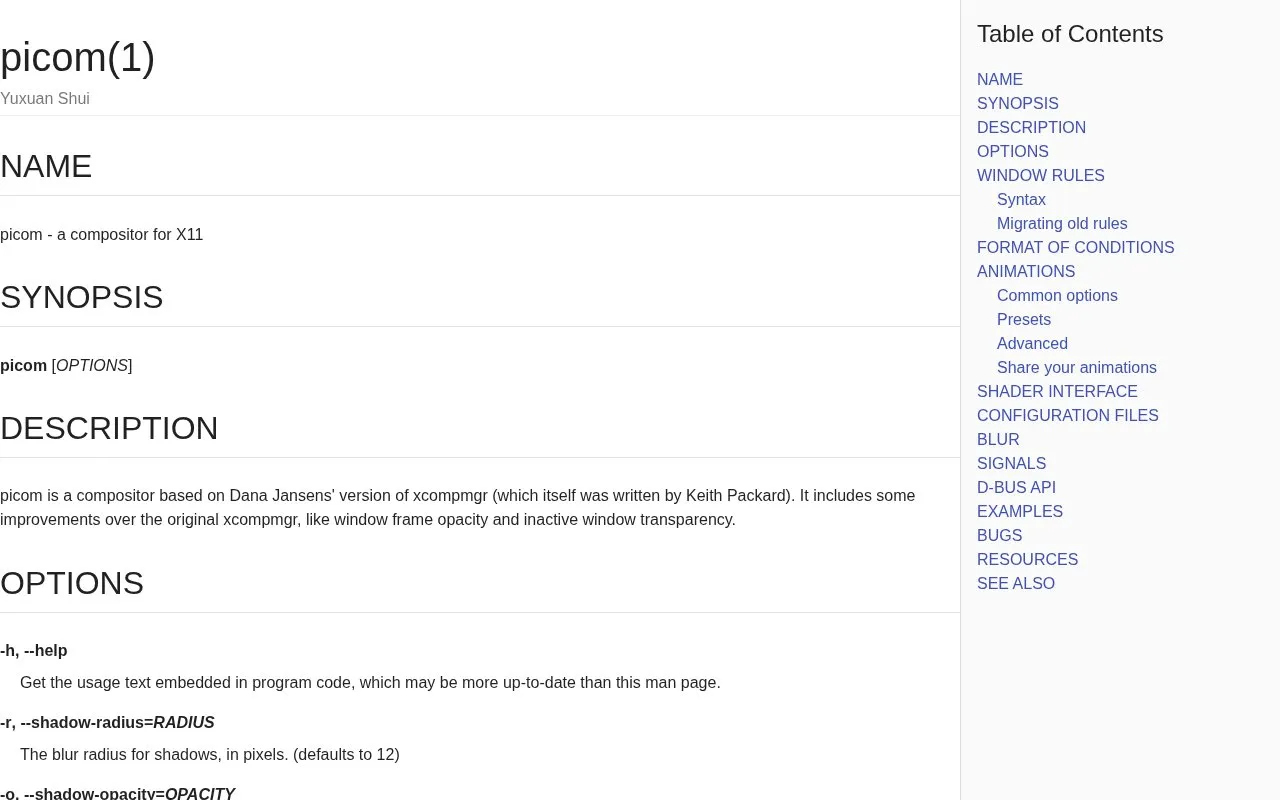
This is the manual page for picom, a compositor for X11 that is based on Dana Jansens' version of xcompmgr. The manual documents command-line options, window rules, animations, shader interface, configuration files, blur, signals, a D-Bus API, and examples.
The manual covers settings for window shadows, fading, opacity, corner rounding, logging, and plugin loading. Several older options, including inactive window opacity and dimming, are marked as discouraged in favor of window rules. The manual also notes that rounded corners do not interact well with --transparent-clipping, and that desktop windows do not receive shadows unless requested.
Key features
- Window shadows with adjustable radius, opacity, offsets, and color
- Fading of windows when opening, closing, or changing opacity
- Window rules for setting window-specific opacity
- Opacity control for window titlebars and borders
- Rounded window corners with a configurable radius
- Plugin loading from user configuration directories
Best for: Users of X11 desktops who want to configure the picom compositor and need a reference for its options and window rules.
Good for
- Adds window frame opacity and inactive window transparency to the original xcompmgr design
- Documents window rules as the recommended way to set window-specific opacity
Watch out for
- Several options, including inactive opacity and inactive dim, are discouraged in favor of window rules
- Corner rounding does not interact well with --transparent-clipping
Docs at a glance
- Website
- picom.app
- Category
- Software & Utilities › Desktop Customization
- Type
- Website
- Pricing
- Not confirmed. Check the site
- Platforms
- Web, Windows
- Open source
- Not stated
- Language
- English
- Last checked
- Oct 6, 2026 · Online when checked
- Listed
- Oct 5, 2026
Docs alternatives
Tools and sites you could use instead, ranked by how closely they match.

herbstluftwm arranges windows through a manual tiling window manager for the X window system.

Polybar provides a desktop status bar with configuration options for displaying system information.
Open source
24 alternatives
7+ Taskbar Tweaker configures Windows taskbar behavior through a range of customization options.

AwesomeWallpaper displays images, animation, video, or system information on a Windows desktop wallpaper.

Browse and select background images designed to span dual monitors, with resolution options listed on the site.
Popular in Desktop Customization
Well-known listings from the same topic.
Chezmoichezmoi.ioawesomewmawesomewm.orgdotfilesdotfiles.github.iobackieeapps.microsoft.com/store/detail/backiee-wallpa…Dynamic Themeapps.microsoft.com/detail/9nblggh1zbkwHydraPaperhydrapaper.gabmus.org


Docs FAQ
What does picom add compared with the original xcompmgr?
The manual states that picom includes improvements such as window frame opacity and inactive window transparency.
Can picom load plugins?
Yes. The --plugins option loads plugins, and it can be specified multiple times to load more than one plugin.
Is something wrong or out of date?
Tell us and an editor will check it.
Own this website?
Claim this listing
Claim the listing and suggest updates yourself. An editor checks every claim first.