

Awesome Wayland collects resources related to the Wayland display system.
Open source
24 alternativesPolybar provides a desktop status bar with configuration options for displaying system information.
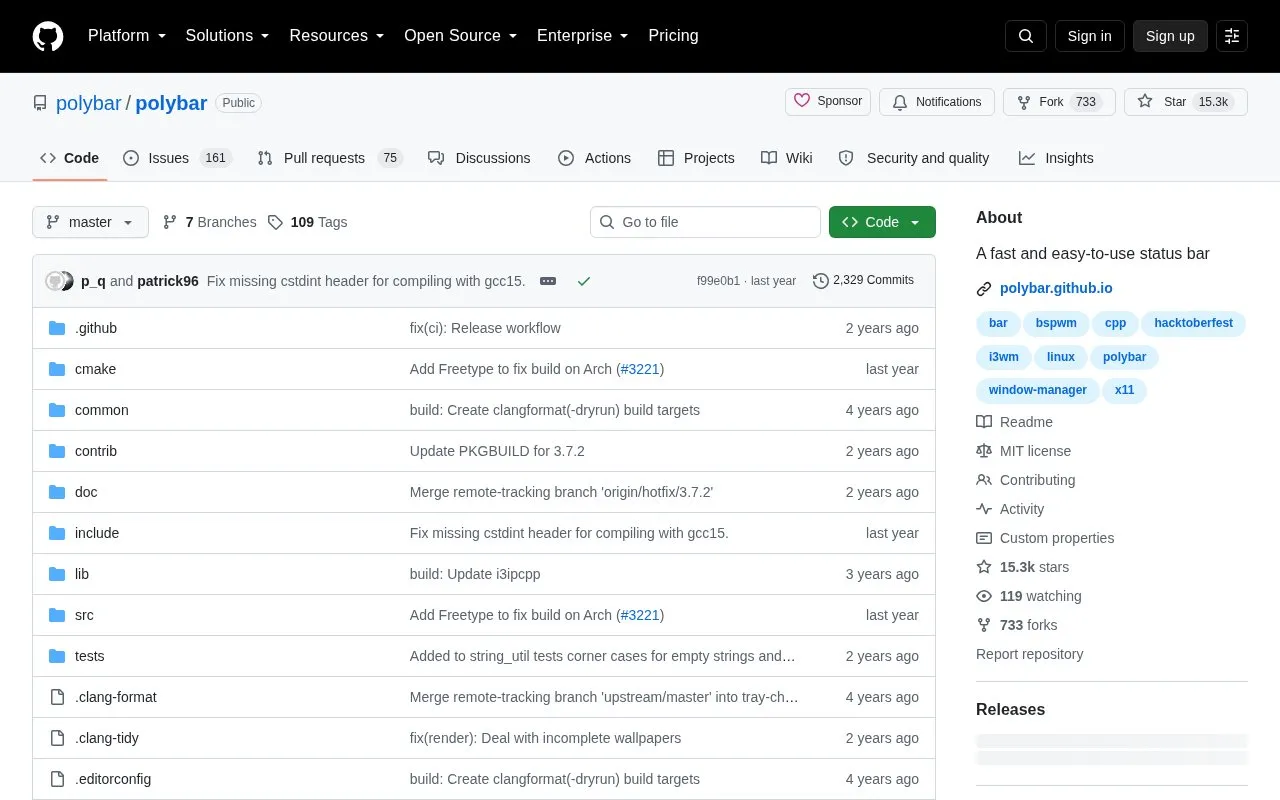
Polybar is a tool for creating status bars for a desktop environment. It includes built-in modules to show systray icons, window title, workspaces, MPD status, volume controls, CPU and memory load, battery, network details, backlight, date and time, and keyboard layout, and it can run shell scripts, tail command output, and use menus and inter-process messaging.
Packages are listed for several Linux distributions and other systems; if no package is available for a system, it must be built from source. Running and configuring the bar is described in the project wiki.
Tools and sites you could use instead, ranked by how closely they match.
Awesome Wayland collects resources related to the Wayland display system.
Fetch turns a terminal’s ASCII distribution logo into a rotating 3D object and displays live system information.
This repository collects Polybar themes in different styles, colors, and variants for desktop customization.
Ironbar is a customizable GTK4 status bar for Wayland, written in Rust.
Waybar provides a customizable status bar for Wayland compositors such as Sway and wlroots-based environments.
The awesome project provides a window manager for the desktop with a Lua configuration interface.
Well-known listings from the same topic.
Tell us and an editor will check it.
Claim the listing and suggest updates yourself. An editor checks every claim first.


