

Fetch renders a distribution’s ASCII logo as a rotating 3D object alongside live system information.
Fetch
Fetch turns a terminal’s ASCII distribution logo into a rotating 3D object and displays live system information.
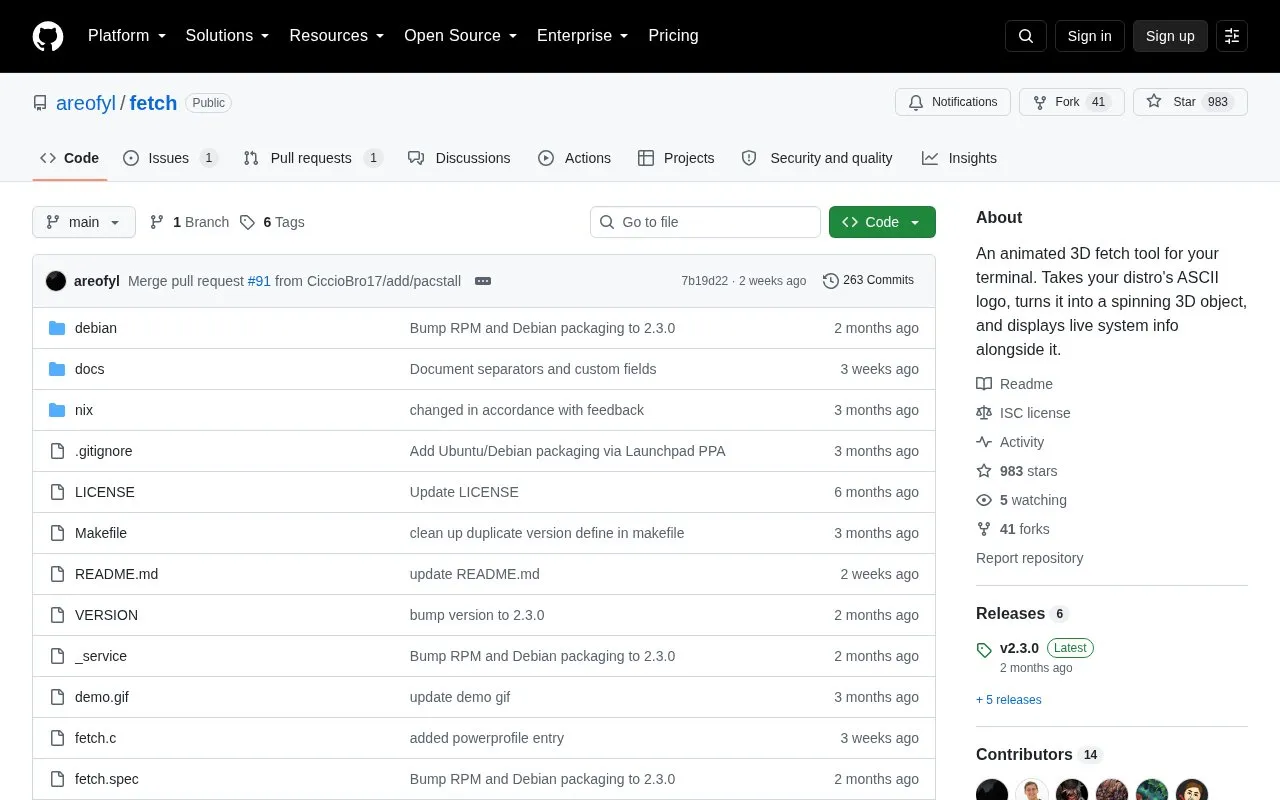
About Fetch
Fetch is an open-source terminal tool for Linux and macOS that turns a distribution's ASCII or Unicode logo into a rotating 3D relief rendered with Blinn-Phong shading, displayed alongside live system information. System details (OS, kernel, uptime, packages, shell, display, window manager, CPU, GPU, theme) are gathered natively by the program itself rather than through fastfetch or neofetch. The logo can be clicked and dragged to rotate by hand, and released to spin. Pressing any key stops the display; the keypress passes through to the shell, so it can be used as a startup fetch.
Key features
- Renders distro ASCII or Unicode logos as rotating 3D point clouds with Blinn-Phong shading
- Auto-detects the distro and can import logos from fastfetch with original colors
- Accepts logos via the -l flag or a ~/.config/fetch/logo.txt file
- Collects system info natively: OS, kernel, packages, shell, display, CPU, GPU, WM, theme
- Click-and-drag logo rotation, with release-to-fling spinning
- Installable via AUR, nixpkgs, Homebrew, COPR, Open Build Service, PPA and GURU
Best for: Linux and macOS users who want an animated, interactive terminal fetch display with locally gathered system information.
Good for
- Open source, with packaging maintained across several Linux distributions, Nix, and macOS Homebrew
- System information is collected natively with no external dependencies
- Logo source is flexible: auto-detected, specified by name, or replaced by a custom file
Watch out for
- Runs on Linux and macOS only
- Without fastfetch installed, logo auto-detection falls back to a built-in Gentoo logo
- No pricing information is stated in the source
Fetch at a glance
- Website
- github.com/areofyl/fetch
- Category
- Software & Utilities › Desktop Customization
- Type
- Open-source project
- Pricing
- Not confirmed. Check the site
- Platforms
- Linux, macOS
- Open source
- Yes · Source code
- Language
- English
- Last checked
- Oct 6, 2026 · Online when checked
- Listed
- Oct 5, 2026
Fetch alternatives
Tools and sites you could use instead, ranked by how closely they match.

This repository contains the source for wearewaylandnow.com, an opinionated site about the Wayland desktop environment.
Open source
24 alternatives
Catppuccinifier recolors wallpapers using a command-line or graphical interface on Linux and Windows.
Open source
24 alternatives
LWP creates layered parallax wallpapers whose layers move with the mouse cursor.
Open source
24 alternativesLively Wallpaper is free, open-source software for animated desktop wallpapers and screensavers.
Open source
24 alternatives
theme.sh changes terminal color schemes, with hundreds of themes and support for terminals using OSC color controls.
Popular in Desktop Customization
Well-known listings from the same topic.
Chezmoichezmoi.ioawesomewmawesomewm.orgdotfilesdotfiles.github.iobackieeapps.microsoft.com/store/detail/backiee-wallpa…Dynamic Themeapps.microsoft.com/detail/9nblggh1zbkwHydraPaperhydrapaper.gabmus.org


Fetch FAQ
Does Fetch need fastfetch or neofetch to show system information?
No. System info is gathered natively. If fastfetch is installed, Fetch uses its logo with original per-character colors; otherwise the built-in Gentoo logo is used.
Which operating systems does Fetch support?
Linux and macOS.
How can Fetch be installed?
Build with make and install with sudo make install (or a local prefix), or use packages such as fetch-git from the AUR, nixpkgs or a flake, Homebrew on macOS, Fedora COPR, openSUSE Open Build Service, an Ubuntu/Debian PPA, or Gentoo GURU.
Is something wrong or out of date?
Tell us and an editor will check it.
Own this website?
Claim this listing
Claim the listing and suggest updates yourself. An editor checks every claim first.