

Fetch turns a terminal’s ASCII distribution logo into a rotating 3D object and displays live system information.
Open source
24 alternativesFetch renders a distribution’s ASCII logo as a rotating 3D object alongside live system information.
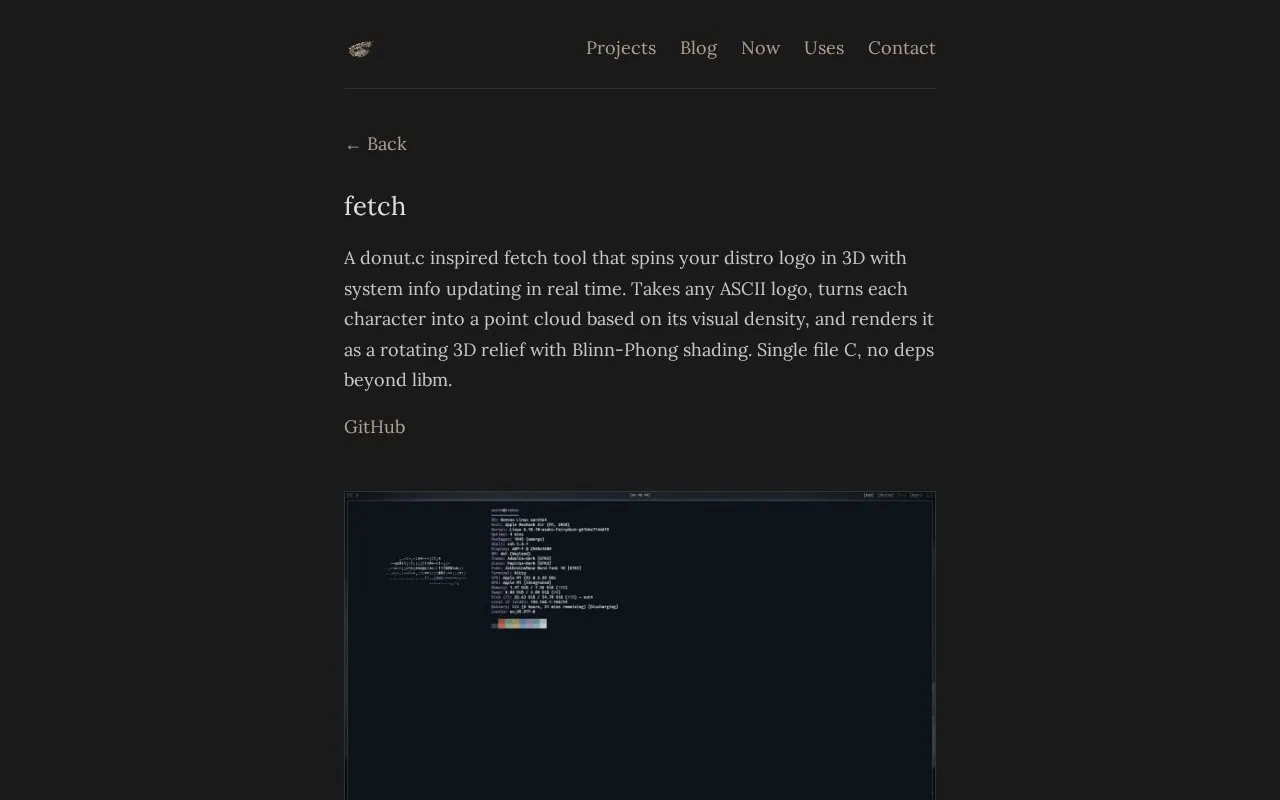
Fetch is a terminal system-info tool that renders an ASCII distribution logo as a rotating 3D relief next to live system information. It converts each logo character into a point cloud based on visual density and renders it with rotation, projection, shading, and a z-buffer. It is written as single-file C with no dependencies beyond libm.
It auto-detects the distribution and uses its logo from fastfetch if installed, preserving original colors, and supports fastfetch's 500+ logos. A logo can also be specified with -l or supplied as ~/.config/fetch/logo.txt; without fastfetch it uses a built-in Gentoo logo. System details are gathered natively and memory, battery, and uptime update in real time.
Tools and sites you could use instead, ranked by how closely they match.
Fetch turns a terminal’s ASCII distribution logo into a rotating 3D object and displays live system information.
herbstluftwm arranges windows through a manual tiling window manager for the X window system.
Manage and synchronize dotfiles across multiple machines with chezmoi, which emphasizes secure handling.
Awesome is a highly configurable and extensible window manager for X, described as fast and framework-based.
Eww is a Rust widget system for creating custom desktop widgets, including configurations similar to those in AwesomeWM.
Sway is an i3-compatible tiling compositor for Wayland, documented in the ArchWiki.
Well-known listings from the same topic.
Tell us and an editor will check it.
Claim the listing and suggest updates yourself. An editor checks every claim first.


