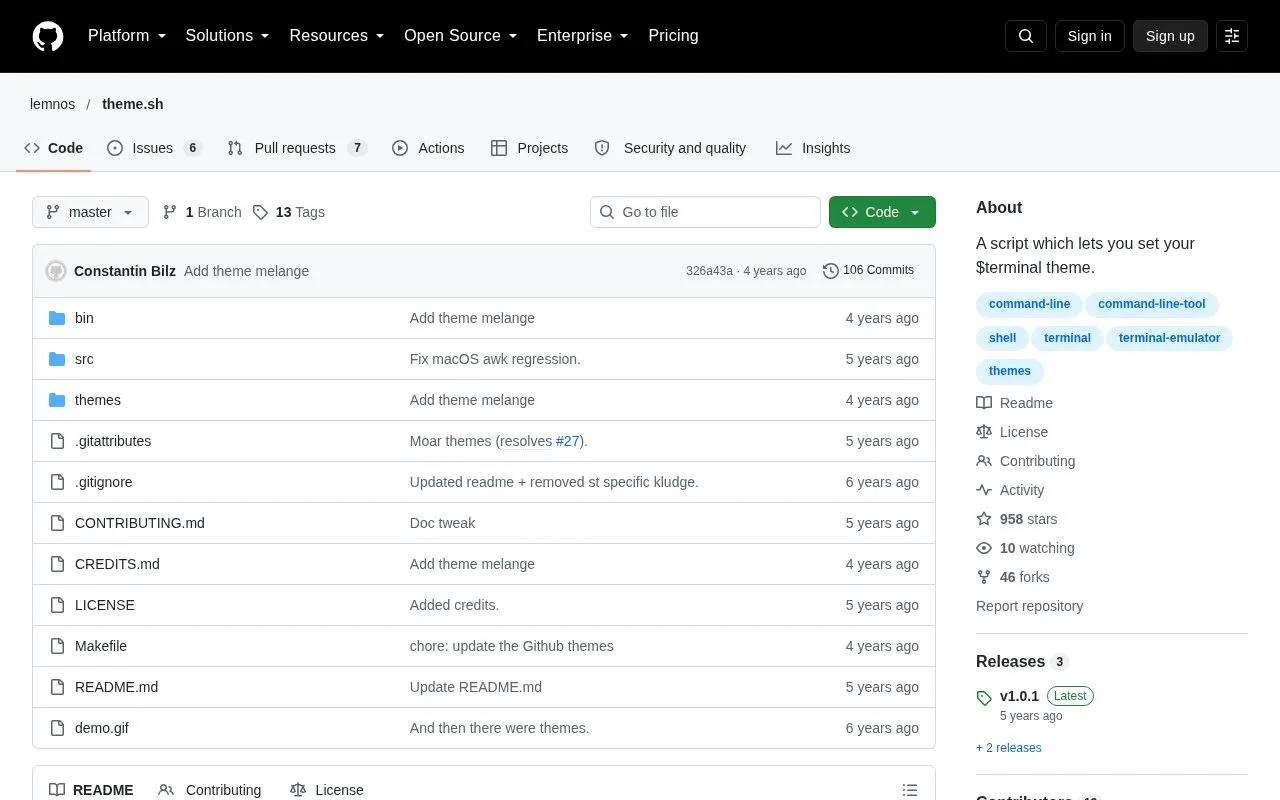
theme.sh is a shell script that changes the color scheme of a terminal. It includes more than 400 precompiled themes and can be run from the command line to switch themes inside an open terminal. The script is distributed as a single file that can be placed in the system path.
The script works in terminals that support OSC 4 and OSC 11 color controls. The source names st, kitty, and iTerm as examples. Interactive theme selection requires fzf to be installed.
Key features
More than 400 precompiled terminal color themes
Dark and light filters for listing themes
Works in terminals with OSC 4 and OSC 11 color support
Interactive theme selection using fzf
Can import kitty terminal themes
Single portable file under 130k that includes all bundled themes
Best for: Command-line users who change terminal color schemes often and want to keep their theme settings in shell configuration files.
Good for
Switches themes inside an open terminal without restarting it
Ships as one self-contained script with all bundled themes included
Includes example shell configuration for bash, zsh, and fish
Watch out for
Interactive selection requires fzf to be installed
Works only in terminals that support OSC 4 and OSC 11 color controls
Installation examples copy the script to /usr/bin or /usr/local/bin, which requires administrator access
Only interactive theme selection, run with the -i option, is listed as requiring fzf.
How can a theme be applied automatically when a shell starts?
Add a line such as theme.sh to your shell startup file, for example ~/.bashrc. The source also gives a snippet that reloads the most recently selected theme from ~/.theme_history.
Which terminals are supported?
Terminals with OSC 4 and OSC 11 color control support. The source gives st, kitty, and iTerm as examples.
Is something wrong or out of date?
Tell us and an editor will check it.
Own this website?
Claim the listing and suggest updates yourself. An editor checks every claim first.