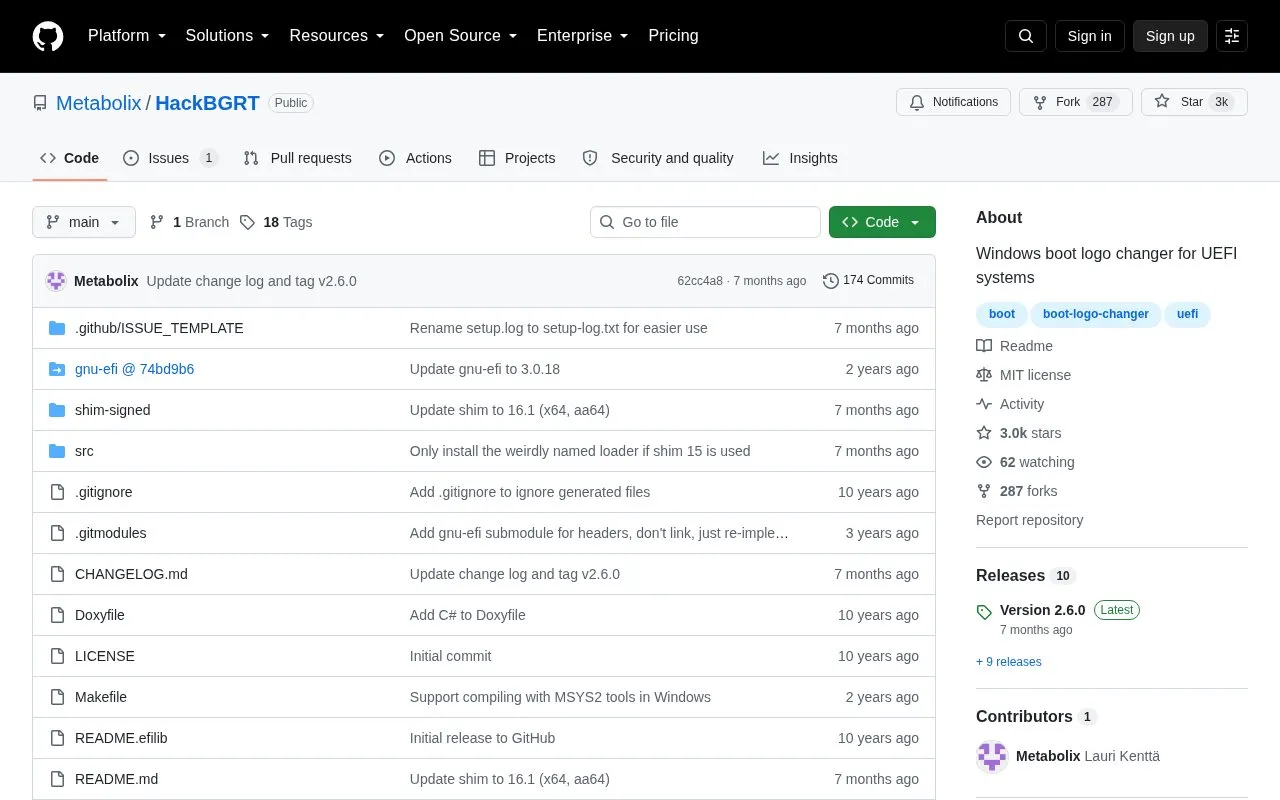
HackBGRT is a boot logo changer for UEFI-based Windows systems. It runs as a custom UEFI application that overwrites the vendor-defined image stored in the Boot Graphics Resource Table (BGRT) during boot. Users can provide a custom splash image and adjust behavior through config.txt, including batch commands for managing boot entries.
It works only on UEFI systems and the original logo may still appear briefly before HackBGRT starts. Installation can leave the system unbootable if done incorrectly, requires manual steps for Secure Boot, and can interfere with TPM-dependent features such as BitLocker, Windows PIN unlock, and anti-cheat software. Automatic setup expects only one bootable hard drive.
Key features
Overwrites BGRT vendor logo during UEFI boot
Uses custom splash.bmp or other user-provided images
Edits boot image in Paint during setup
Adjusts behavior through config.txt settings
Manages EFI boot entries with batch commands
Shows boot debug log when log=1 is set
Best for: People using UEFI-based Windows who want to replace the firmware boot logo with a custom image.
Good for
Replaces vendor BGRT logo without modifying computer firmware
Supports custom images and config.txt for advanced settings
Includes shim loader and batch commands for installation management
Watch out for
Incorrect installation may leave the system unbootable
Original logo may remain visible briefly before HackBGRT starts
Can break BitLocker, Windows PIN unlock, anti-cheat, and other TPM-dependent features
HackBGRT starts after the firmware displays the logo, so the original is often visible for a moment. The project does not modify computer firmware to remove it.
How does HackBGRT work with Secure Boot?
It is not approved by Microsoft and includes the shim boot loader. After installing and rebooting, you must manually select HackBGRT as a trusted program following shim.md.
What should I do about BitLocker or Windows PIN before installing?
Disable BitLocker or similar encryption, anti-cheat software, and PIN unlock before use, because TPM detects the boot change. Some features can be re-enabled afterwards, some cannot.
Is something wrong or out of date?
Tell us and an editor will check it.
Own this website?
Claim the listing and suggest updates yourself. An editor checks every claim first.