

WinDynamicDesktop brings macOS Mojave-style dynamic desktop wallpapers to Windows, with themes and scheduling.
Open source
24 alternativesAerial brings an Apple TV-style screensaver to Windows computers, according to its project description.
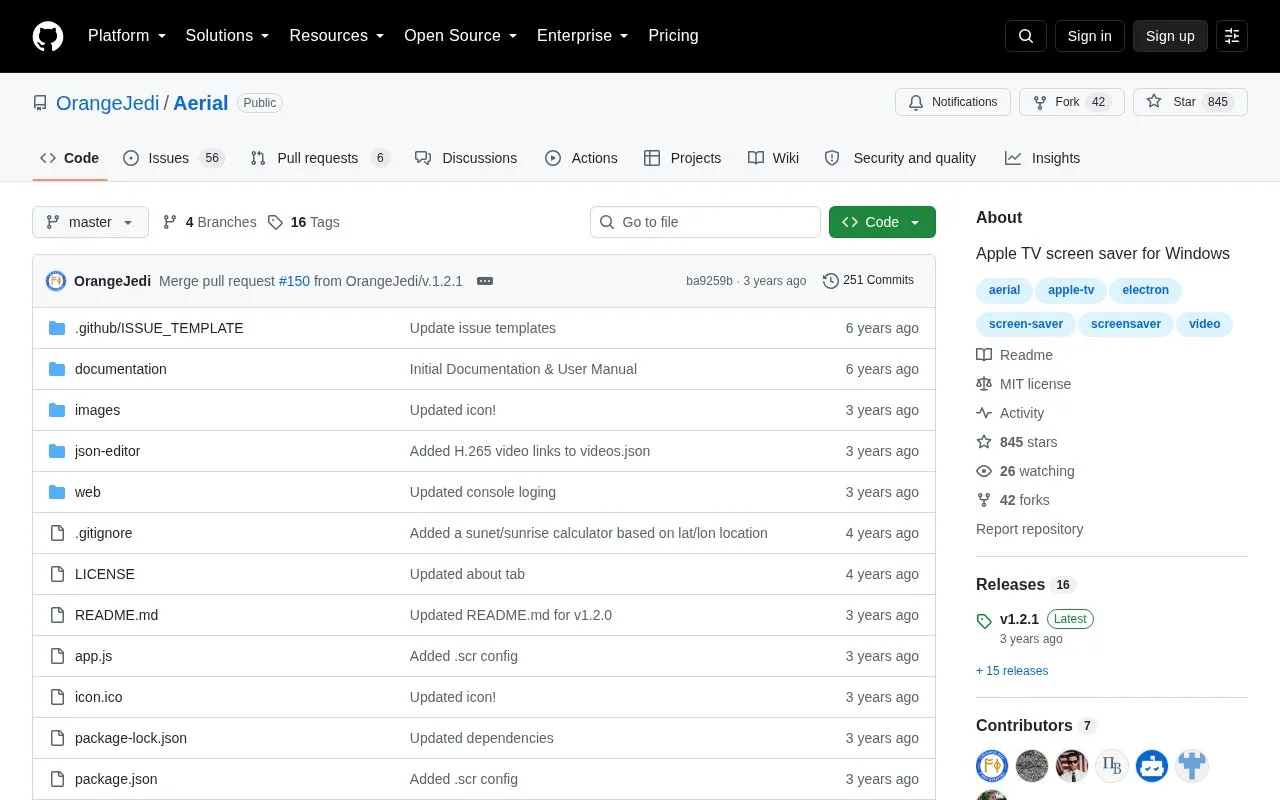
Aerial is an open source screen saver for Windows that imitates the Apple TV screen saver. It plays videos of cities, landscapes, underwater scenes, and the Earth from the International Space Station. The project is a Node.js and Electron implementation, and its README says it was inspired by the Mac Aerial Screen Saver and Aerial for Windows.
The README directs Mac users to JohnCoates/Aerial and Linux users to graysky2/xscreensaver-aerial. Installation requires downloading the latest release, running the installer, and configuring the system's screen and sleep settings. Other screen savers should be disabled.
Tools and sites you could use instead, ranked by how closely they match.
WinDynamicDesktop brings macOS Mojave-style dynamic desktop wallpapers to Windows, with themes and scheduling.
msstyleEditor edits Windows visual style files and lets users modify listed components and properties.
Lively Wallpaper is free, open-source software for animated desktop wallpapers and screensavers.
Superpaper manages wallpapers across multiple monitors on Linux and Windows, with partial support for macOS.
Catppuccinifier recolors wallpapers using a command-line or graphical interface on Linux and Windows.
MechvibesDX rewrites the Mechvibes keyboard sound app in Rust and Dioxus.
Well-known listings from the same topic.
Tell us and an editor will check it.
Claim the listing and suggest updates yourself. An editor checks every claim first.


