msstyleEditor

msstyleEditor edits Windows visual style files and lets users modify listed components and properties.

github.com/nptr/msstyleEditor
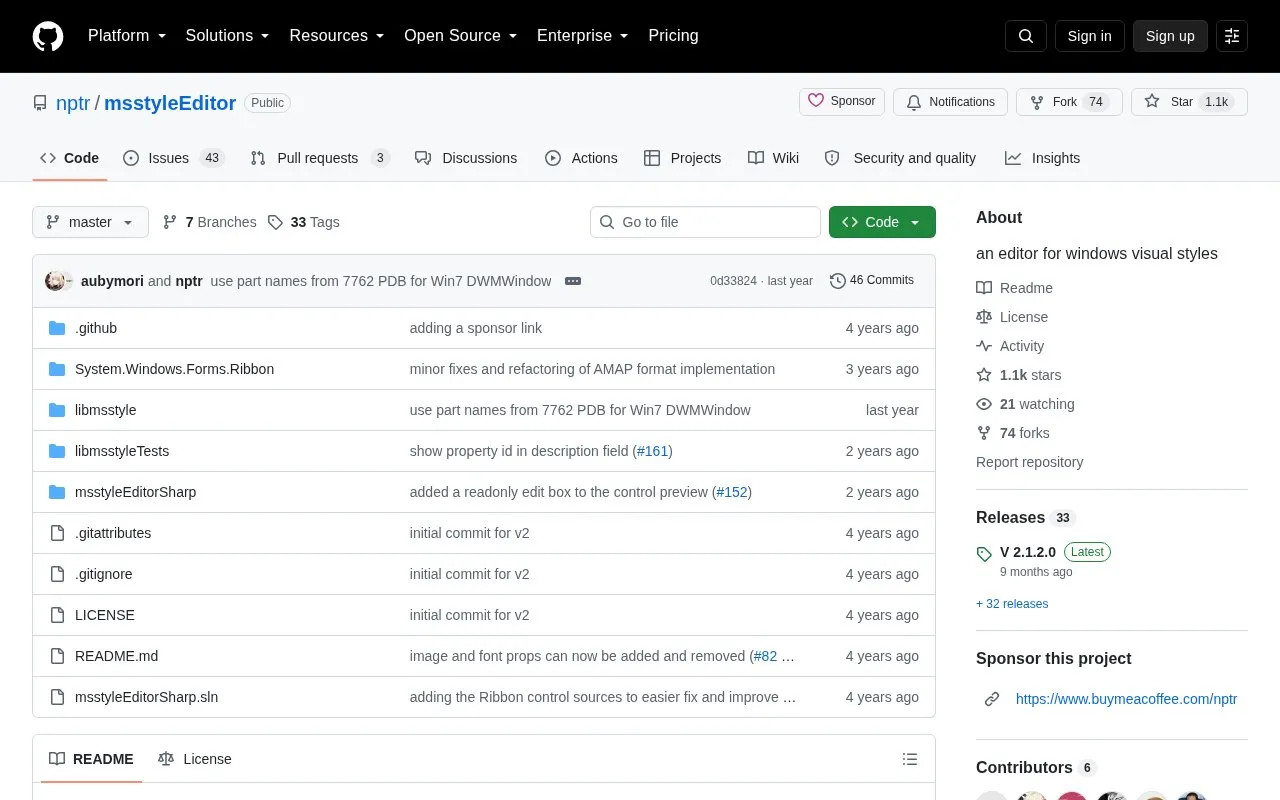
msstyleEditor homepage screenshot

About msstyleEditor

msstyleEditor edits Windows Vista, 7, 8, 10 and 11 visual style (.msstyles) files. It lists classes, parts, states and images, allows adding, removing and modifying most properties, and can extract and replace images without using a hex editor or PE resource tool.

It is a portable executable that requires .NET Framework 4.5, and Windows must be patched separately to apply third-party styles. It cannot create styles from scratch, has no undo/redo function, and uses Microsoft's internal names for classes and properties.

Key features

  • Edit Windows .msstyles files for Vista through 11
  • List classes, parts, states and images in tree view
  • Add, remove and modify most style properties
  • Extract and replace style images
  • Search classes, parts and properties by value with CTRL+F
  • Change image preview background via right-click
Best for: Users who want to modify existing Windows .msstyles files and can work with Microsoft's internal class, part and property names.
Good for
  • Single portable executable that needs no installation
  • Edits properties and images without a hex editor or PE resource tool
  • Supports .msstyles files from Windows Vista through Windows 11
Watch out for
  • Cannot create styles from scratch or add new fonts
  • Supports only .png images with no preview of items in image atlases
  • Has no undo/redo, so users must save often to a new file

msstyleEditor at a glance

Type
Open-source project
Pricing
Not confirmed. Check the site
Platforms
Windows
Open source
Yes · Source code
Language
English
Last checked
Oct 5, 2026 · Online when checked
Listed
Oct 5, 2026

msstyleEditor alternatives

Tools and sites you could use instead, ranked by how closely they match.

All 24 alternatives

Popular in Desktop Customization

Well-known listings from the same topic.

All 172

msstyleEditor FAQ

What do I need to run msstyleEditor?
It is a single portable executable with no installation, but it requires .NET Framework 4.5, which comes preinstalled with Windows 8 and later.
Why won't Windows apply my edited style?
Microsoft locks out third-party themes, so Windows must be patched with SecureUxTheme or UltraUXThemePatcher to apply edited visual styles.
Does msstyleEditor have undo?
No. There is no undo/redo functionality, so save often to a new file and back up the original style before editing.
Is something wrong or out of date?

Tell us and an editor will check it.

Own this website?

Claim the listing and suggest updates yourself. An editor checks every claim first.

Claim this listing