

ExplorerBlurMica adds background blur or acrylic Mica effects to Windows Explorer on Windows 10 and 11.
Open source
24 alternativesMica For Everyone enables backdrop effects on Win32 application title bars in Windows 11.
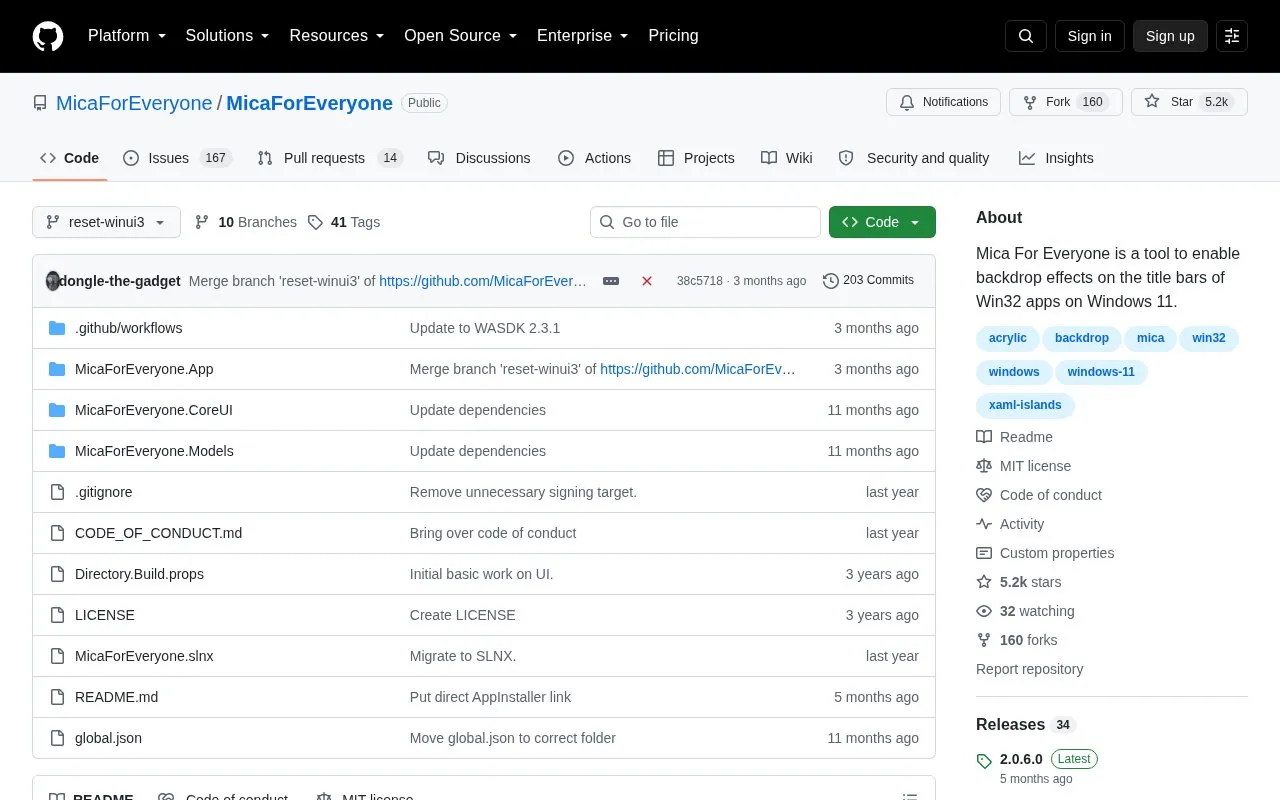
Mica For Everyone customizes the system backdrop on Windows 11 Win32 apps using DwmSetWindowAttribute and other methods. It can apply Mica and other backdrop materials to the window frame or background of supported apps. It does not render the effects itself; it asks Windows to apply them, so problems with effects are treated as third-party issues.
Pricing is not clearly stated.
Tools and sites you could use instead, ranked by how closely they match.
ExplorerBlurMica adds background blur or acrylic Mica effects to Windows Explorer on Windows 10 and 11.
AccentColorizer recolors Win32 controls in memory using an accent color without patching theme files.
SwayFX extends the Sway compositor with visual effects through changes to its rendering layer.
ExplorerPatcher modifies the Windows environment, according to its project description.
Superpaper manages wallpapers across multiple monitors on Linux and Windows, with partial support for macOS.
A lightweight utility that makes the Windows taskbar translucent/transparent.
Well-known listings from the same topic.
Tell us and an editor will check it.
Claim the listing and suggest updates yourself. An editor checks every claim first.


