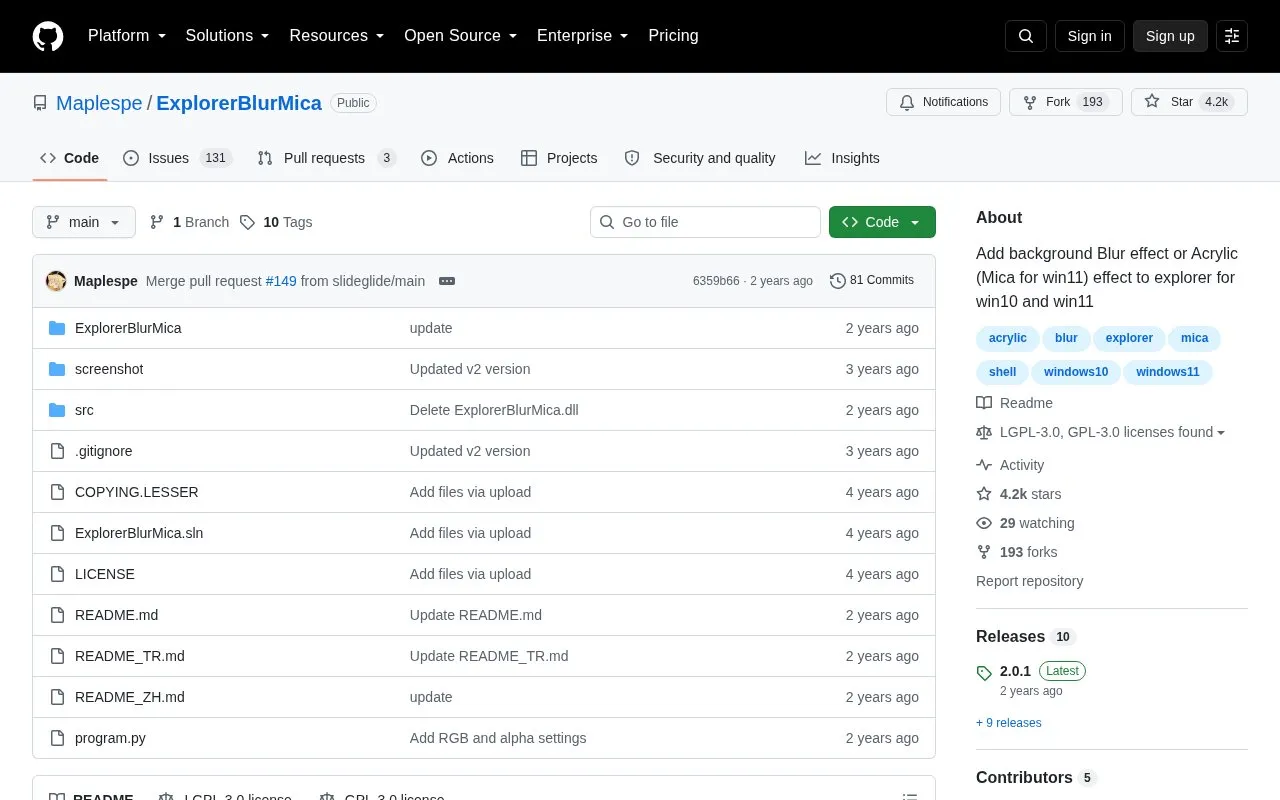
ExplorerBlurMica adds Blur, Acrylic, or Mica background effects to File Explorer on Windows 10 and 11. Users can set custom blend colors for light and dark mode, and adjust the address bar, scrollbar, WinUI toolbar backgrounds, and TreeView divider through a configuration file.
It applies to Explorer only, not system-wide. Effect availability depends on Windows version: Blur is available up to Windows 11 22H2, while Mica is Windows 11 only. Installation requires running register.cmd as administrator and reopening Explorer.
Key features
Adds Blur, Acrylic, Mica, Blur Clear, and MicaAlt effects to File Explorer
Custom background blend colors for light mode and dark mode
Options to clear address bar, scrollbar, and WinUI toolbar backgrounds
Toggleable split line between TreeView and DUIView panes
Compatible with StartAllBack, OldNewExplorer, and third-party themes
Configuration via text file applied after reopening Explorer
Best for: Windows 10 and 11 users who want to change the File Explorer background appearance.
Good for
Provides separate color settings for light and dark mode
Compatible with StartAllBack, OldNewExplorer, and third-party themes
Configuration file allows control of address bar, scrollbar, and toolbar backgrounds
Watch out for
Limited to File Explorer and does not apply effects system-wide
Blur is only available through Windows 11 22H2, and Mica is Windows 11 only
Clearing scrollbar background uses a program-drawn scrollbar that may differ from system style
Download the compiled archive from the Release page, unzip it, run register.cmd as administrator, then reopen Explorer.
How do I uninstall it?
Run uninstall.cmd as administrator and delete the remaining files. If Explorer crashes, hold the ESC key to open Explorer and uninstall.
What effect values can be set in the config?
0=Blur, 1=Acrylic, 2=Mica, 3=Blur(Clear), 4=MicaAlt. Blur is only available until Windows 11 22H2, Blur(Clear) works on Windows 10 and 11, and Mica is Windows 11 only.
Is something wrong or out of date?
Tell us and an editor will check it.
Own this website?
Claim the listing and suggest updates yourself. An editor checks every claim first.