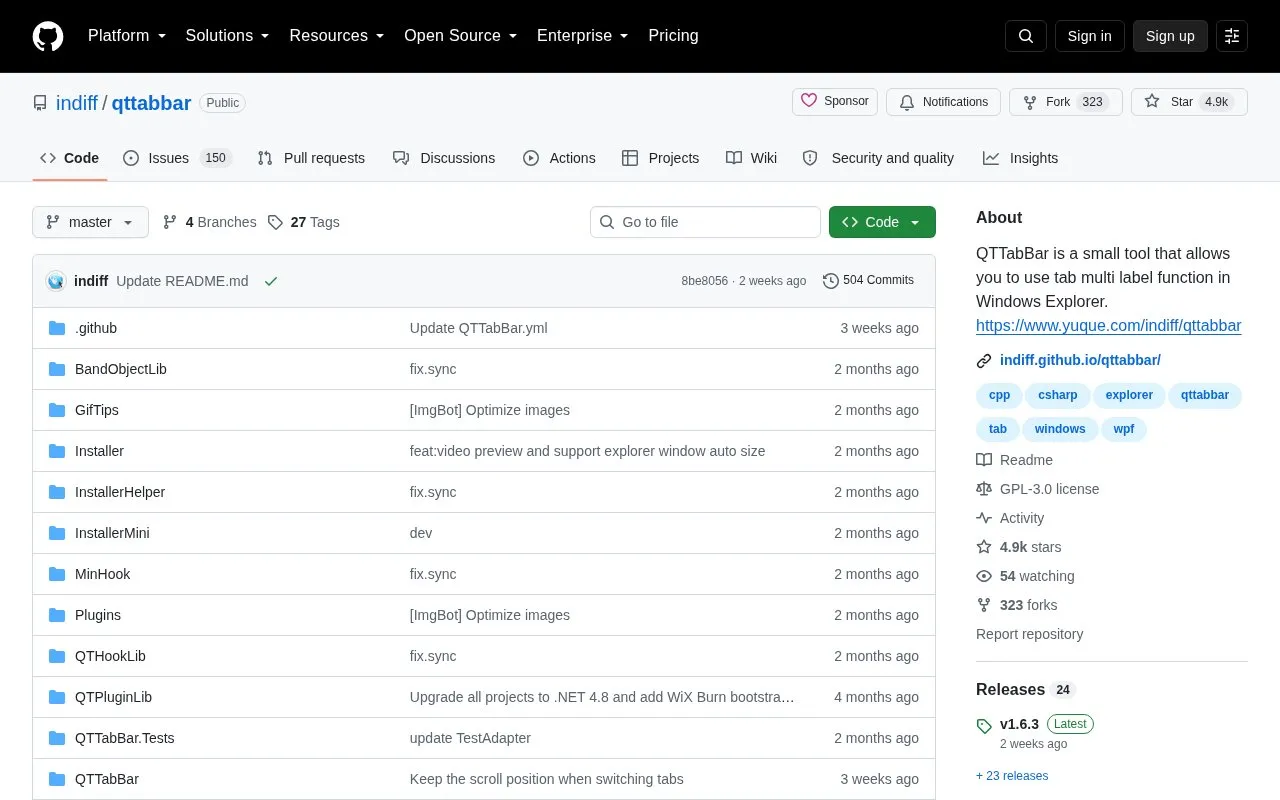
QTTabBar is a small open-source tool that adds tabbed folder browsing and other enhancements to Windows Explorer, so several locations can be handled in a single window. It is distributed through a GitHub repository and has been updated for .NET 4.8 and modern Windows. Plugins add functions such as file operation tools, a tree directory pane and a status bar. Organisation of the tool follows the conventions of the original Quizo version, with an additional Chinese-localised fork that keeps a window-capture function and adds Chinese features for domestic users.
Key features
Tabbed folder browsing inside Windows Explorer windows
Plugins for file operations, tree directory and status bar
Double-click an empty folder area to go up one level
Hover previews of text files and photos or media files
Installer installs .NET Framework 4.8 automatically if absent
Chinese-localised fork with added Chinese features
Best for: Windows users who want tabbed folder navigation and extra Explorer features in one window.
Good for
Open source repository with source, changelog and translations
Updated for .NET 4.8 and modern Windows versions
Extensible through plugins and configurable options
Watch out for
Windows only
On Windows 11 the auto-attach option is marked experimental, requires restarting Explorer, and works alongside Explorer's native tabs instead of a QTTabBar tab bar
Building from source requires Visual Studio 2022, WiX Toolset v3.14 and NotifyPropertyWeaver
Run QTTabBar Setup.exe; the installer will install .NET Framework 4.8 automatically if it is not already present.
How is QTTabBar activated on Windows 11?
Windows 11 removed the classic Explorer toolbar. Open QTTabBar Options, on the Window tab tick "Enable QTTabBar on every Explorer window (experimental, must restart Explorer)", click OK and restart Explorer. On Windows 11 it works alongside Explorer's own native tabs rather than showing its own tab bar.
Where are error logs written?
To %APPDATA%\QTTabBar\QTTabBarException.log.
Is something wrong or out of date?
Tell us and an editor will check it.
Own this website?
Claim the listing and suggest updates yourself. An editor checks every claim first.