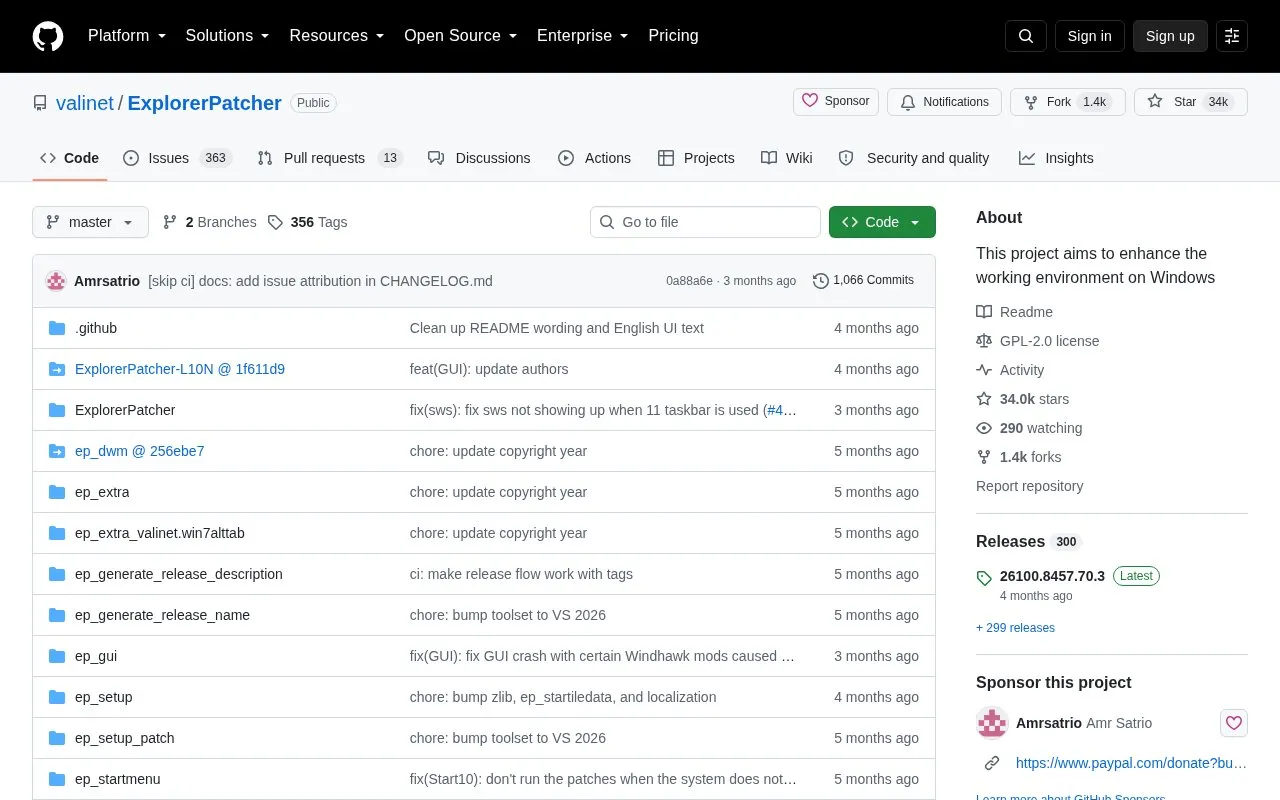
ExplorerPatcher is an open-source Windows utility that modifies the Windows environment, with its stated aim being to enhance the working environment on Windows. Its documented setup steps focus on restoring familiar Windows 10 interface elements, including the Windows 10 taskbar, Start menu and Alt+Tab window switcher, which are selected from a configuration panel reached by right-clicking the taskbar and choosing Properties. The project notes that some features may be unavailable on some Windows versions.
Key features
Changes the taskbar style, including a Windows 10 taskbar
Switches the Start menu style to Windows 10
Sets the Alt+Tab window switcher to the Windows 10 style
Separate installers for Intel/AMD (x64) and Snapdragon (ARM64) devices
Built-in update checking and installation under Properties > Updates
Uninstall via Settings, Control Panel or ep_setup.exe /uninstall
Best for: Windows users who want Windows 10 taskbar, Start menu and Alt+Tab behaviour restored and configurable.
Good for
Open source under the GPL-2.0 license, with the code and configuration components published in the repository
Installer handles elevation and file installation automatically and needs only a few steps
Built-in update mechanism lets users check for and install newer versions from the settings
Watch out for
Some features may be unavailable on some Windows versions
Installation closes explorer.exe, so the desktop briefly disappears
Installing requires elevation, which the installer prompts for
Download the latest setup program from the Releases page, choosing ep_setup.exe for Intel or AMD processors or ep_setup_arm64.exe for Snapdragon processors, then run it. The installer prompts for elevation, closes explorer.exe, installs the files, and the desktop returns with the Windows 10 taskbar.
How do I change the taskbar, Start menu or Alt+Tab style?
Right-click the taskbar and choose Properties. Use the Taskbar section for Taskbar style, the Start menu section to set the Start menu style to Windows 10, and the Window switcher section to set the Alt+Tab style to Windows 10.
How do I uninstall or update ExplorerPatcher?
To uninstall, use the Uninstall section in the taskbar Properties, Programs and Features in Control Panel, Apps and features in Settings, or run ep_setup.exe /uninstall. To update, use Properties > Updates to configure, check for and install updates, or run the newer setup file.
Is something wrong or out of date?
Tell us and an editor will check it.
Own this website?
Claim the listing and suggest updates yourself. An editor checks every claim first.