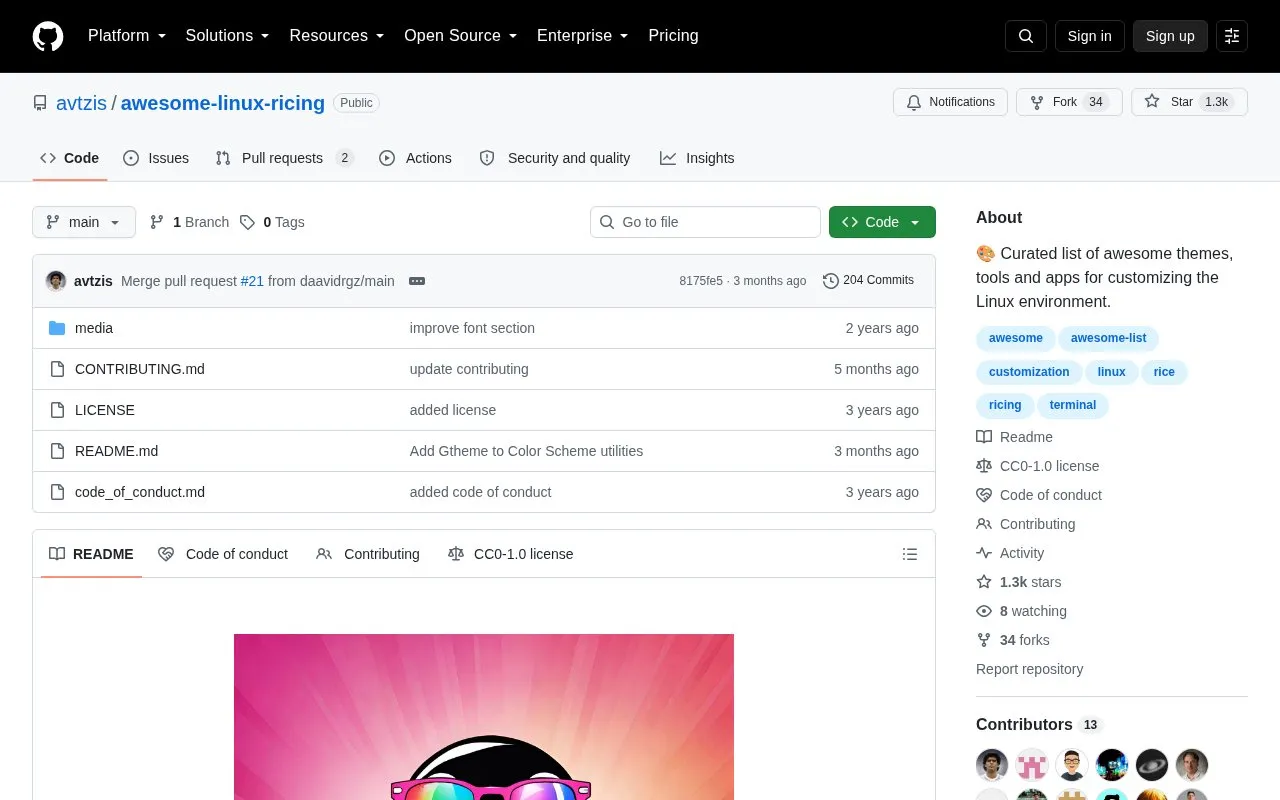
Awesome Linux Ricing is a curated repository of themes, tools, and applications for customizing Linux desktops, a practice referred to as "ricing". It organizes resources into sections such as window managers, color schemes, wallpapers, fonts, bars, terminals, system utilities, and GUI applications.
It also includes explanations of window managers versus desktop environments, stacking versus tiling versus dynamic managers, and X11 versus Wayland, with entries noting X11 and Wayland support where applicable.
Key features
Lists stacking, tiling, and dynamic window managers
Compares X11 and Wayland display server protocols
Collects fonts including sans, monospace, and Nerd Fonts
Lists terminal emulators, shells, prompts, and multiplexers
Covers GUI apps such as browsers, file managers, and editors
Includes customization for Firefox, Spotify, Discord, and VSCode
Best for: Linux users who want to find tools and themes for customizing their desktop setup.
Good for
Open source list focused on Linux desktop customization
Includes both widely used and lesser-known tools
Explains differences between window managers and display servers
What is the difference between a window manager and a desktop environment?
A window manager controls window placement and appearance, while a desktop environment includes a window manager plus a file manager, bar or panel, and other tools for a complete desktop experience.
How do stacking, tiling, and dynamic window managers differ?
Stacking managers place windows on top of each other, tiling managers arrange windows in a non-overlapping layout, and dynamic managers allow switching between tiling and stacking layouts.
What is the difference between X11 and Wayland?
X11 is the traditional and mature display server protocol, while Wayland is newer and aims to address X11 limitations in security and performance, but remains under development and can have issues with Nvidia GPUs.
Is something wrong or out of date?
Tell us and an editor will check it.
Own this website?
Claim the listing and suggest updates yourself. An editor checks every claim first.