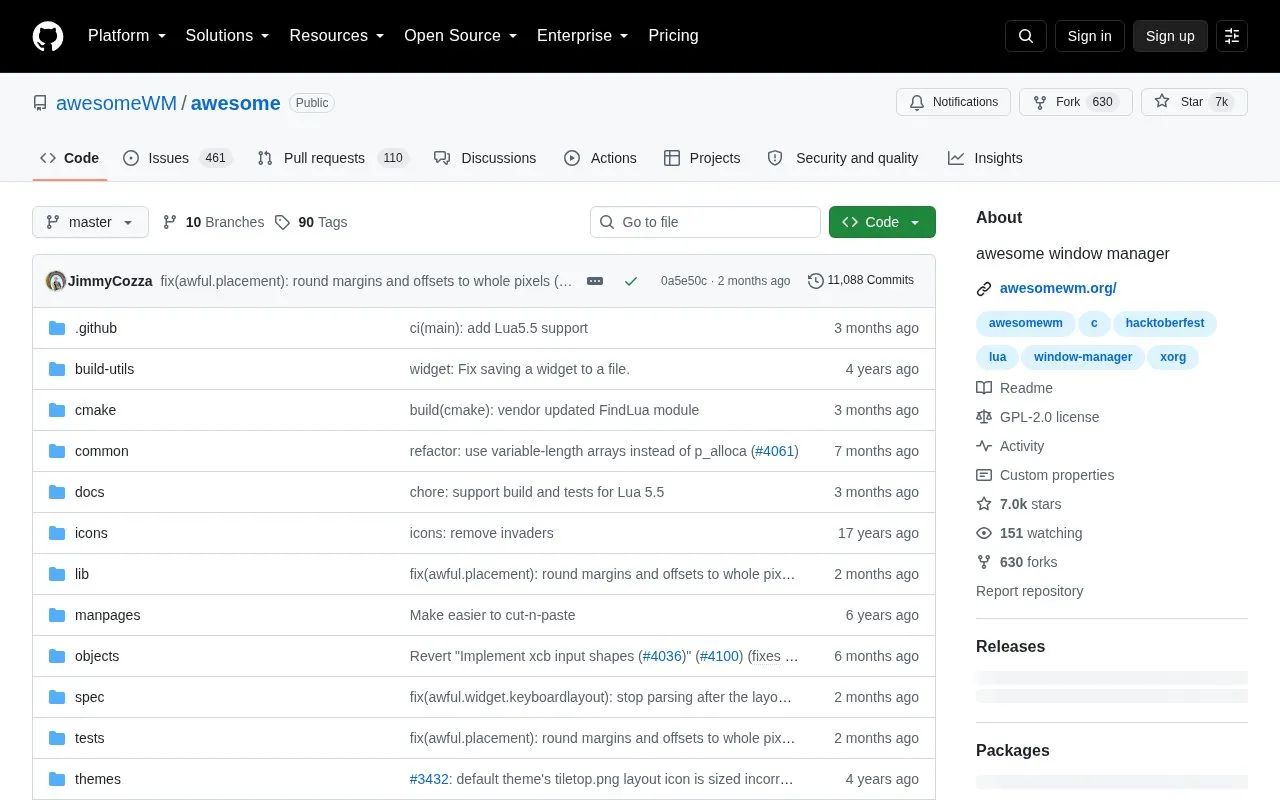
Awesome is a configurable framework window manager for X. It is configured with a Lua file at $XDG_CONFIG_HOME/awesome/rc.lua, typically ~/.config/awesome/rc.lua, and the source includes an example file named awesomerc.lua. It can be selected from a display manager or started with exec awesome in .xinitrc or .xsession, with support for a specific display via the DISPLAY variable. It is installed by building from source, with an option to generate .deb or .rpm packages.
Key features
Framework window manager for the X display system
Configuration through Lua rc.lua file
Includes example awesomerc.lua configuration file
Starts via display manager, .xinitrc or .xsession
Supports selecting display with DISPLAY environment variable
Builds with make and packages as .deb or .rpm
Best for: Users who want to set up an X window manager using Lua configuration files.
Good for
Configurable through a Lua configuration file
Example configuration file included in the source
Can be built as .deb or .rpm packages
Watch out for
Configuration requires manually creating an rc.lua file
Installation involves building from source with terminal commands
Create a $XDG_CONFIG_HOME/awesome/rc.lua file, typically ~/.config/awesome/rc.lua. An example configuration named awesomerc.lua is provided in the source.
How do I start Awesome?
Select Awesome from your display manager, or add the line `exec awesome` to your .xinitrc for startx or to .xsession for your display manager.
How do I install Awesome from source?
Run `make` followed by `sudo make install`, or run `make package` to generate a .deb or .rpm file for installation.
Is something wrong or out of date?
Tell us and an editor will check it.
Own this website?
Claim the listing and suggest updates yourself. An editor checks every claim first.