

Waywallen manages dynamic wallpapers on Linux desktops, according to its project description.
Open source
24 alternativesWinDynamicDesktop brings macOS Mojave-style dynamic desktop wallpapers to Windows, with themes and scheduling.
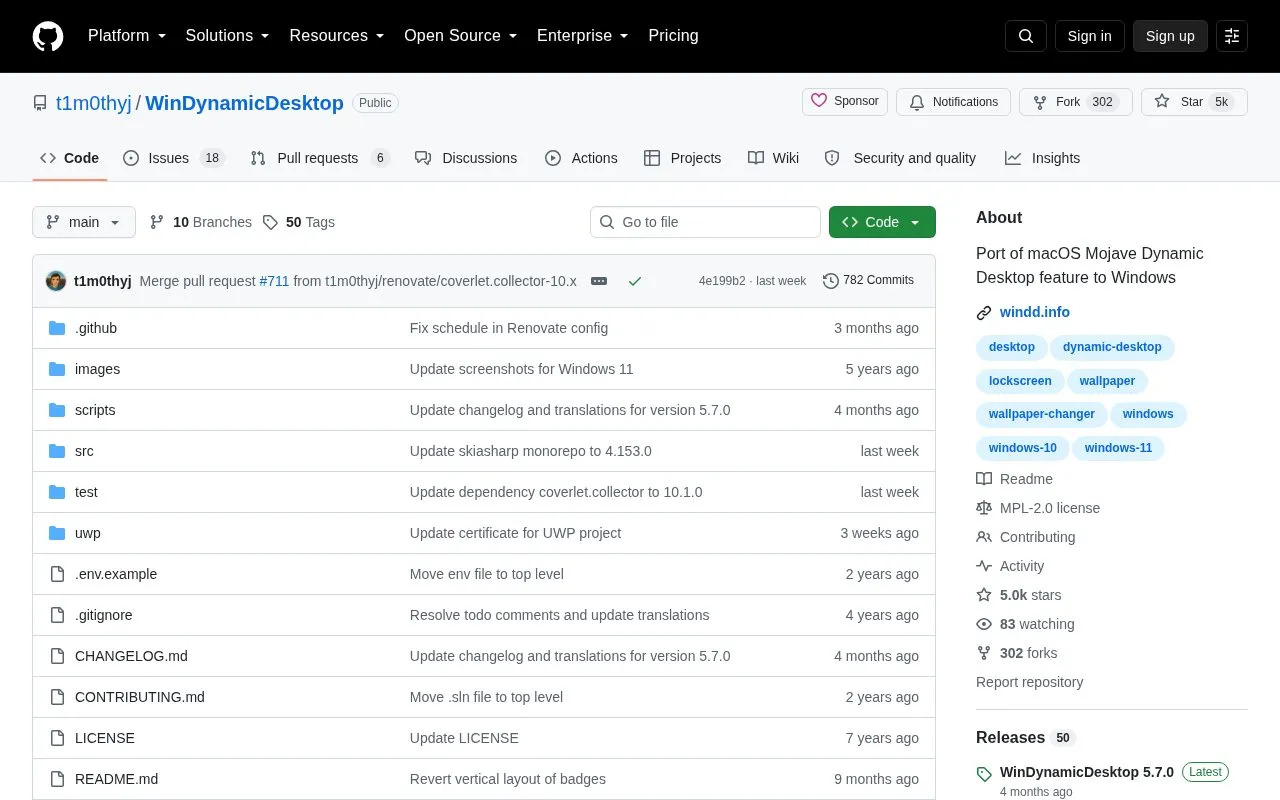
WinDynamicDesktop ports the macOS Mojave Dynamic Desktop feature to Windows 10 and 11. It is available on GitHub and the Microsoft Store. Users can pick from bundled macOS themes, browse hundreds of themes online or create their own, choose a schedule for cycling wallpaper images over 24 hours, and extend behavior with PowerShell scripts.
It is developed primarily for Windows 11 but should run on Windows 7 or newer; Windows Insider builds are not officially supported. It cannot show separate images on multiple virtual desktops. Entering a location uses the LocationIQ API to convert it to latitude and longitude, and the Microsoft Store app uses the Windows location API if permission is granted.
Tools and sites you could use instead, ranked by how closely they match.
Waywallen manages dynamic wallpapers on Linux desktops, according to its project description.
Wallhaven Desktop is an unofficial app that uses the Wallhaven API to browse wallpapers.
AutoWall displays live wallpapers on Windows 7, 8, 10, and 11 using an open-source wallpaper engine.
Aura Theme provides a dark color theme for supported apps, according to its project description.
ScreenPlay provides live wallpapers, widgets, and screensavers through an open-source app for Windows and macOS.
MoeWalls provides live and animated wallpapers for Windows and Mac, with categories and resolution filters.
Well-known listings from the same topic.
Tell us and an editor will check it.
Claim the listing and suggest updates yourself. An editor checks every claim first.


