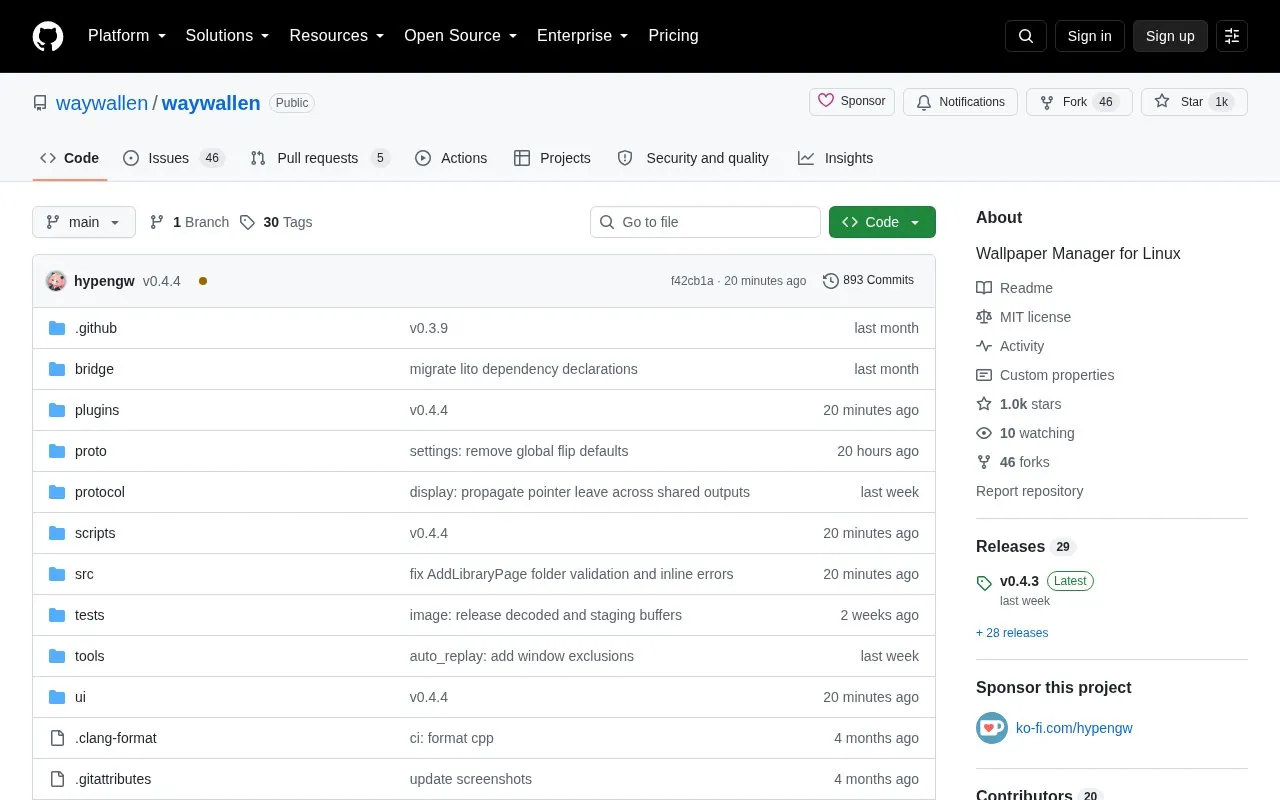
Waywallen is an open-source wallpaper manager for Linux desktops, distributed through its GitHub repository under an MIT license. It provides dynamic wallpapers and began as a Wallpaper Engine plugin for KDE. Desktop integration is documented for KDE Plasma, GNOME, Hyprland, Niri, Wayfire, COSMIC and Sway, with mouse input and auto-pause listed for all of these except Sway, which lacks auto-pause. It can be installed from prebuilt AppImages, as a Flatpak, or built from source.
Key features
Dynamic wallpaper management on Linux desktops
Documented integration with KDE, GNOME, Hyprland, Niri, Wayfire, COSMIC and Sway
Image and video wallpaper plugins
Hardware video decoding via Vulkan and VA-API
Wallhaven plugin for wallpaper sourcing
Third-party plugins adding Wallpaper Engine scene and web support
Best for: Linux users who want dynamic or animated desktop wallpapers and are willing to install and manage plugins, including those coming from Wallpaper Engine.
Good for
Open source under the MIT license
Supports a broad set of Linux desktops and Wayland compositors
Available as an AppImage, a Flatpak or built from source
Watch out for
Recent NVIDIA drivers have an EGL bug requiring QSG_RHI_BACKEND=vulkan with plasmashell; web wallpapers on NVIDIA require disabling shared_texture_enabled
Auto pause is not supported on Sway
Third-party plugins run with the user account's privileges, so only trusted plugins should be installed
The default auto mode falls back in the order vulkan, then vaapi, then software. A hwdec mode can be selected manually in the waywallen-video settings. No dedicated NVDEC backend is planned; NVIDIA users are directed to nvidia-vaapi-driver to expose NVDEC through VA-API.
How do I get logs?
Daily daemon logs are written under ~/.local/state/waywallen/logs/daemon/ (or $XDG_STATE_HOME/waywallen/logs/daemon/) as waywallen.YYYY-MM-DD.log, with up to 8 kept. Restarting the daemon with WW_LOG=debug raises verbosity. For the Flatpak, logs are under ~/.var/app/org.waywallen.waywallen/.local/state/waywallen/logs/daemon/.
How do I install a third-party plugin?
Manually download the plugin's ZIP archive and install it from the plugins page in the UI. Waywallen then notifies you of plugin updates and installs them.
Is something wrong or out of date?
Tell us and an editor will check it.
Own this website?
Claim the listing and suggest updates yourself. An editor checks every claim first.