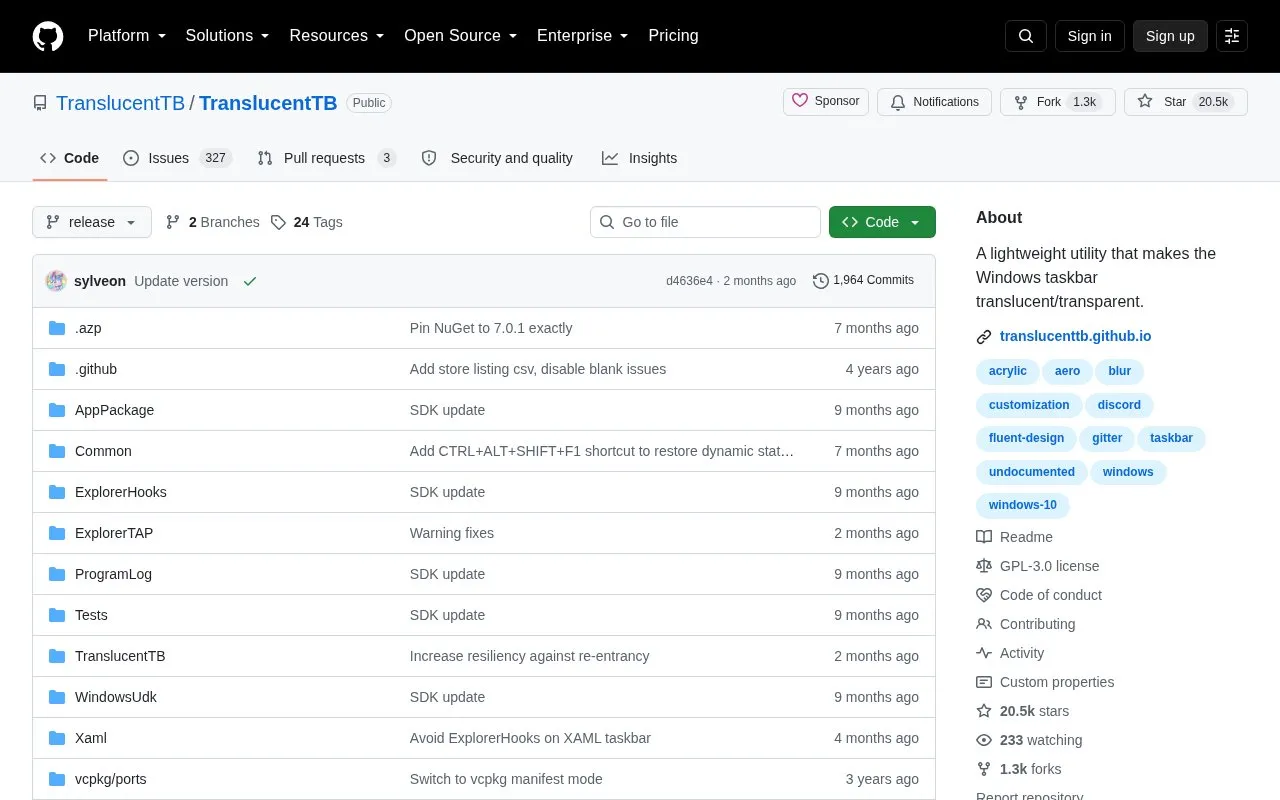
TranslucentTB is a utility for Windows 10 and Windows 11 that changes the taskbar to translucent or transparent appearances. It provides taskbar states including Normal, Opaque, Clear, Blur and Acrylic, a color picker with alpha and live preview, and dynamic modes that apply a different state and color when a window is visible or maximized, or when Start, Search or Task View is opened.
Blur is limited to Windows 10 and Windows 11 build 22000. The portable TranslucentTB.zip version only works on Windows 11, and test builds from Azure Pipelines may not work or may include incomplete features.
Key features
Color picker with alpha and live preview for taskbar color.
Taskbar states including Normal, Opaque, Clear, Blur, Acrylic.
Dynamic modes for visible or maximized windows with custom appearance.
Change taskbar appearance when Start, Search, or Task View opens.
Show or hide Aero Peek button on Windows 10 per mode.
Show or hide taskbar line on Windows 11 per mode.
Best for: Windows 10 and Windows 11 users who want to adjust taskbar transparency and color.
Good for
Described as using a few MB of RAM and almost no CPU.
Source is open under GPLv3 and can be compiled and reviewed.
Listed as compatible with RoundedTB and ExplorerPatcher.
Watch out for
Blur state is limited to Windows 10 and Windows 11 build 22000.
Portable TranslucentTB.zip version only works on Windows 11.
Bleeding edge builds may not work or include partially complete features.
Check "Open at boot" in the tray icon's context menu. For the portable version, create a shortcut to the executable in the Startup folder.
What download options are available?
Microsoft Store version with background auto-updates, TranslucentTB.appinstaller from the releases tab, and TranslucentTB.zip portable version for Windows 11.
Why might antivirus software flag TranslucentTB?
The source notes some antiviruses may flag the program and states the source is open for compiling and review.
Is something wrong or out of date?
Tell us and an editor will check it.
Own this website?
Claim the listing and suggest updates yourself. An editor checks every claim first.