

Solarized provides a sixteen-color palette for digital displays, with eight monotones and eight accent colors.
Hellwal
Generate terminal color palettes in C with Hellwal, a utility modeled on Pywal.
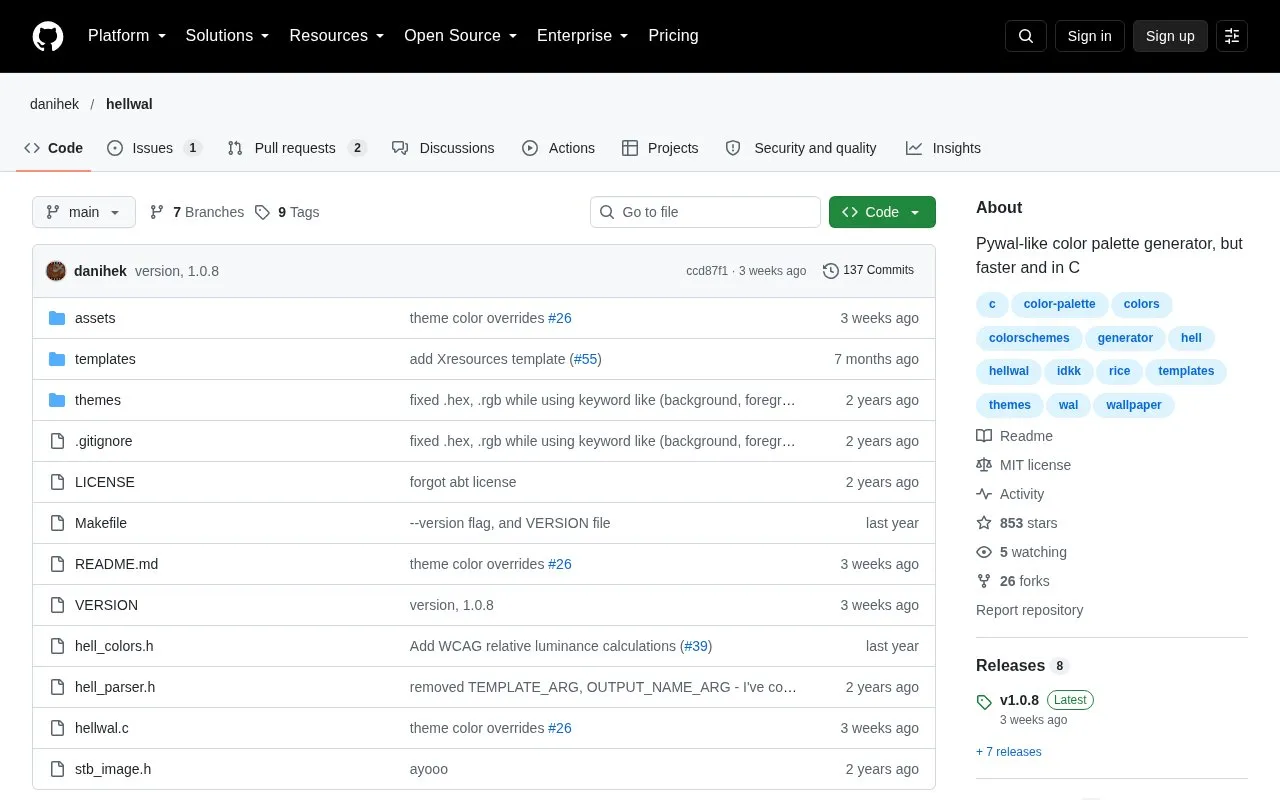
About Hellwal
Hellwal is an open source command-line utility written in C that generates a terminal color palette from an image, such as a wallpaper. It is modeled on Pywal, and its project description says it is faster and written in C. The generated colors are written to files in ~/.cache/hellwal/ using templates that the user supplies or edits.
The tool accepts a single image with the -i option, or a random image from a folder with --random. Templates can reference colors 0 to 15 in hex, RGB, or single RGB channel formats, and they can apply operations such as saturation, lightness, hue rotation, and sepia. Users can also define their own theme, such as the gruvbox or Tokyo Night examples in the repository. Hellwal can be installed from the AUR, Homebrew, or NixOS packages, or built from source with a C compiler and GNU make.
Key features
- Generates colors 0 to 15 from a wallpaper image
- Picks a random image from a folder with --random
- Template output in hex, RGB, or single RGB channel formats
- Chainable color operations such as lighten, rotate, complement, and sepia
- JSON output through the --json option, usable with tools such as jq
- Custom themes, with gruvbox and Tokyo Night examples in the repository
Best for: Desktop customizers who want to generate terminal color palettes from wallpaper images and apply them through their own configuration templates.
Good for
- Written in C, which the project describes as making it faster than Pywal
- Open source, with a LICENSE file in the repository
- Listed installation options include the AUR, Homebrew, and NixOS packages
Watch out for
- Building from source requires a C compiler and GNU make
- Supported platforms beyond the listed installation methods are not stated
Hellwal at a glance
- Website
- github.com/danihek/hellwal
- Category
- Software & Utilities › Desktop Customization
- Type
- Open-source project
- Pricing
- Not confirmed. Check the site
- Open source
- Yes · Source code
- Language
- English
- Last checked
- Oct 6, 2026 · Online when checked
- Listed
- Oct 5, 2026
Hellwal alternatives
Tools and sites you could use instead, ranked by how closely they match.

NiceTaskbar customizes the Windows taskbar with transparency, blur, acrylic effects, colors, and opacity settings.

GoWall converts wallpaper color schemes, extracts palettes, compresses and upscales images, and offers OCR features using vision models.
Open source
24 alternatives
A lightweight utility that makes the Windows taskbar translucent/transparent.
Open source
24 alternatives
Pokemon-Terminal provides Pokémon-themed terminal themes, with topics listing shells and terminals including Bash and iTerm2.
Open source
24 alternatives
Fetch turns a terminal’s ASCII distribution logo into a rotating 3D object and displays live system information.
Open source
24 alternativesPopular in Desktop Customization
Well-known listings from the same topic.
Chezmoichezmoi.ioawesomewmawesomewm.orgdotfilesdotfiles.github.iobackieeapps.microsoft.com/store/detail/backiee-wallpa…Dynamic Themeapps.microsoft.com/detail/9nblggh1zbkwHydraPaperhydrapaper.gabmus.org


Hellwal FAQ
How do I generate a palette from a wallpaper?
Run hellwal -i [image]. Generated templates are saved in ~/.cache/hellwal/.
Where are the default templates if I installed from the AUR?
The source says examples of default templates can be found in /usr/share/docs/.
Can the output be written as JSON?
Yes. The --json argument suppresses other output and writes the colors to stdout in JSON format.
Is something wrong or out of date?
Tell us and an editor will check it.
Own this website?
Claim this listing
Claim the listing and suggest updates yourself. An editor checks every claim first.