

Kvantum supplies Linux desktops with an SVG-based theme engine for Qt applications.
GoWall
GoWall converts wallpaper color schemes, extracts palettes, compresses and upscales images, and offers OCR features using vision models.
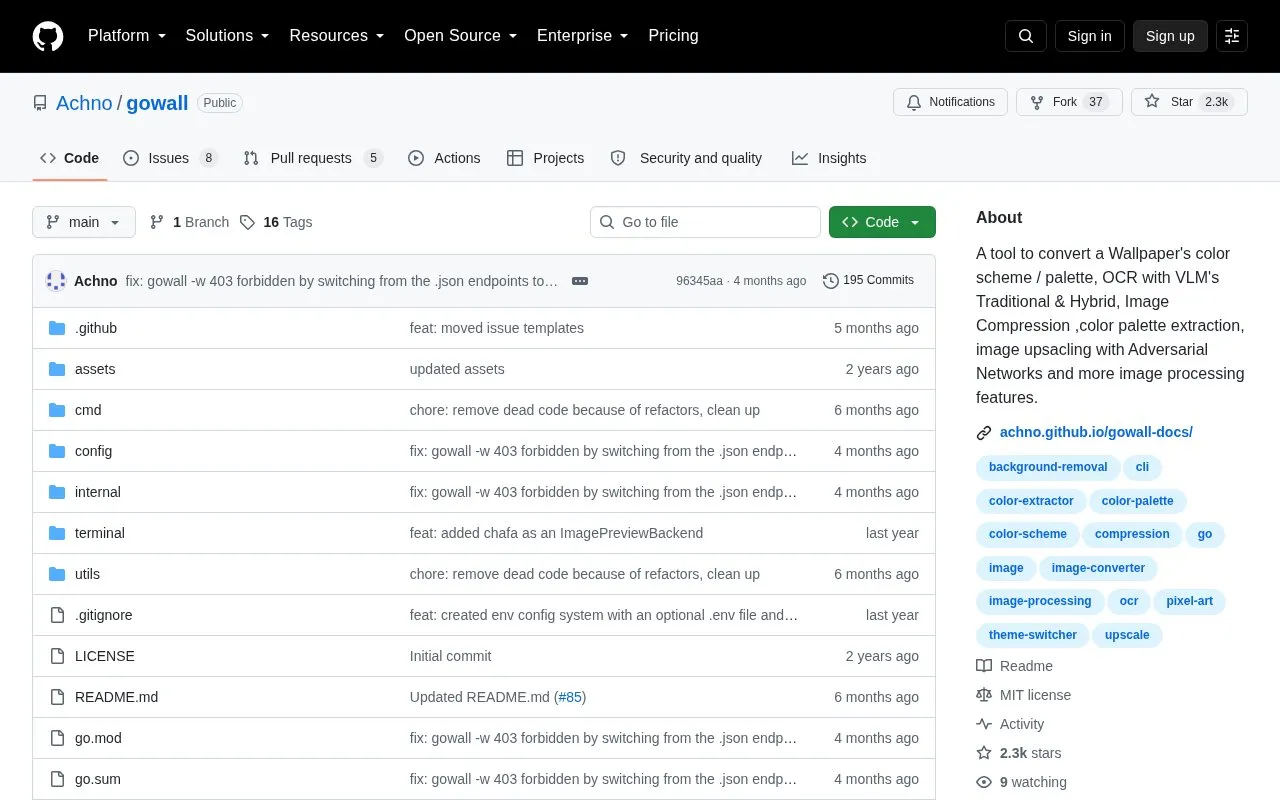
About GoWall
GoWall is an open-source command-line tool for image processing, built around recoloring a wallpaper to match a chosen color scheme or palette. Alongside theme conversion, it extracts dominant colors, compresses PNG, JPEG and WebP files, upscales images with adversarial networks, runs OCR on images and PDFs through 9+ providers (traditional OCR, vision language models and hybrid methods), recolors SVG and ICO icons, removes backgrounds, converts formats, draws borders and grids, turns images into pixel art or GIFs, and applies effects such as mirror, flip, grayscale and brightness. A terminal image preview lets you view images without leaving the CLI, and Unix pipes and redirection are supported.
GoWall is distributed as a repository with prebuilt release binaries, plus packages for Homebrew, Arch (AUR), Fedora (COPR), NixOS and Void Linux; building from source is suggested for unreleased features. The documentation describes the latest released version only, so installed versions should be compared against the release page, and the Homebrew formula is noted as currently on v0.2.0.
Key features
- Recolor images and wallpapers to built-in or custom color themes
- Extract dominant color palettes from an image
- OCR text from images and PDFs using 9+ providers
- Upscale image resolution with adversarial networks
- Compress PNG, JPEG and WebP images
- Recolor SVG and ICO icons to match a theme
Best for: Command-line users on Linux or macOS who want to match wallpapers, icons and other images to a desktop color scheme and handle related image tasks in one tool.
Good for
- Open-source repository with documentation that includes visual examples
- Ships with many named themes and supports custom themes via a config file
- Multiple installation routes: release binaries, Homebrew, AUR, Fedora COPR, NixOS and Void Linux
Watch out for
- It is a CLI tool, so there is no graphical interface
- Documentation covers only the latest released version, and some packages (for example Homebrew) may lag behind
GoWall at a glance
- Website
- github.com/Achno/gowall
- Category
- Software & Utilities › Desktop Customization
- Type
- Open-source project
- Pricing
- Not confirmed. Check the site
- Open source
- Yes · Source code
- Language
- English
- Last checked
- Oct 6, 2026 · Online when checked
- Listed
- Oct 5, 2026
GoWall alternatives
Tools and sites you could use instead, ranked by how closely they match.

Generate terminal color palettes in C with Hellwal, a utility modeled on Pywal.
Open source
24 alternatives
Aura Theme provides a dark color theme for supported apps, according to its project description.
Open source
24 alternatives
AccentColorizer recolors Win32 controls in memory using an accent color without patching theme files.
Open source
24 alternatives
This repository collects Polybar themes in different styles, colors, and variants for desktop customization.
Open source
24 alternatives
Themix GUI generates color variations for themes including GTK, Cinnamon, GNOME, Openbox, and Xfwm.
Open source
24 alternativesPopular in Desktop Customization
Well-known listings from the same topic.
Chezmoichezmoi.ioawesomewmawesomewm.orgdotfilesdotfiles.github.iobackieeapps.microsoft.com/store/detail/backiee-wallpa…Dynamic Themeapps.microsoft.com/detail/9nblggh1zbkwHydraPaperhydrapaper.gabmus.org


GoWall FAQ
Do I need a graphical interface to use GoWall?
No. GoWall is a CLI tool, but it includes an image preview feature that prints images directly in the terminal.
Can I use my own color scheme instead of the built-in themes?
Yes. Custom themes can be created and are read from ~/.config/gowall/config.yml; all default and user-created themes can be listed with gowall list.
How is GoWall installed?
The preferred method is downloading a release binary for your OS and architecture and placing it in your $PATH. Packages exist for Homebrew, Arch (AUR), Fedora (COPR), NixOS and Void Linux, and the project can be built from source for unreleased features.
Is something wrong or out of date?
Tell us and an editor will check it.
Own this website?
Claim this listing
Claim the listing and suggest updates yourself. An editor checks every claim first.