

SecureUxTheme patches Windows theme verification in memory to allow unsigned styles without modifying system files.
Open source
24 alternativesAccentColorizer recolors Win32 controls in memory using an accent color without patching theme files.
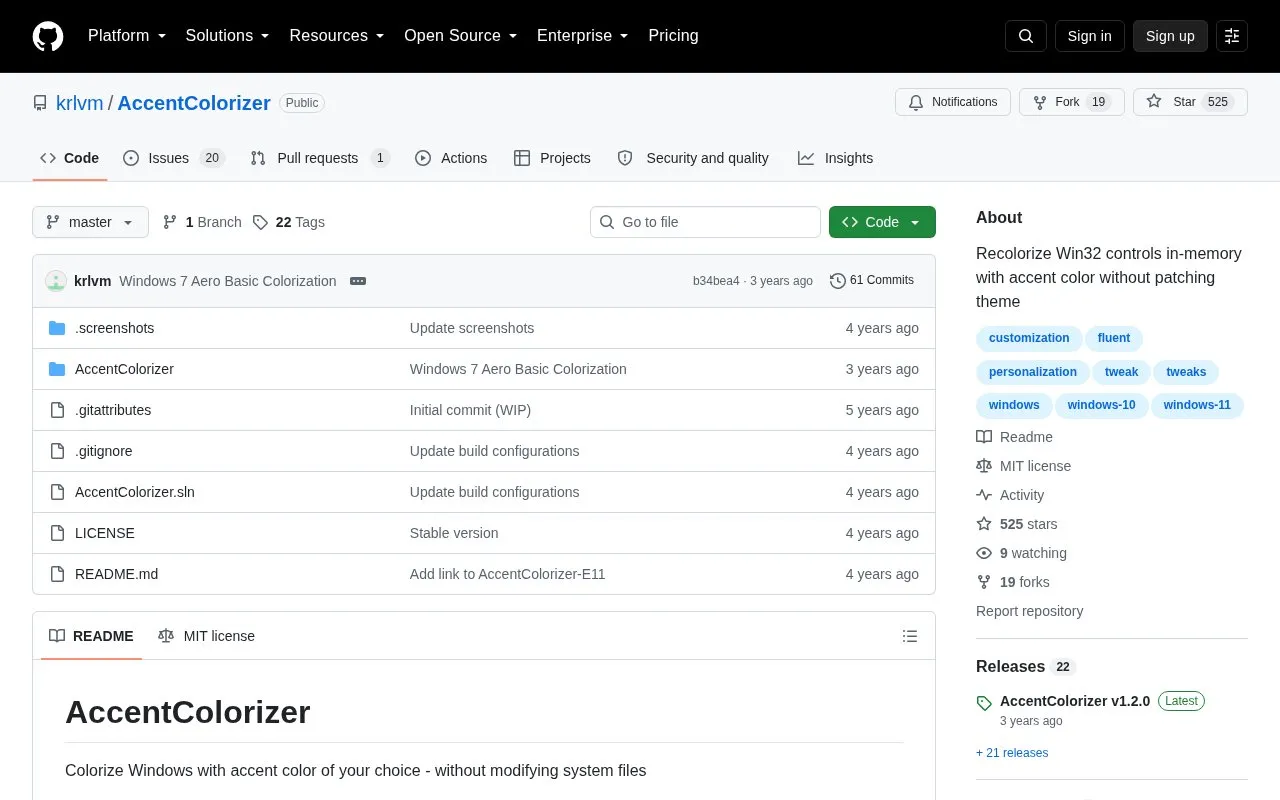
AccentColorizer recolors Win32 controls with the system accent color by patching Windows theme data in memory. It does not modify system files and applies the color when the accent color changes. It supports Windows Vista and higher.
It also provides tools to colorize Windows 11 File Explorer icon glyphs, normalize Windows 10 context menus, and fix the drag-and-drop overlay look on Windows 11 22H2. Progress bar colorization is available through a registry setting but is not recommended because it can hide error and low-space states.
Tools and sites you could use instead, ranked by how closely they match.
SecureUxTheme patches Windows theme verification in memory to allow unsigned styles without modifying system files.
Mica For Everyone enables backdrop effects on Win32 application title bars in Windows 11.
Catppuccinifier recolors wallpapers using a command-line or graphical interface on Linux and Windows.
Aura Theme provides a dark color theme for supported apps, according to its project description.
Forge adds window tiling and management controls to the GNOME Shell desktop.
ExcelDarkThemeFix adjusts Microsoft Excel’s appearance when a custom Windows theme is active.
Well-known listings from the same topic.
Tell us and an editor will check it.
Claim the listing and suggest updates yourself. An editor checks every claim first.


