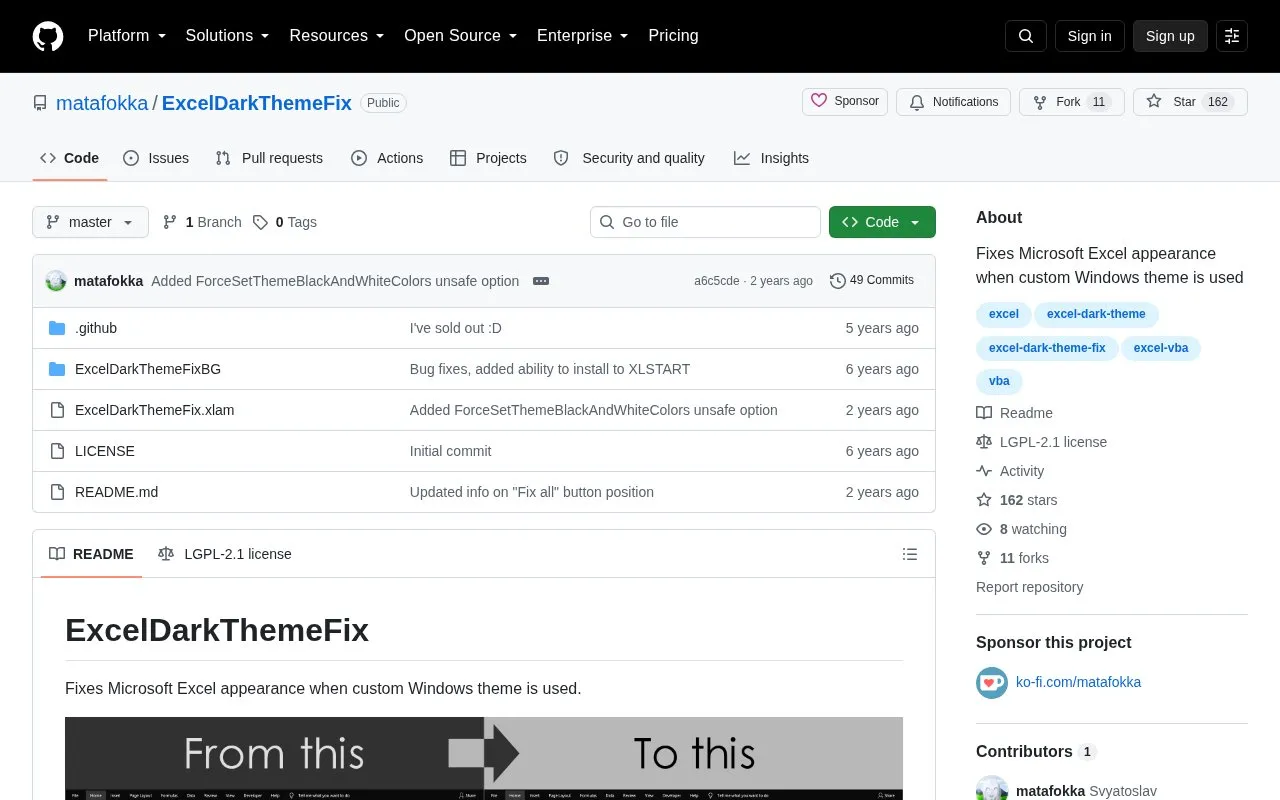
ExcelDarkThemeFix is an open source Excel add-in for Windows that corrects the colors Microsoft Excel shows, exports, and prints when a custom dark Windows theme is active. Excel uses system colors for elements set to "Automatic color," and themes change those system colors, which causes sheets, cells, graphic shapes, and charts to appear in the wrong colors. The add-in sets these colors to normal values.
Several issues have partial fixes or workarounds. Chart font colors can be set to black, and a cell-editing option exists but cannot be undone. SmartArt, built-in table styles, and protected sheets are not fixed automatically. The source reports full support for Office 2016, 2019, and 2021 (from build 14430.20306), and reports that it does not fully work in Microsoft 365.
Key features
Corrects "Automatic color" sheets, cells, and graphic shapes under custom dark Windows themes
Fixes multiple Excel files in one click
Option to set chart font colors to black
Option to preserve or remove cell fill outside the used range
Installs as an Excel add-in (.xlam file) with a companion folder
Best for: Windows users of Microsoft Excel 2016, 2019, or 2021 who use a custom dark theme and find that sheets, charts, or printouts display in the wrong colors.
Good for
Fixes sheets, cells, graphic shapes, and styles when a custom dark theme is active
Can process multiple files in one click
Source code is publicly available on GitHub under an open source license
Watch out for
Reportedly does not fully work in Microsoft 365
Does not fix SmartArt or built-in table styles
Some colors may still be wrong, and chart font colors may differ slightly
Which versions of Microsoft Office does it support?
The source states full compatibility with Microsoft Office 2016, 2019, and 2021, starting from build 14430.20306. It reportedly does not fully work in Microsoft 365.
Can the cell-editing background fix be undone?
No. The source says that enabling the option to fix the dark background while editing cells means you will not be able to undo anything. The source suggests using the formula bar above the sheet as an alternative.
What is not fixed by the add-in?
The source lists SmartArt, built-in table styles, OLE Excel objects (which need to be opened, saved, and closed manually), and protected sheets (which need to be unprotected first) as not fixed or needing manual steps. Some Shape types may also be affected.
Is something wrong or out of date?
Tell us and an editor will check it.
Own this website?
Claim the listing and suggest updates yourself. An editor checks every claim first.