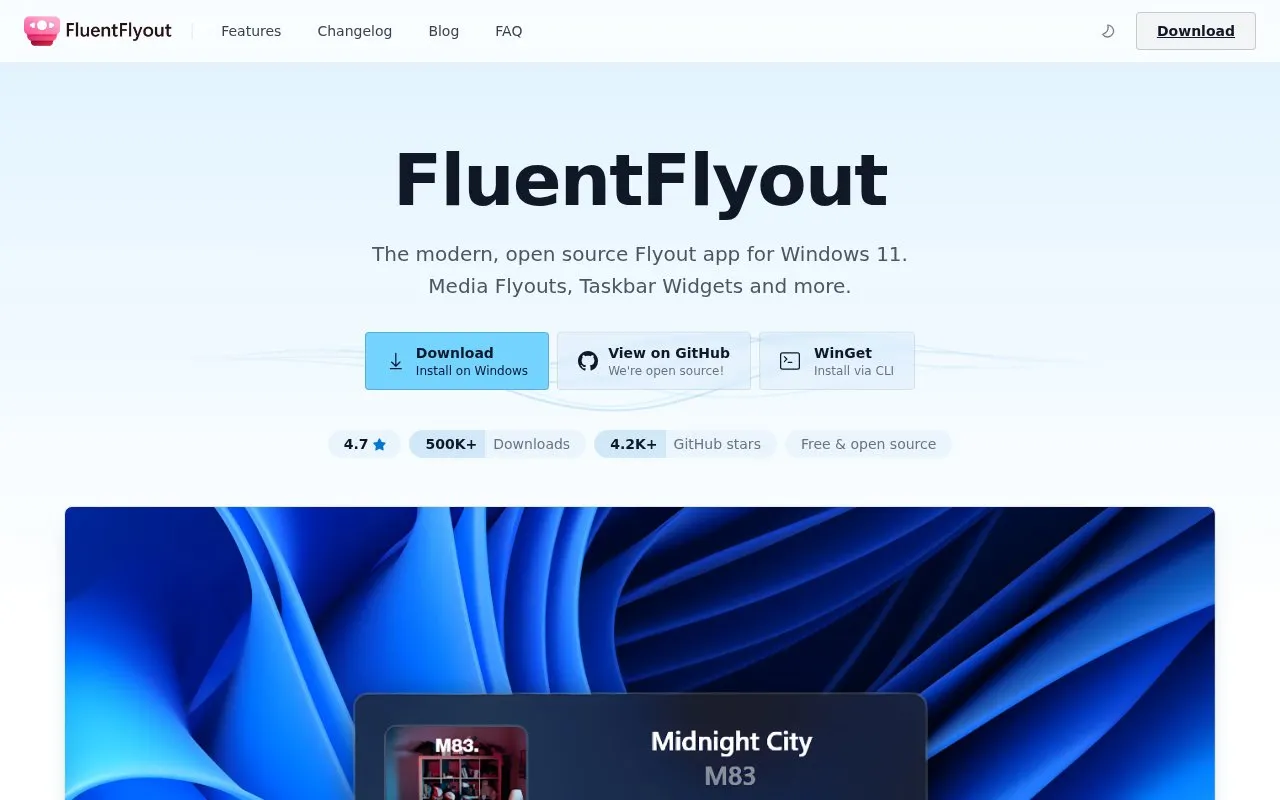
FluentFlyout is an open-source utility for Windows 11 that displays on-screen flyouts for media playback, volume, upcoming tracks, and lock-key status. It also adds a media widget and audio visualizer to the taskbar, with settings for layout, position, theme, and Mica or Acrylic background.
It works with players that support Windows System Media Transport Controls. Shuffle and repeat are unavailable with some sources such as browsers and Apple Music, and VLC may need plugins.
Key features
Media controls with play, pause, seek slider, shuffle and repeat
Volume flyout with volume control and app mixer
Up Next flyout shows the track playing after current song
Lock Keys flyout shows Caps Lock and Num Lock status
Taskbar media widget and real-time audio visualizer
Whitelist or blacklist apps to select media sources
Best for: Windows 11 users who want on-screen media and volume controls with taskbar access.
Good for
Open source with public code repository on GitHub
Each flyout can be enabled or disabled in settings
Automatically matches system light or dark theme
Watch out for
Works only with media players that support System Media Transport Controls
Shuffle and repeat are unavailable in browsers and Apple Music
Media Control, Volume, Up Next, Lock Keys, Taskbar Media Widget, and Taskbar Visualizer. Each can be enabled or disabled in settings.
Does FluentFlyout work with all media players?
It works with players that support System Media Transport Controls, including Spotify and Windows Media Player with full support. Browsers and Apple Music lack shuffle and repeat support, and VLC may require plugins.
How much system resources does FluentFlyout use?
It runs in the background using around 50MB to 200MB of RAM in normal use, with negligible CPU usage on modern computers.
Is something wrong or out of date?
Tell us and an editor will check it.
Own this website?
Claim the listing and suggest updates yourself. An editor checks every claim first.