

SecureUxTheme patches Windows theme verification in memory to allow unsigned styles without modifying system files.
Open source
24 alternativesRetroBar replaces the modern Windows taskbar with classic styles from Windows 95 through Vista.
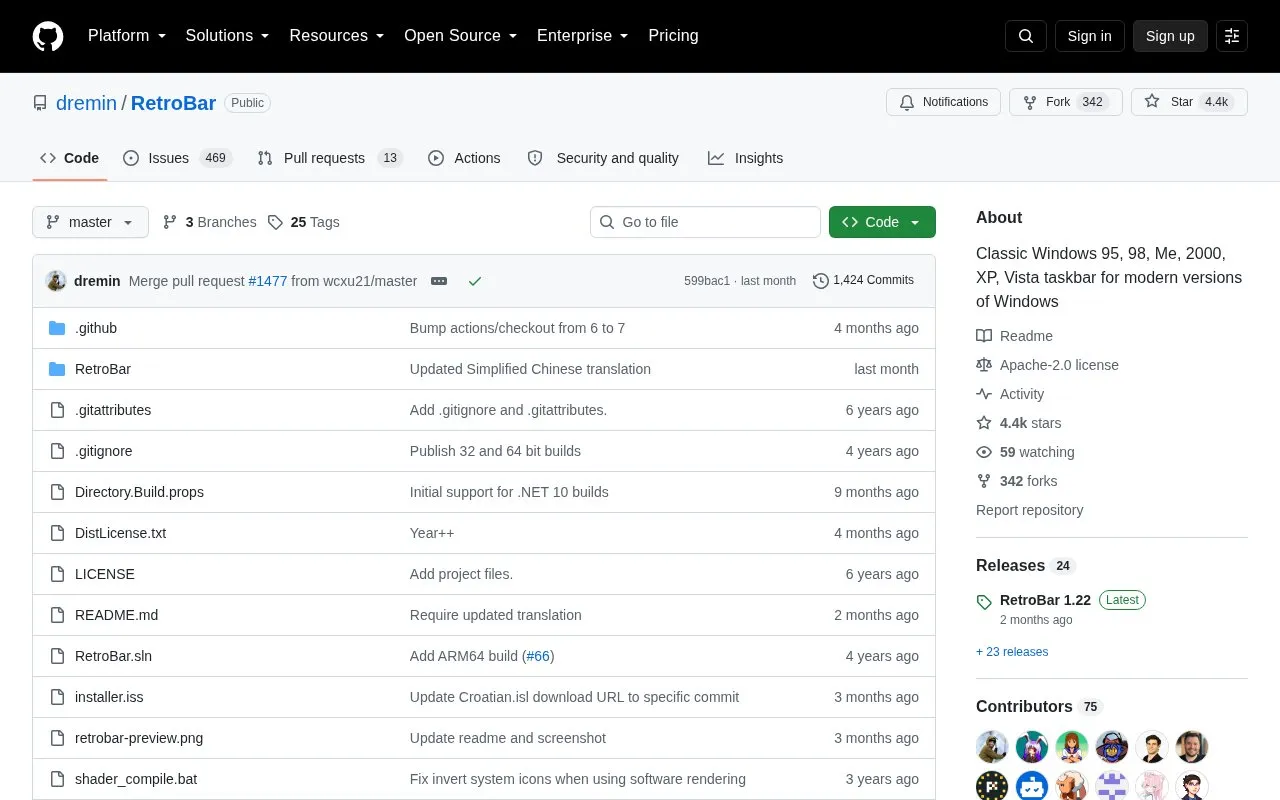
RetroBar is an open-source Windows utility that replaces the default taskbar with a classic layout modeled on Windows 95, 98, Me, 2000, XP, or Vista. It is built on the ManagedShell library and includes a native notification area with balloon notifications, a task list with UWP app support and drag reordering, a quick launch toolbar, and a Start button that opens the modern start menu. The taskbar can be resized, given multiple rows, positioned on any screen side, hidden automatically, and shown across multiple monitors.
The program runs on Windows 7 SP1, Windows 8.1, Windows 10, and Windows 11, and requires the Microsoft .NET Desktop Runtime. The installer downloads that runtime automatically when needed, while the portable version prompts the user to download it on first launch. Fresh Windows 7 installations may need additional Windows updates. Included themes cover Classic, XP, Vista, Watercolor, 95-98, Me, 2000, and several XP variants, and users can install community-made or custom XAML themes and languages.
Tools and sites you could use instead, ranked by how closely they match.
SecureUxTheme patches Windows theme verification in memory to allow unsigned styles without modifying system files.
This repository collects Polybar themes in different styles, colors, and variants for desktop customization.
A lightweight utility that makes the Windows taskbar translucent/transparent.
FluentFlyout adds media controls and a taskbar widget to Windows 11, with a flyout for playback controls.
Mica For Everyone enables backdrop effects on Win32 application title bars in Windows 11.
Superpaper manages wallpapers across multiple monitors on Linux and Windows, with partial support for macOS.
Well-known listings from the same topic.
Tell us and an editor will check it.
Claim the listing and suggest updates yourself. An editor checks every claim first.


