

dummyimage
DummyImage generates placeholder images with customizable dimensions and foreground and background colors.
About dummyimage
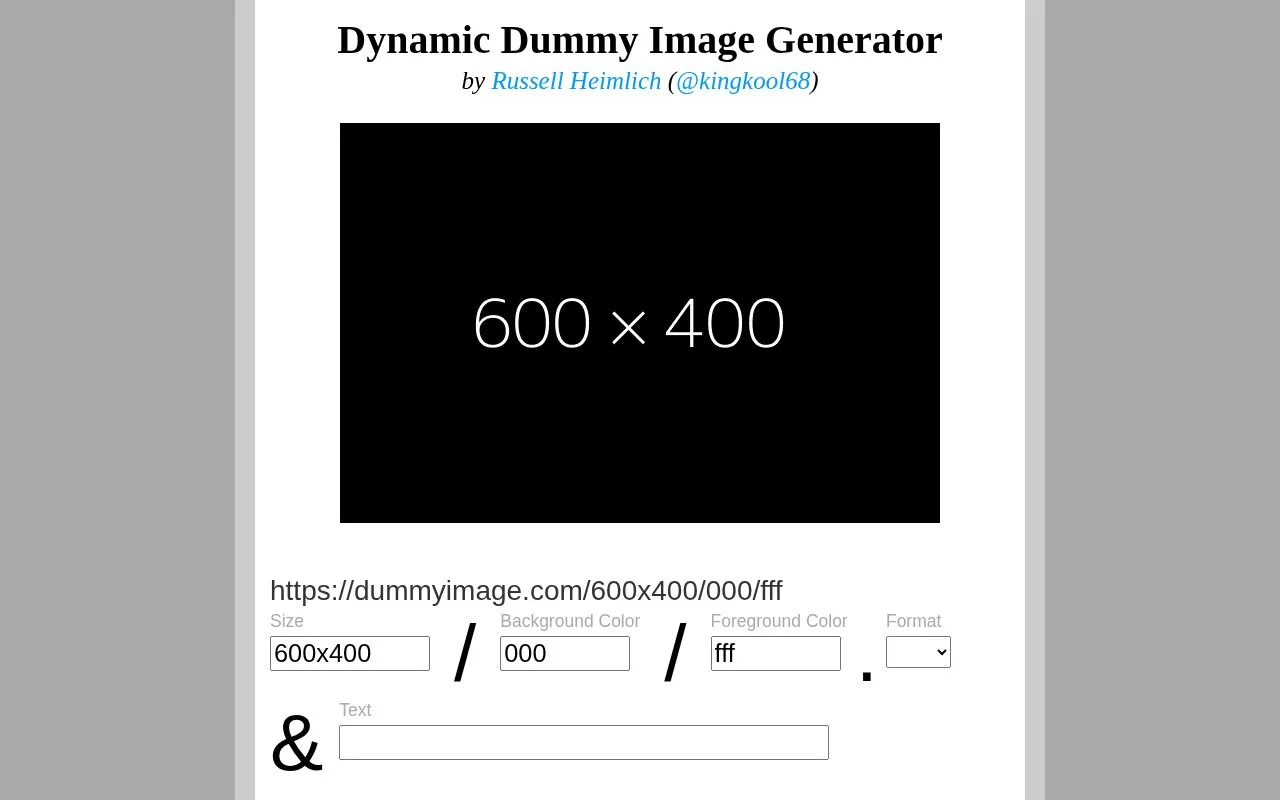
DummyImage generates placeholder images through URL parameters. Users specify dimensions as the first option, with optional height, ratio-based sizing, background and text colors, file format, and custom overlay text.
Colors use hex codes and default to gray background with black text. Output defaults to GIF, and certain characters in custom text require UTF-8 hex encoding.
Key features
- Generate placeholder images via URL with custom dimensions
- Specify one dimension plus ratio for automatic calculation
- Set background and text colors using hex codes
- Output images as GIF, JPG, or PNG formats
- Add custom overlay text via query string
- Use keywords for standard ad, screen, and video sizes
Best for: People building web pages who need placeholder images with specific sizes and colors.
Good for
- All image options are set directly in the URL
- Supports hex shorthand and keywords for standard ad, screen, and video sizes
- Serves images with Content-Length and crossdomain.xml for Flash use
Watch out for
- A single 0 does not work as a color value; use 00 instead
- The characters + # % & must use UTF-8 hex encoding in custom text
dummyimage at a glance
- Website
- dummyimage.com
- Category
- Development › Developer Tools
- Type
- Online tool
- Pricing
- Not confirmed. Check the site
- Platforms
- Web
- Open source
- Not stated
- Last checked
- Oct 5, 2026 · Online when checked
- Listed
- Oct 5, 2026
Guides for Developer Tools


dummyimage alternatives
Tools and sites you could use instead, ranked by how closely they match.

For the Badge generates customizable SVG badges for software projects.

Mockaroo generates custom test datasets in CSV, JSON, SQL, and Excel formats, with an API mocking tool for software testing.
Freemium
24 alternatives
Mockium generates fake data from user-defined fields and schemas and can export results in formats such as CSV, SQL, JSON, and XML.

SmartScripter generates custom scripts in Excel VBA, Google Apps Script, Bash, JavaScript, PowerShell, and Python.

Android Asset Studio offers tools for generating app assets such as launcher icons.

Analyze a website’s branding and technology stack with WebDNA, which extracts logos, colors, frameworks, and libraries.
Popular in Developer Tools
Well-known listings from the same topic.
AppDevToolsappdevtools.comCommand Not Foundcommand-not-found.comTestFlighttestflight.apple.com/join/A8GwCnq8Sourcegraphabout.sourcegraph.comProject Wallaceprojectwallace.comCarbon Calculatorwebsitecarbon.com


dummyimage FAQ
How do I specify the image size?
Put width x height as the first option in the URL. If height is omitted the image is square, and you can use a ratio such as 640x4:3.
How do I set background and text colors?
Add them after the dimensions as hex codes, background first then text. Defaults are gray #cccccc background and black #000000 text.
How do I add custom text?
Add &text=Your+Text at the very end of the URL. Spaces become + and the default text is the image dimensions.
Is something wrong or out of date?
Tell us and an editor will check it.
Own this website?
Claim this listing
Claim the listing and suggest updates yourself. An editor checks every claim first.