

ShellGPT chats with language models in a terminal and can generate shell commands, stories, and Linux-terminal content.
dut
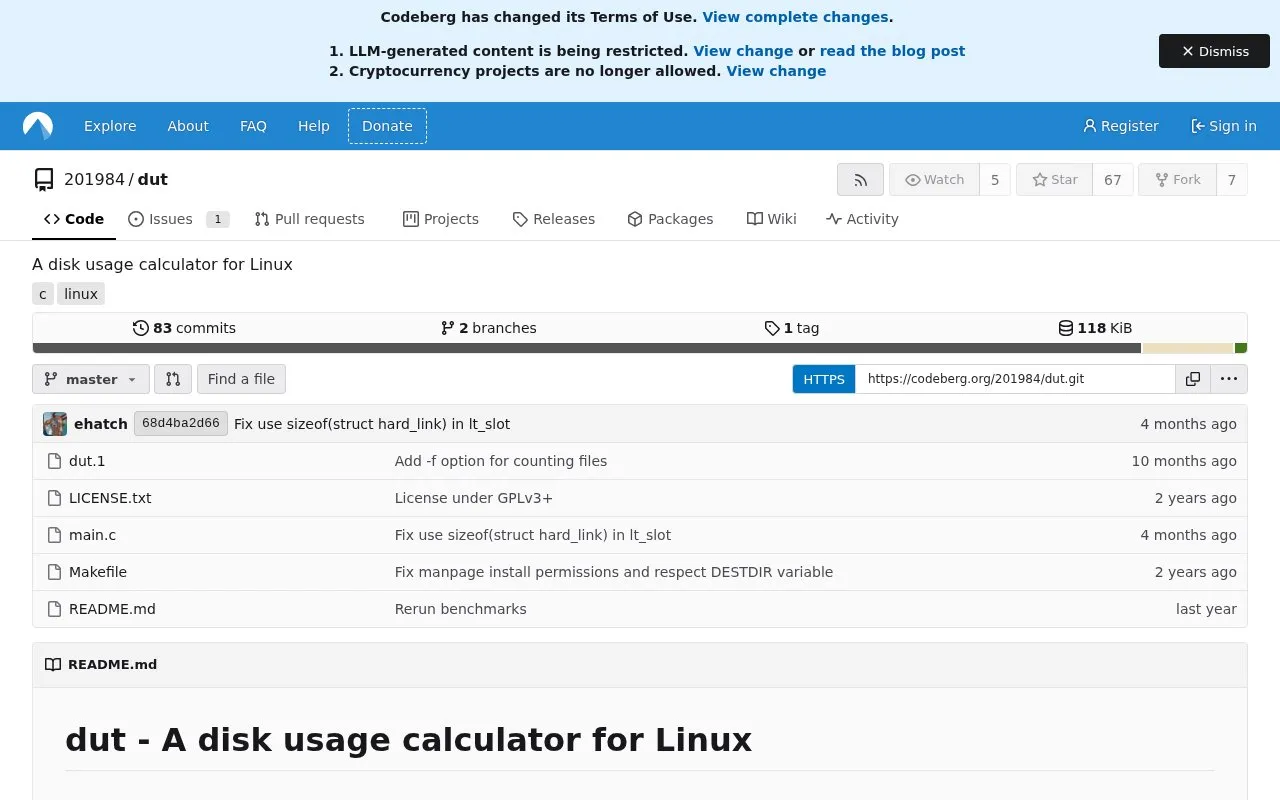
dut calculates disk usage on Linux, according to its project description.
About dut
dut is a disk usage calculator for Linux. By default, it prints a tree of the largest directories it finds under the current directory. Its output is inspired by NCDU and uses ASCII art that works in a Linux tty.
dut counts hard links, which are files stored once on disk but reachable from multiple paths. Hard links within a directory are counted once in the first column. The second column shows how much of an entry's size is shared with entries outside it through hard links, so users can see how much space is unique to that entry by subtracting the second column from the first. The project is installed from source with a Makefile. In the author's benchmarks, dut is faster than several other disk usage tools when disk caches are already populated, but it is slower than some of them on the first run against a directory. The benchmarks were run on one laptop, so results on other systems may differ.
Key features
- Accurate counting of hard links, with output inspired by NCDU
- Second column showing size shared with other entries through hard links
- ASCII-art disk usage tree compatible with the Linux tty
- Row limit set with -n and tree depth set with -d
- Color output option (-C), as used in the benchmark commands
- Installation through a Makefile, with a configurable PREFIX
Best for: Linux users who want to find which directories use the most disk space, especially on systems with many hard links.
Good for
- Counts hard links so that shared data is identified separately from unique data
- Benchmarked as faster than several other disk usage tools once disk caches are populated
- Output is designed to work in a Linux terminal without a graphical interface
Watch out for
- Slower than a couple of other tested programs on the first run against a directory, when disk caches are not populated
- Benchmark results come from a single laptop and may not apply to other systems
- Hard links that point outside a directory are still counted in the first column, so a second column must be read to interpret sizes
dut at a glance
- Website
- codeberg.org/201984/dut
- Category
- Software & Utilities › Linux Apps
- Type
- Website
- Pricing
- Not confirmed. Check the site
- Platforms
- Linux, Web
- Open source
- Not stated
- Language
- English
- Last checked
- Oct 6, 2026 · Online when checked
- Listed
- Oct 5, 2026
dut alternatives
Tools and sites you could use instead, ranked by how closely they match.
ncdu analyzes disk usage in a text-mode interface, according to its project page.

Filelight visualizes disk usage and helps identify files that can be removed to free space.
Popular in Linux Apps
Well-known listings from the same topic.
AltBoxaltbox.devThe Levelatorarchive.org/details/conversationsnetwork_org-l…Alacrittyalacritty.orgShellScriptshellscript.shghostwriterghostwriter.kde.orgLibrebootlibreboot.org


dut FAQ
How do I limit how many rows or how deep dut shows?
Use -n to limit the number of rows shown and -d to limit the depth of the tree. For example, dut -n 10 -d 1 shows 10 rows at depth 1.
How does dut handle hard links?
Hard links under a directory are deduplicated in the first column. Hard links that point to files outside the directory are still counted in the first column, and the second column shows how much of each entry's size is shared with other entries.
How do I install dut?
Clone the repository from Codeberg, change into the dut directory, and run sudo make install. The default install location is /usr/local/bin, and a different location can be set with the PREFIX value.
Is something wrong or out of date?
Tell us and an editor will check it.
Own this website?
Claim this listing
Claim the listing and suggest updates yourself. An editor checks every claim first.