

Fake Data
Developers can use Fake Data as a browser form filler with customization options for test entries.
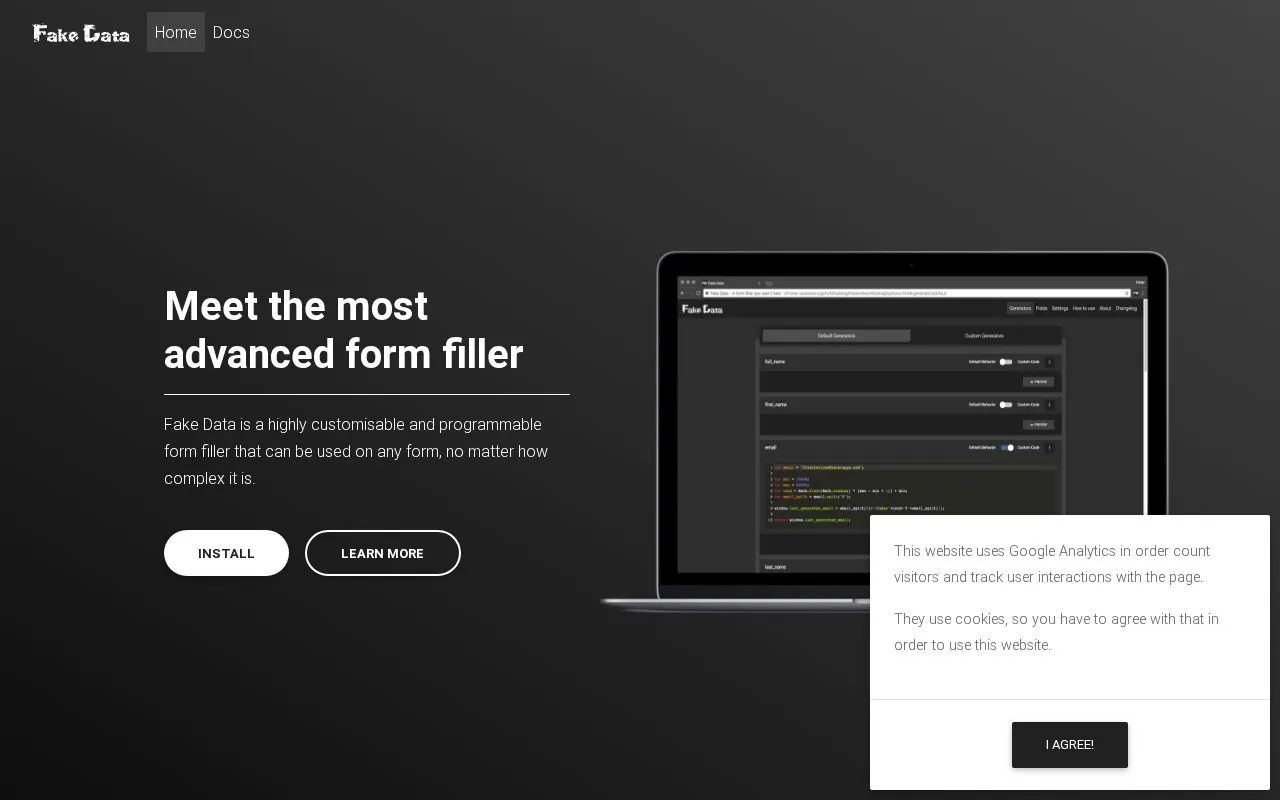
About Fake Data
Fake Data is a browser form filler that inserts placeholder data into web forms so developers and testers can fill repeated fields without typing entries by hand. It installs without advanced setup and lists basic customisation options, and it can be extended with your own JavaScript to generate data in whatever shape a form needs. It also recognises custom elements used by material design and similar UI libraries, and it learns new fields as you use them so the same field is remembered on any website.
The extension is offered for Google Chrome, Firefox, Microsoft Edge and Opera. A free tier covers the core form-filling features, while Pro and Ultra tiers are listed at paid prices. The website itself states that it uses google analytics and cookies, and that visitors must agree to cookies to use the site.
Key features
- Installs with no advanced setup or extensive first-time configuration
- Customisation options for adjusting how fields are filled
- Extendable with your own JavaScript for custom data generation
- Recognises custom elements from material design and similar UI libraries
- Remembers field types across websites as you fill them
- Compatible with Chrome, Firefox, Microsoft Edge and Opera
Best for: Developers and testers who repeatedly fill web forms with placeholder data and want an extendable browser extension for it.
Good for
- Ready to use after installation, without lengthy configuration
- Core form-filling features are available on a free tier
- Learn-from-use behaviour remembers field data types on any site
Watch out for
- Additional features are tied to paid Pro and Ultra tiers
- Using the website requires agreeing to cookies, and the site uses Google Analytics
Fake Data at a glance
- Website
- fakedata.pro
- Category
- Software & Utilities › Browser Extensions
- Type
- Website
- Pricing
- Not confirmed. Check the site
- Platforms
- Web
- Open source
- Not stated
- Language
- English
- Last checked
- Oct 5, 2026 · Online when checked
- Listed
- Oct 5, 2026
Guides for Browser Extensions
Fake Data alternatives
Tools and sites you could use instead, ranked by how closely they match.
BrowserBench provides Speedometer, JetStream, and MotionMark tests for browser responsiveness, JavaScript and WebAssembly, and graphics performance.

WebExtension.org provides hosting and services for browser extension developers and is migrating from add0n.com.

Install the Fast.com Info Blur userscript from Greasy Fork to blur information on the speed test page.

Listly collects web page data and exports it to Excel or Google Sheets, with selection across multiple pages.

Bonjourr provides a customizable browser start page for new tabs, with a minimalist layout and background options.

Capture screens with Easy Screenshot, which presents capture options in a browser popup.
Popular in Browser Extensions
Well-known listings from the same topic.
Popupblocker by Joofthanaddons.mozilla.org/firefox/addon/popupblockerallEnhancementscplx.appViolentmonkeyviolentmonkey.github.ioMomentummomentumdash.comMission Controlmission-control.appSession Buddysessionbuddy.com


Fake Data FAQ
Do I need to configure Fake Data before using it?
The site says no advanced setup or extensive configuration is needed: you install it and it is ready to use.
Can I generate data that the extension does not handle by default?
Yes. The site states you can write your own JavaScript code and generate data the way you need, including for custom form elements.
Does Fake Data cost anything?
A free tier is listed. The homepage also lists a Pro option at €4.99 one-time and an Ultra option at €2.99/month for additional features.
Is something wrong or out of date?
Tell us and an editor will check it.
Own this website?
Claim this listing
Claim the listing and suggest updates yourself. An editor checks every claim first.