

Surfingkeys
Surfingkeys maps keyboard shortcuts for web browsing and supports JavaScript customization in the browser.
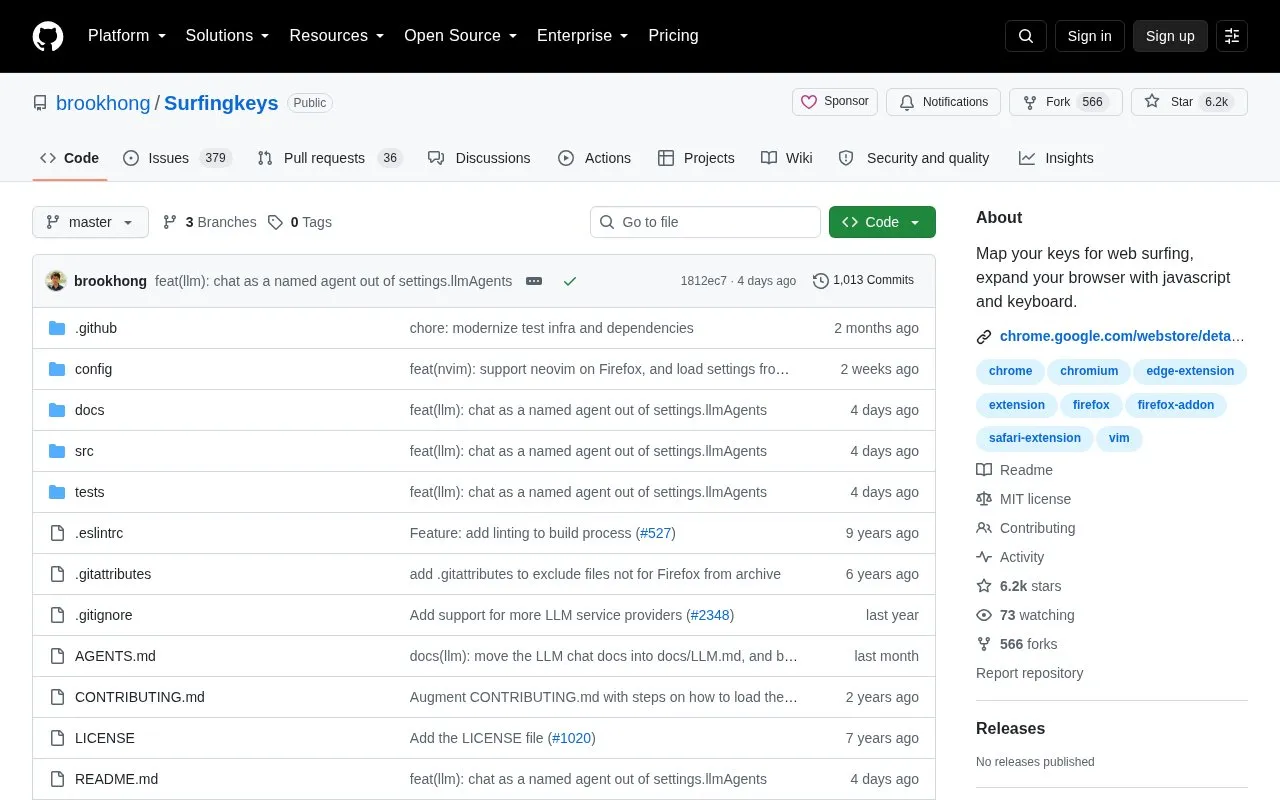
About Surfingkeys
Surfingkeys is a browser extension for Chrome and Chromium-based browsers, Firefox, and Safari that provides keyboard-based navigation and control in the style of the Vim editor. Settings are defined in JavaScript, so users can map keystrokes to custom functions, and default mappings cover scrolling, following links, finding on the page, searching bookmarks and history, switching tabs, and visual mode.
Feature availability differs by browser, and the project notes limitations imposed by Google Chrome itself. On iOS, the Safari version requires a connected external keyboard, and loading settings from a local file needs a native host on Chromium and Firefox and is listed as macOS only on Safari.
Key features
- Follow links using keyboard hints
- Scroll pages and scrollable DIVs with keys
- Search bookmarks and history with Omnibar
- Use Vim-like marks and visual mode
- Map keystrokes to custom JavaScript functions
- Manage sessions and switch tabs by keyboard
Best for: People who want Vim-style keyboard control of the browser and custom key mappings defined in JavaScript.
Good for
- Settings are defined in JavaScript for custom key mappings
- Help for mappings is automatically generated and shown with ?
- Available for Chromium-based browsers, Firefox, and Safari
Watch out for
- Google Chrome itself imposes limitations on full keyboard use
- Some features are partial or unavailable on Firefox and Safari, such as PDF viewer and proxy
- Safari version on iOS requires a connected external keyboard
Surfingkeys at a glance
- Category
- Software & Utilities › Browser Extensions
- Type
- Open-source project
- Pricing
- Not confirmed. Check the site
- Open source
- Yes · Source code
- Language
- English
- Last checked
- Oct 5, 2026 · Online when checked
- Listed
- Oct 5, 2026
Guides for Browser Extensions
Surfingkeys alternatives
Tools and sites you could use instead, ranked by how closely they match.

Vimium adds keyboard-based navigation and control to web browsing, using interaction patterns inspired by the Vim editor.
Open source
24 alternatives
ChromeXt adds userscript and developer tools support to Chromium-based and WebView-based browsers.
Open source
24 alternatives
Browser Tamer is a local browser proxy for Windows and Linux with browser autodetection, rules, and scripting.
Open source
24 alternatives
Sessionic saves, manages, and restores browser sessions, windows, and tabs, with options to import and export sessions.
Open source
24 alternatives
Chromium Drift tracks version lag across major Chromium-based browsers in a dashboard.
Open source
24 alternativesVimium adds Vim-style keyboard shortcuts for navigating and controlling the web in a browser.
Popular in Browser Extensions
Well-known listings from the same topic.
Popupblocker by Joofthanaddons.mozilla.org/firefox/addon/popupblockerallEnhancementscplx.appViolentmonkeyviolentmonkey.github.ioMomentummomentumdash.comMission Controlmission-control.appSession Buddysessionbuddy.com


Surfingkeys FAQ
How can I view the default keyboard mappings?
After installing, open a site and press ? or u to show the usage popover, and press Esc to hide it.
How do I create a custom shortcut?
Edit the JavaScript settings file using api.mapkey to assign a keystroke to a custom function.
Can I load settings from a local file?
On Chromium and Firefox this needs a native host; on Safari it is listed as macOS only.
Is something wrong or out of date?
Tell us and an editor will check it.
Own this website?
Claim this listing
Claim the listing and suggest updates yourself. An editor checks every claim first.