
Vimium
Vimium adds Vim-style keyboard shortcuts for navigating and controlling the web in a browser.
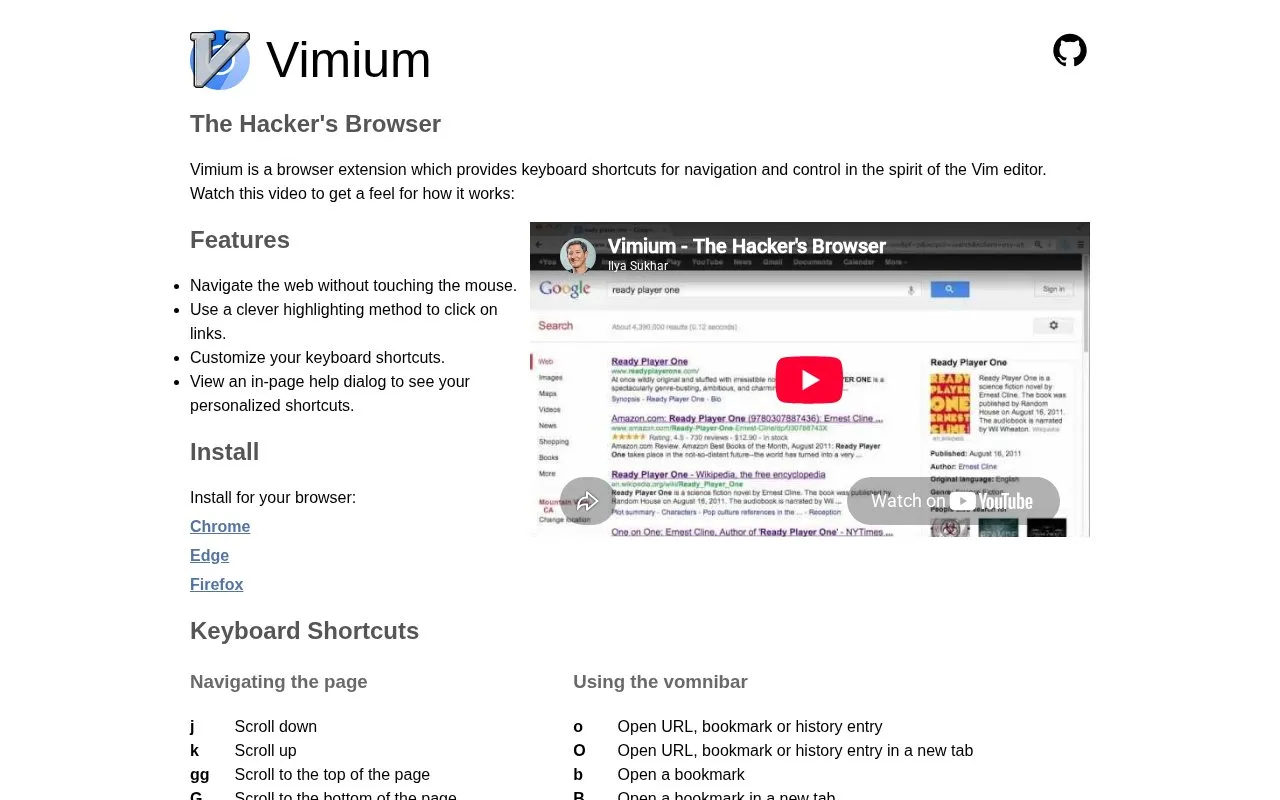
About Vimium
Vimium is a browser extension that adds Vim-style keyboard shortcuts for navigating and controlling web pages, enabling keyboard-only browsing without a mouse. It includes a link highlighting method for clicking elements, customizable keybindings, and an in-page help dialog that displays the user's personalized shortcuts. The extension supports navigation, tab management, find functionality, and access to bookmarks, history, and open tabs via keyboard commands.
Key features
- Vim-style keyboard shortcuts for web navigation and control
- Highlight links for keyboard-based clicking without a mouse
- Customize keyboard shortcuts to personal preference
- In-page help dialog shows personalized shortcut mappings
- Manage browser tabs via dedicated keyboard commands
- Access bookmarks, history, and open tabs via shortcuts
Best for: Users familiar with the Vim editor who prefer keyboard-only web browsing workflows.
Good for
- Enables full web navigation without mouse input
- Supports customizable keyboard shortcuts for user preference
- Includes an in-page help dialog for shortcut reference
Vimium at a glance
- Website
- vimium.github.io
- Category
- Software & Utilities › Browser Extensions
- Type
- Website
- Pricing
- Not confirmed. Check the site
- Platforms
- Browser extension, Web
- Open source
- Not stated
- Last checked
- Oct 6, 2026 · Online when checked
- Listed
- Oct 5, 2026
Guides for Browser Extensions
Vimium alternatives
Tools and sites you could use instead, ranked by how closely they match.

Vimium adds keyboard-based navigation and control to web browsing, using interaction patterns inspired by the Vim editor.
Open source
24 alternatives
Surfingkeys maps keyboard shortcuts for web browsing and supports JavaScript customization in the browser.
Open source
24 alternatives
Vimium C provides keyboard shortcuts for browser navigation and tab operations, with an omnibar for browser commands.

Link Hints lets users activate links, buttons, and other page elements with keyboard hints, including filtering hints by text.

External Application Button adds a browser toolbar button and customizable context-menu items for launching external applications.

Dark Reader adds adjustable dark mode to websites across Chrome, Firefox, Safari, and Edge.
Popular in Browser Extensions
Well-known listings from the same topic.
Popupblocker by Joofthanaddons.mozilla.org/firefox/addon/popupblockerallEnhancementscplx.appViolentmonkeyviolentmonkey.github.ioMomentummomentumdash.comGreasy Forkgreasyfork.orgMission Controlmission-control.app


Vimium FAQ
What is Vimium?
Vimium is a browser extension that provides Vim-style keyboard shortcuts for navigating and controlling web pages.
Which browsers support Vimium?
Vimium is available as an extension for Chrome, Edge, and Firefox.
How can I view my available Vimium shortcuts?
Press the ? key to open an in-page help dialog showing your personalized shortcuts.
Is something wrong or out of date?
Tell us and an editor will check it.
Own this website?
Claim this listing
Claim the listing and suggest updates yourself. An editor checks every claim first.