

LinkHints
Link Hints lets users activate links, buttons, and other page elements with keyboard hints, including filtering hints by text.
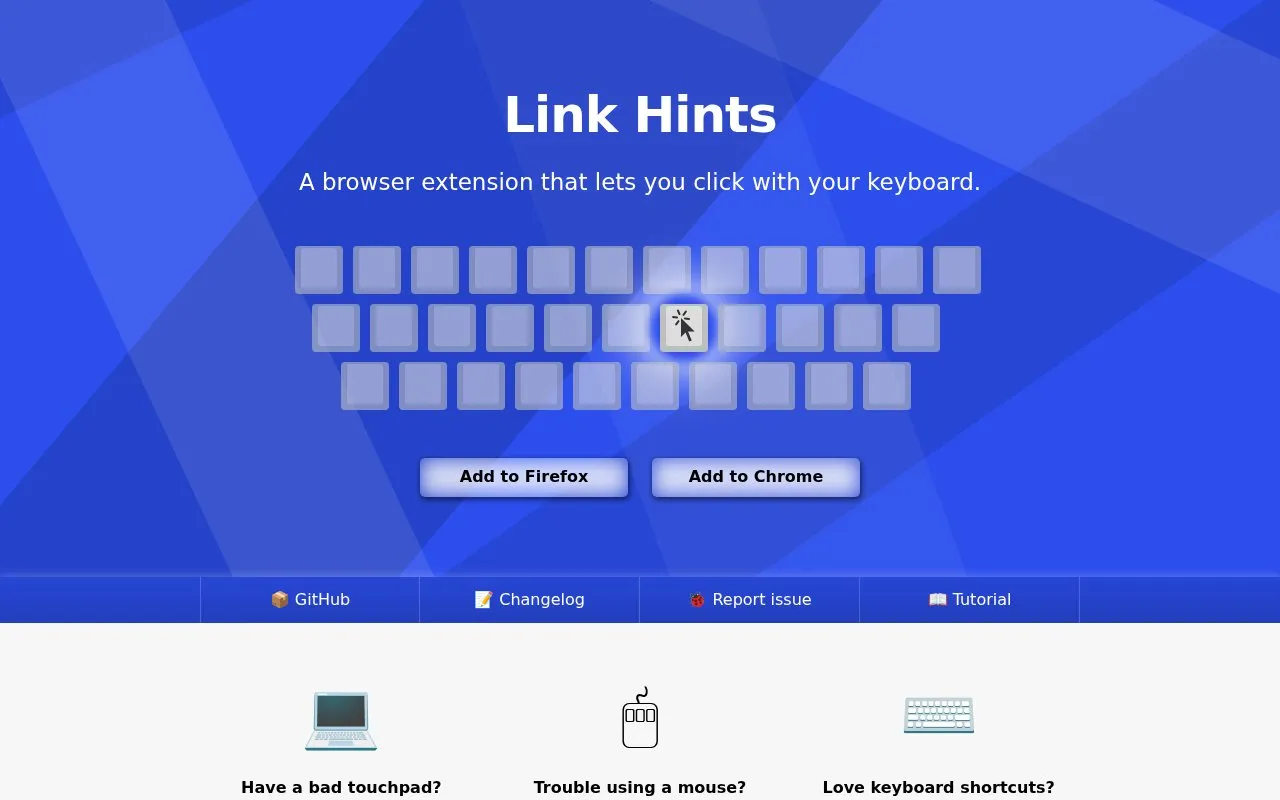
About LinkHints
Link Hints is a browser extension that adds keyboard shortcuts for clicking links, buttons and other clickable elements. Pressing Alt+J shows lettered hints next to clickable items; typing the letters activates an item, while holding Shift allows filtering by link text. Other shortcuts open links in new tabs or select elements, and shortcuts and hints can be customized.
It does not run on browser extension stores, the New Tab page, or internal settings pages, and shortcuts only work when the page area is focused. It does not include single-key shortcuts, custom actions, scrolling, or always-visible hints.
Key features
- Show lettered hints to click links and buttons via keyboard
- Filter hints by typing link text with Shift
- Open links in new tab with or without switching
- Click or open multiple elements in one session
- Select page element for text selection
- Customizable keyboard shortcuts and hints
Best for: People who prefer keyboard operation or have difficulty using a mouse or touchpad.
Good for
- Tracks clickable elements during idle time to show hints quickly
- Supports Shadow DOM, iframes, and elements with click listeners
- Supports different keyboard layouts with customizable shortcuts
Watch out for
- Does not work on extension stores, New Tab page, or settings pages
- Shortcuts only work when the page area is focused
- No single-key shortcuts, custom actions, scrolling, or always-shown hints
LinkHints at a glance
- Website
- lydell.github.io/LinkHints
- Category
- Software & Utilities › Browser Extensions
- Type
- Website
- Pricing
- Not confirmed. Check the site
- Platforms
- Browser extension, Web
- Open source
- Not stated
- Language
- English
- Last checked
- Oct 5, 2026 · Online when checked
- Listed
- Oct 5, 2026
Guides for Browser Extensions
LinkHints alternatives
Tools and sites you could use instead, ranked by how closely they match.
Snap Links Plus lets users select multiple links, checkboxes, and other page elements, then open links or toggle selected boxes.

External Application Button adds a browser toolbar button and customizable context-menu items for launching external applications.
Vimium adds Vim-style keyboard shortcuts for navigating and controlling the web in a browser.

Google Hit Hider by Domain is a search-filtering userscript listed on Greasy Fork; the supplied page does not detail its current behavior.

Linksort helps users save and organize links, with a browser extension for one-click bookmarking.
Free
24 alternatives
OctoLinker turns module-loading statements in GitHub code into links to the referenced modules.
Popular in Browser Extensions
Well-known listings from the same topic.
Popupblocker by Joofthanaddons.mozilla.org/firefox/addon/popupblockerallEnhancementscplx.appViolentmonkeyviolentmonkey.github.ioMomentummomentumdash.comMission Controlmission-control.appSession Buddysessionbuddy.com


LinkHints FAQ
What permissions does Link Hints need?
It requests access to data for all websites to find links, and storage to save options. The developer states it never sends data anywhere.
Why doesn't Link Hints work on some pages?
Extensions cannot run on store pages, the New Tab page, or internal settings pages, and shortcuts only work when the page area is focused.
Where can I see all keyboard shortcuts?
Click the Link Hints toolbar button, then Options, to see the list and change shortcuts.
Is something wrong or out of date?
Tell us and an editor will check it.
Own this website?
Claim this listing
Claim the listing and suggest updates yourself. An editor checks every claim first.