

View Image
View Image restores Google Images’ View Image button and is available as a Chrome extension, Firefox add-on or userscript.
About View Image
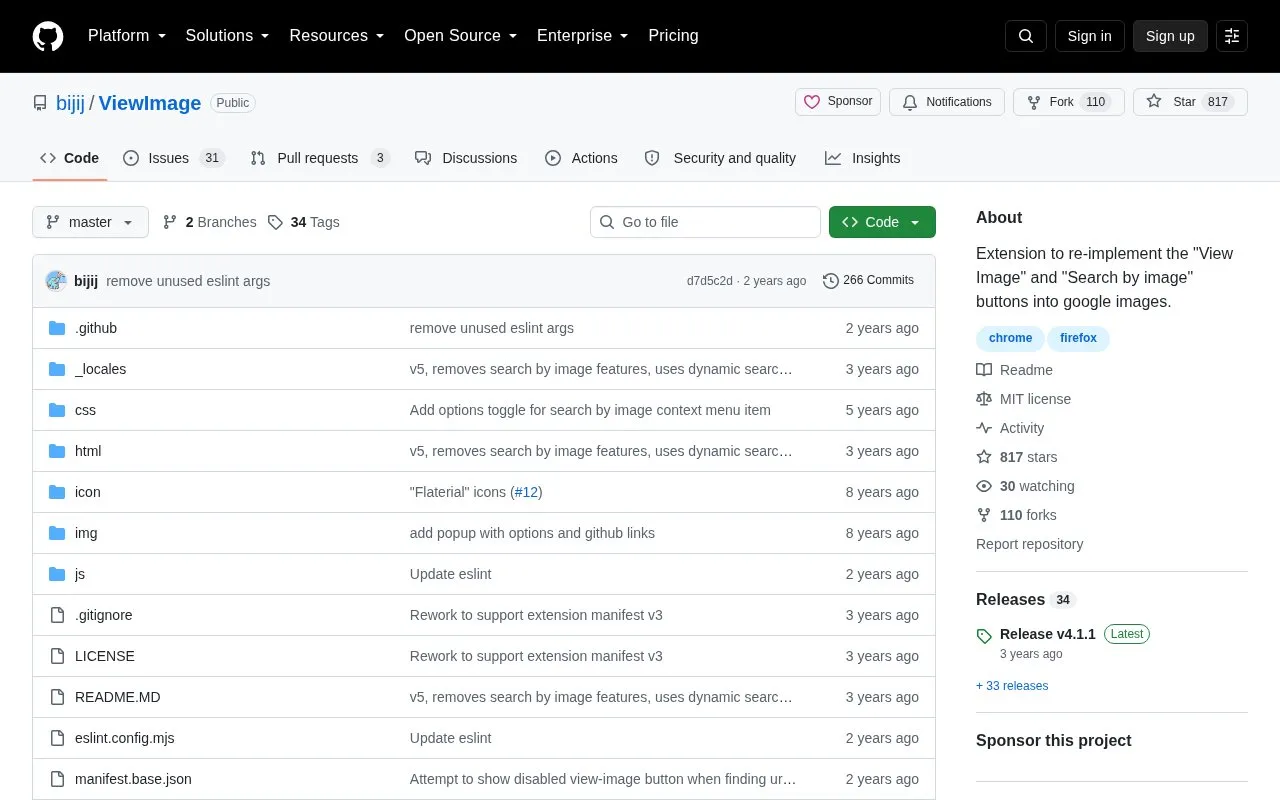
View Image is a browser extension for Chrome and Firefox that re-implements the "View Image" and "Search by image" buttons in Google Image Search. It is also offered as a userscript. The project is open source under the MIT license and is hosted on GitHub; its image URL collection draws on work credited to devunt/make-gis-great-again.
Key features
- Restores the "View Image" button in Google Image Search
- Re-adds the "Search by image" button to Google Images
- Available as Chrome extension, Firefox add-on or userscript
- Open source, MIT licensed, code on GitHub
- Uses more accurate image URL collection per credited third-party work
Best for: People who want the View Image and Search by image buttons back while browsing Google Image Search on Chrome or Firefox.
Good for
- Open source under the MIT license
- Installable in three forms: Chrome extension, Firefox add-on or userscript
- Actively developed repository with 266 commits
Watch out for
- Applies only to Google Image Search
- Requires installing a browser extension or userscript
- Documented availability is limited to Chrome and Firefox
View Image at a glance
- Website
- github.com/bijij/ViewImage
- Category
- Software & Utilities › Browser Extensions
- Type
- Online tool
- Pricing
- Not confirmed. Check the site
- Platforms
- Browser extension
- Open source
- Yes · Source code
- Language
- English
- Last checked
- Oct 6, 2026 · Online when checked
- Listed
- Oct 5, 2026
Guides for Browser Extensions
View Image alternatives
Tools and sites you could use instead, ranked by how closely they match.

Nightly provides a themed, configurable browser start page, with setup instructions for Chromium-based and Firefox-based browsers.
Open source
24 alternatives
Just the Browser provides configuration files to remove AI features, telemetry reporting, sponsored content, and product integrations from desktop browsers.
Open source
24 alternatives
Explore a curated list of projects focused on browser start pages in Awesome Startpage, with examples and resources for customization.
Open source
24 alternatives
Open Multiple URLs is a browser extension for opening lists of URLs and extracting URLs from text, with Chrome and Firefox support.
Open source
24 alternatives
Restyle websites with CSS themes using Stylus, a browser extension listing compatibility with Chrome, Firefox, and Chromium-based browsers.
Open source
24 alternatives
Copycat copies web content and can capture tab titles or links in formats such as plain text; the extension supports Chrome, Edge, and Firefox.
Open source
24 alternativesPopular in Browser Extensions
Well-known listings from the same topic.
Popupblocker by Joofthanaddons.mozilla.org/firefox/addon/popupblockerallEnhancementscplx.appViolentmonkeyviolentmonkey.github.ioMomentummomentumdash.comGreasy Forkgreasyfork.orgMission Controlmission-control.app


View Image FAQ
What does View Image do?
It re-implements the "View Image" and "Search by image" buttons in Google Image Search.
How can I install it?
It is available as a Chrome extension, a Firefox add-on, or a userscript version.
Is View Image open source?
Yes, the repository is published under the MIT license.
Is something wrong or out of date?
Tell us and an editor will check it.
Own this website?
Claim this listing
Claim the listing and suggest updates yourself. An editor checks every claim first.