

Stylus
Restyle websites with CSS themes using Stylus, a browser extension listing compatibility with Chrome, Firefox, and Chromium-based browsers.
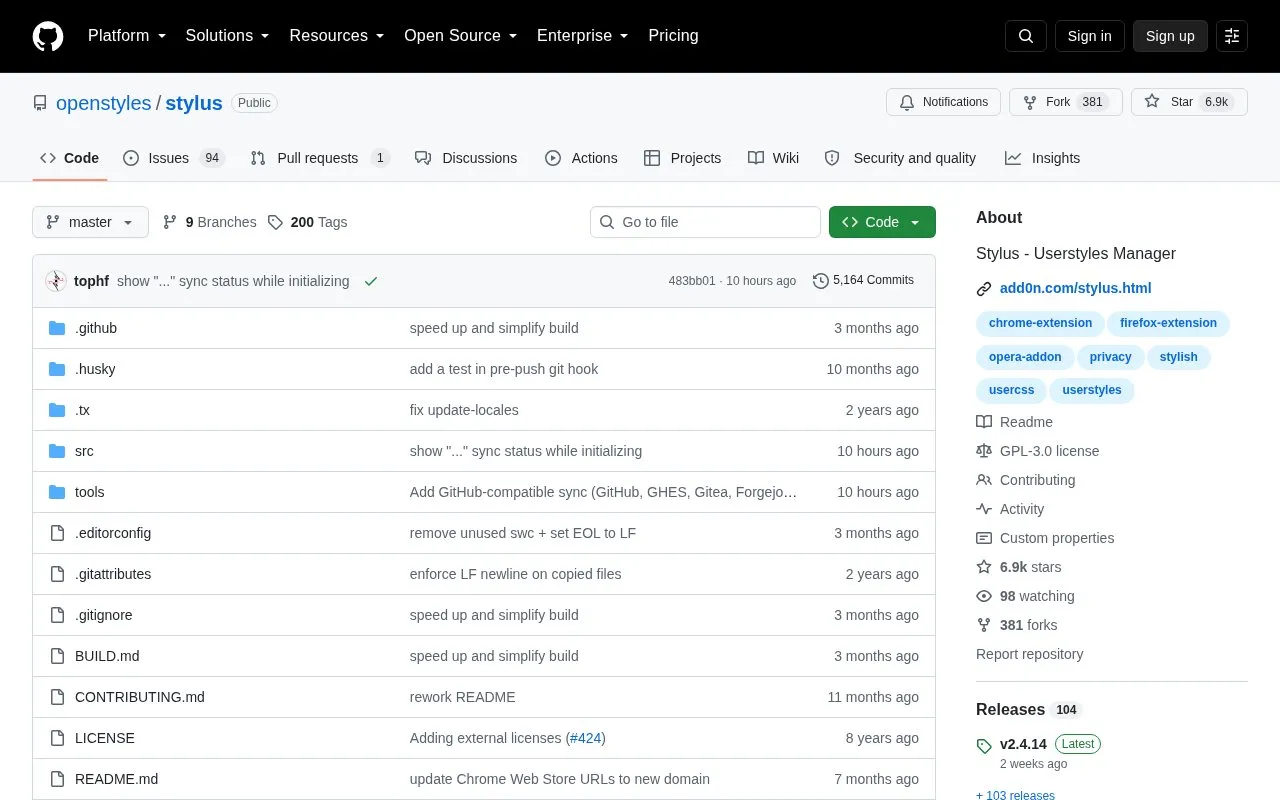
About Stylus
Stylus is a browser extension that restyles websites with CSS themes. It installs themes from external galleries and UserCSS styles from raw plain text URLs, and includes a built-in editor for CSS, LESS, and Stylus with Stylelint and CSSLint-mod checks.
It supports cloud sync for Dropbox, GDrive, OneDrive, or a WebDAV-compatible server, backup to a JSON file, and auto-update settings per style and globally. It states no analytics or tracking, while style installation and sync involve external galleries and cloud services. The Chrome Web Store build is listed for Chrome v128+ and Chromium-based browsers, older Chromium versions use a separate MV2 zip, and Firefox uses the Mozilla add-ons build.
Key features
- Install website themes from external galleries through popup search
- Install UserCSS styles from any raw plain text URL
- Edit CSS, LESS, and Stylus with Stylelint and CSSLint-mod checks
- Sync styles via Dropbox, GDrive, OneDrive, or WebDAV server
- Back up styles to JSON file compatible with other managers
- Auto-update styles with per-style and global settings
Best for: People who want to change how websites look with custom CSS themes.
Good for
- States no analytics or tracking
- Open source under GPL-3.0 license
- Built-in editor with customizable linter rules
Watch out for
- Chrome Web Store version is listed for Chrome v128+; older Chromium needs manual MV2 install
- Downloading pre-release test builds from Actions requires a GitHub account
Stylus at a glance
- Website
- github.com/openstyles/stylus
- Category
- Software & Utilities › Browser Extensions
- Type
- Open-source project
- Pricing
- Not confirmed. Check the site
- Platforms
- Browser extension
- Open source
- Yes · Source code
- Language
- English
- Last checked
- Oct 5, 2026 · Online when checked
- Listed
- Oct 5, 2026
Guides for Browser Extensions
Stylus alternatives
Tools and sites you could use instead, ranked by how closely they match.

Copycat copies web content and can capture tab titles or links in formats such as plain text; the extension supports Chrome, Edge, and Firefox.
Open source
24 alternatives
Favicon Detector identifies website icons using the parse-favicon library, with support listed for Chrome, Edge, and Firefox.
Open source
24 alternatives
The Quick Copy browser extension helps users copy text from webpages, with the project page linking to its Chrome listing.
Open source
24 alternatives
Automatically close unused tabs with Tab Wrangler, a browser extension intended to keep attention on the tabs currently in use.
Open source
24 alternatives
Mue provides a customizable new-tab page through a browser extension, with widgets such as weather, notes, and bookmarks.
Open source
24 alternatives
Refined GitHub is a browser extension that simplifies GitHub’s interface and adds features.
Open source
24 alternativesPopular in Browser Extensions
Well-known listings from the same topic.
Popupblocker by Joofthanaddons.mozilla.org/firefox/addon/popupblockerallEnhancementscplx.appViolentmonkeyviolentmonkey.github.ioMomentummomentumdash.comMission Controlmission-control.appSession Buddysessionbuddy.com


Stylus FAQ
How do I apply a theme from a gallery?
Click Find in the popup UI, then click the screenshot to apply the style. Click the screenshot again to uninstall it.
Can I use an external editor?
Yes, through the live reload feature, which can track a separate CSS file produced by a build step for formats like SASS/SCSS.
How do I get pre-release test builds?
Open a workflow entry in Actions and download the file in Artifacts, which requires a GitHub account.
Is something wrong or out of date?
Tell us and an editor will check it.
Own this website?
Claim this listing
Claim the listing and suggest updates yourself. An editor checks every claim first.