

Read Aloud
Read webpage content aloud with Read Aloud, a browser extension described in the repository.
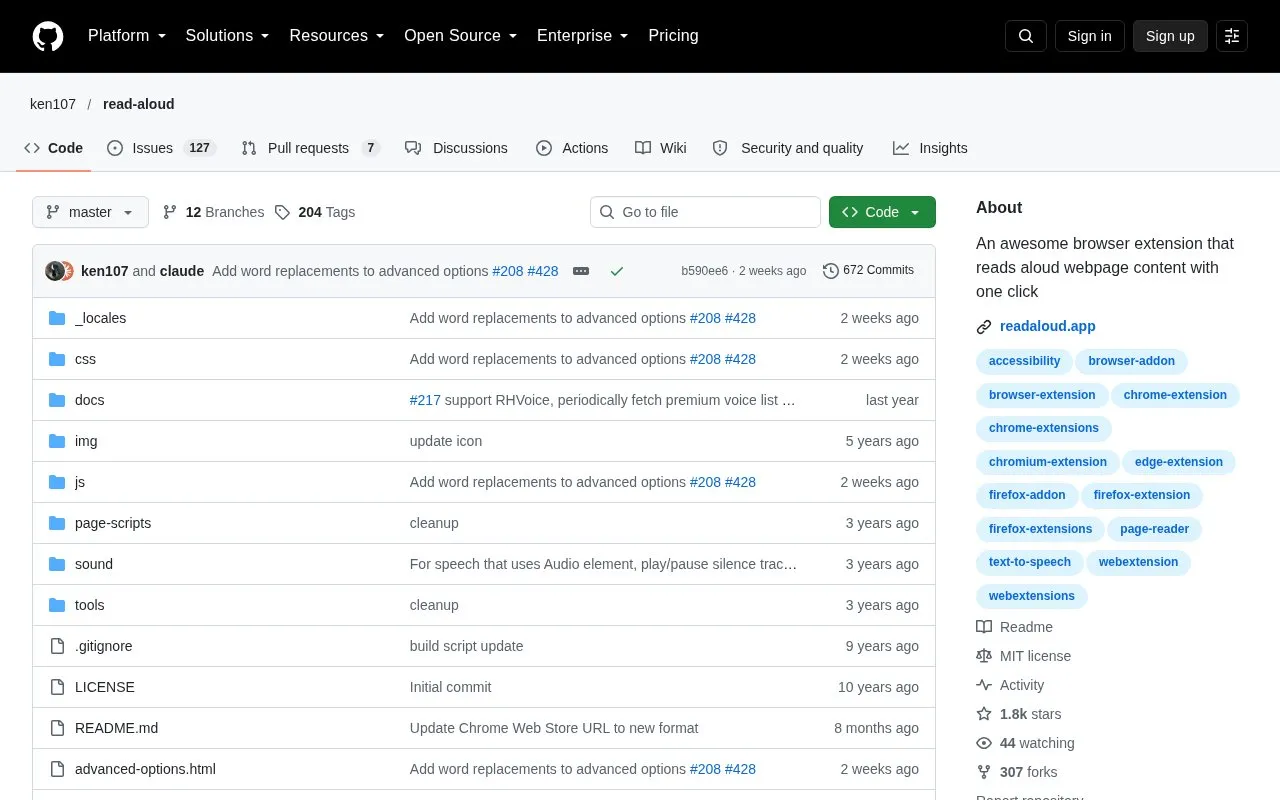
About Read Aloud
Read Aloud is an open-source browser extension for Chrome and Firefox that uses text-to-speech to convert webpage text into audio. It works on a range of sites, including news sites, blogs, fan fiction, publications, textbooks, school and class websites, and online course materials. The source describes it as aimed at people who prefer listening to reading, people with dyslexia or other learning disabilities, children learning to read, and others who want an alternative way to consume web content.
Users can select from browser-provided voices or from cloud voices provided by Google Wavenet, Amazon Polly, IBM Watson, and Microsoft. Some cloud-based voices may require an in-app purchase to enable. Because those voices come from outside cloud services, using them involves those providers. Playback can be controlled with keyboard shortcuts, and the voice, reading speed, pitch, and text highlighting can be adjusted.
Key features
- Converts webpage text to audio using text-to-speech technology
- Choice of browser-native voices or cloud voices from several providers
- Cloud voices from Google Wavenet, Amazon Polly, IBM Watson, and Microsoft
- Keyboard shortcuts for play/pause, stop, rewind, and forward
- Adjustable voice, reading speed, pitch, and text highlighting
- Start reading from the extension button or the right-click menu
Best for: People who prefer listening to web content, including people with dyslexia or other learning disabilities and children learning to read.
Good for
- Open source, with the code available in a public GitHub repository
- Works on many types of websites, including news, blogs, and course materials
- Offers both browser-native voices and several cloud voice providers
Watch out for
- Some cloud-based voices may require an in-app purchase to enable
- Cloud voices rely on external services, so those providers are involved when they are used
- Installing the Firefox version from source requires several manual steps
Read Aloud at a glance
- Website
- github.com/ken107/read-aloud
- Category
- Software & Utilities › Browser Extensions
- Type
- Open-source project
- Pricing
- Not confirmed. Check the site
- Platforms
- Browser extension
- Open source
- Yes · Source code
- Language
- English
- Last checked
- Oct 6, 2026 · Online when checked
- Listed
- Oct 5, 2026
Guides for Browser Extensions
Read Aloud alternatives
Tools and sites you could use instead, ranked by how closely they match.

Dictionariez is a customizable browser dictionary extension with double-click lookups, multiple dictionaries, text-to-speech, and translation.
Open source
24 alternativesRead Aloud reads webpage content aloud and lists browser extensions for Chrome, Firefox, and Edge.

Peek previews links to documents, videos, music, and supported services when the pointer hovers over them in a webpage.
Open source
24 alternatives
Automatically close unused tabs with Tab Wrangler, a browser extension intended to keep attention on the tabs currently in use.
Open source
24 alternatives
Mue provides a customizable new-tab page through a browser extension, with widgets such as weather, notes, and bookmarks.
Open source
24 alternatives
Refined GitHub is a browser extension that simplifies GitHub’s interface and adds features.
Open source
24 alternativesPopular in Browser Extensions
Well-known listings from the same topic.
Popupblocker by Joofthanaddons.mozilla.org/firefox/addon/popupblockerallEnhancementscplx.appViolentmonkeyviolentmonkey.github.ioMomentummomentumdash.comMission Controlmission-control.appSession Buddysessionbuddy.com


Read Aloud FAQ
Which browsers is Read Aloud available for?
The source says it is available for Chrome and Chromium-based browsers through the Chrome Web Store, and for Firefox through the Mozilla Add-ons website.
Do all voices cost money?
No. Some cloud-based voices may require an in-app purchase to enable. The source does not list prices.
How can Firefox users install it without the add-on store?
The source describes building the extension with npm run-script package, then loading the manifest.json file through about:debugging by selecting Load Unpackaged Extension.
Is something wrong or out of date?
Tell us and an editor will check it.
Own this website?
Claim this listing
Claim the listing and suggest updates yourself. An editor checks every claim first.