

Peek
Peek previews links to documents, videos, music, and supported services when the pointer hovers over them in a webpage.
About Peek
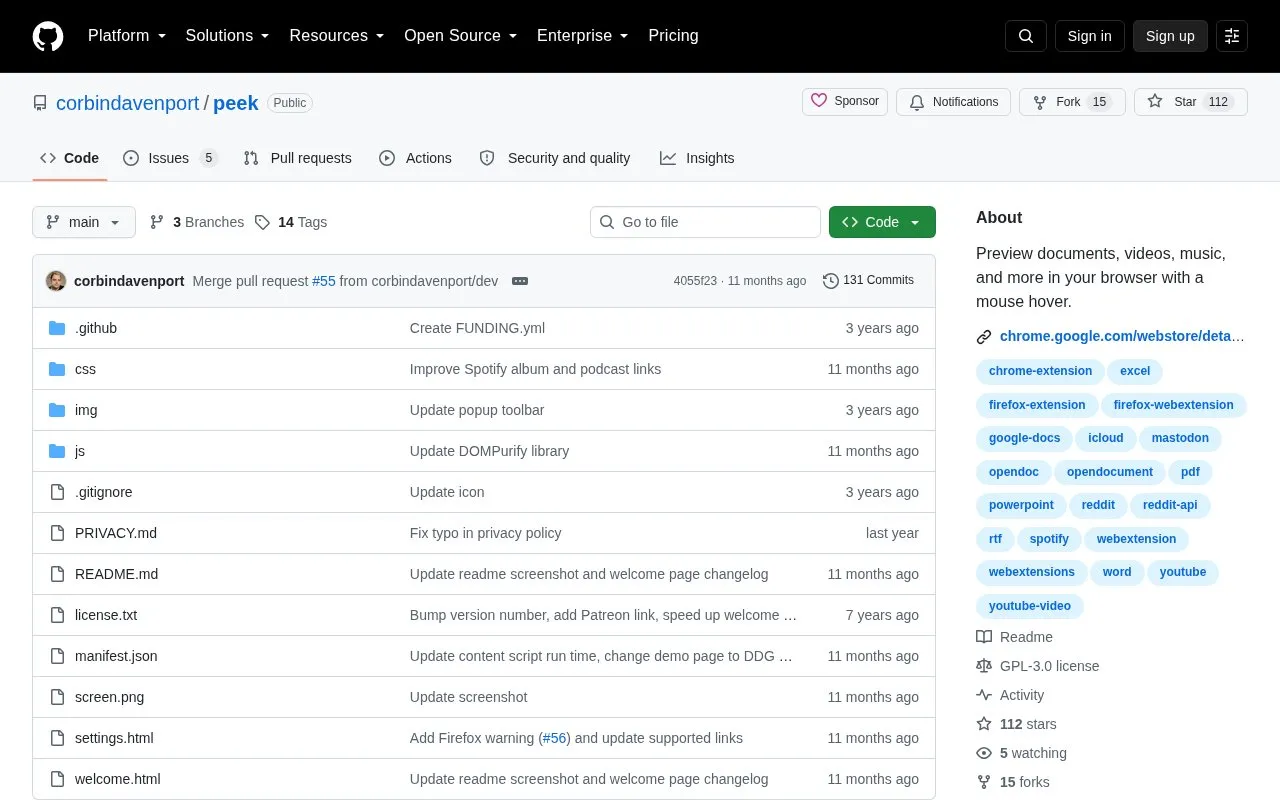
Peek is a browser extension that shows previews for links to files and supported services in web pages. Hovering the mouse over a link opens a small popup with an interactive preview of that link's content, covering PDFs, Microsoft Office documents, images, video and audio files, and links to services such as YouTube, Google Docs, Spotify, iCloud Keynote, Reddit, Imgur, TikTok, Mastodon, Facebook, Instagram and Threads. Rich previews are displayed using the browser's built-in rendering features together with third-party embedded viewers, including Google Docs Viewer and Microsoft Office Web Viewer. The extension is available for Google Chrome, Firefox (version 106 or later) and Microsoft Edge, and the source is published on GitHub under the GPL-3.0 license.
Key features
- Opens an interactive preview popup when hovering over a link
- Previews PDF, TXT, RTF, Word, Excel, PowerPoint and OpenDocument files
- Previews MP4, WebM, OGG, Imgur GIFV, MP3, M4A and WAV media
- Previews JPG, PNG, APNG, SVG, GIF, ICO and BMP images
- Supports YouTube videos and Shorts, Reddit, Imgur, TikTok, Mastodon links
- Supports Google Docs, iCloud Keynote, Spotify, Apple Music and podcast links
Best for: People who want to check linked documents, media files or social and video posts without leaving the current page.
Good for
- Open source, published on GitHub under the GPL-3.0 license
- Available for Google Chrome, Firefox 106+ and Microsoft Edge
- Covers a broad set of file types and supported service links
Watch out for
- Firefox support requires version 106 or later
- Rich previews depend on third-party embedded viewers such as Google Docs Viewer and Microsoft Office Web Viewer
Peek at a glance
- Category
- Software & Utilities › Browser Extensions
- Type
- Open-source project
- Pricing
- Not confirmed. Check the site
- Platforms
- Browser extension
- Open source
- Yes · Source code
- Language
- English
- Last checked
- Oct 5, 2026 · Online when checked
- Listed
- Oct 5, 2026
Guides for Browser Extensions
Peek alternatives
Tools and sites you could use instead, ranked by how closely they match.

Adjust web audio issues with SoundFixer, including one-channel sound and low volume in videos.
Open source
24 alternatives
Read webpage content aloud with Read Aloud, a browser extension described in the repository.
Open source
24 alternatives
Custom Right-Click Menu adds user-defined links, scripts, stylesheets, and submenus to a browser context menu.
Open source
24 alternatives
Copycat copies web content and can capture tab titles or links in formats such as plain text; the extension supports Chrome, Edge, and Firefox.
Open source
24 alternatives
The Quick Copy browser extension helps users copy text from webpages, with the project page linking to its Chrome listing.
Open source
24 alternatives
Automatically close unused tabs with Tab Wrangler, a browser extension intended to keep attention on the tabs currently in use.
Open source
24 alternativesPopular in Browser Extensions
Well-known listings from the same topic.
Popupblocker by Joofthanaddons.mozilla.org/firefox/addon/popupblockerallEnhancementscplx.appViolentmonkeyviolentmonkey.github.ioMomentummomentumdash.comMission Controlmission-control.appSession Buddysessionbuddy.com


Peek FAQ
Which browsers can run Peek?
Downloads are offered for Google Chrome, Firefox (version 106 or later) and Microsoft Edge.
How are the previews rendered?
Peek uses the browser's built-in rendering features along with third-party embedded viewers, including the Google Docs Viewer and Microsoft Office Web Viewer.
What link types are supported?
File links such as PDF, TXT, RTF, Office and OpenDocument files, video, audio and image files, plus links to services including Google Docs, iCloud Keynote, YouTube, Reddit, Imgur, TikTok, Mastodon, Facebook, Instagram, Threads, Spotify, Apple Music and Apple Podcasts.
Is something wrong or out of date?
Tell us and an editor will check it.
Own this website?
Claim this listing
Claim the listing and suggest updates yourself. An editor checks every claim first.