

Vimium C
Vimium C provides keyboard shortcuts for browser navigation and tab operations, with an omnibar for browser commands.
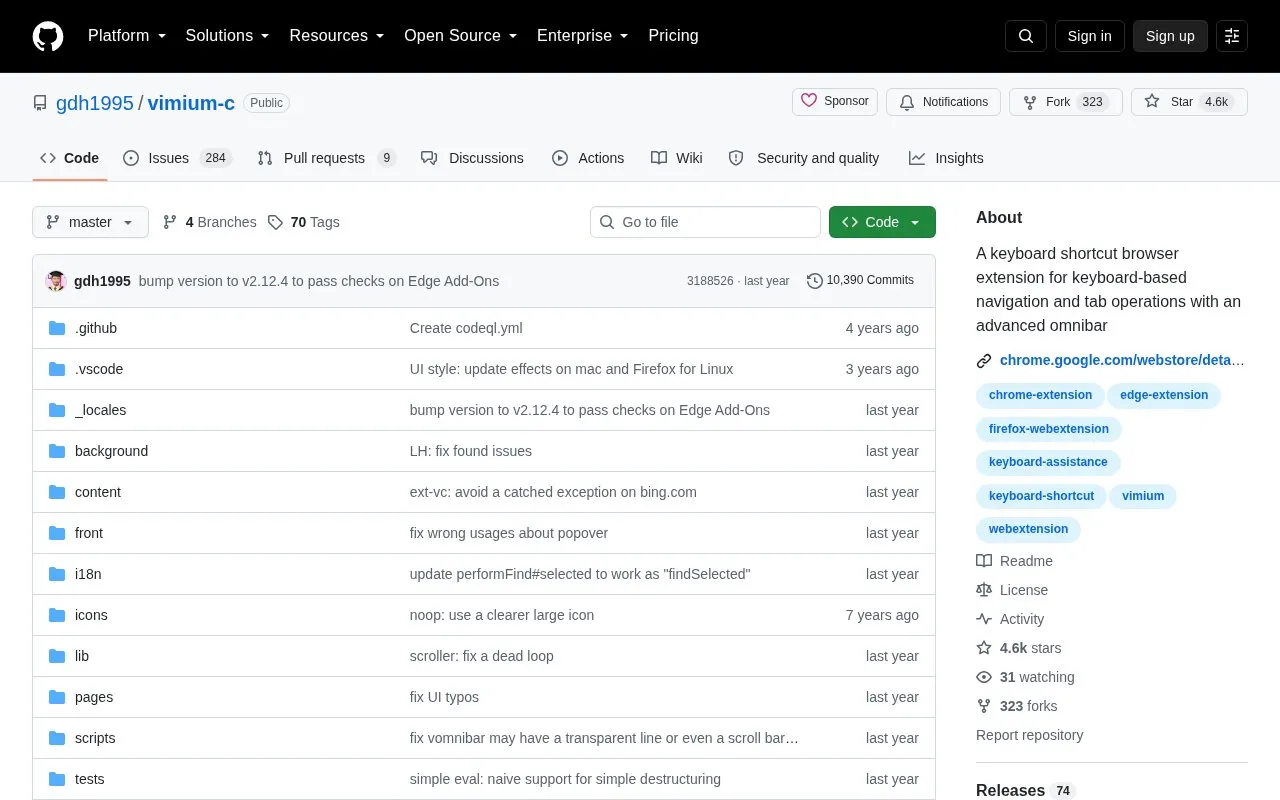
About Vimium C
Vimium C is a keyboard shortcut browser extension for navigating pages and managing tabs without a mouse. It provides link hints to open links in the current or a new tab, an omnibar to open URLs, bookmarks and history entries, find-in-page search, history navigation, and tab commands for switching, creating, duplicating, closing and restoring tabs. It also includes contextual mapping, global shortcuts, command sequences, and Chinese support.
The released version supports Chrome, new Microsoft Edge and other Chromium-based browsers with core version 102 or higher, and Firefox 101 or higher on desktop. It can run on EdgeHTML-based Edge with some errors.
Key features
- Navigate and scroll pages using keyboard keys like h, j, k, l
- Show link hints to open links in current or new tab
- Open URLs, bookmarks, and history entries via omnibar
- Manage tabs: switch, create, duplicate, close, and restore
- Go back or forward in history and search within page
- Copy current URL or link URL to clipboard
Best for: People who prefer to browse and manage tabs using the keyboard instead of the mouse.
Good for
- Includes contextual mapping, global shortcuts, and command sequences
- Includes Chinese support
- Supports recent Chromium-based browsers and Firefox on desktop
Watch out for
- Can run on EdgeHTML-based Edge with some errors
- Released version requires Chromium core 102 or higher and Firefox 101 or higher
Vimium C at a glance
- Website
- github.com/gdh1995/vimium-c
- Category
- Software & Utilities › Browser Extensions
- Type
- Open-source project
- Pricing
- Not confirmed. Check the site
- Platforms
- Browser extension
- Open source
- Not stated
- Language
- English
- Last checked
- Oct 5, 2026 · Online when checked
- Listed
- Oct 5, 2026
Guides for Browser Extensions
Vimium C alternatives
Tools and sites you could use instead, ranked by how closely they match.

Automatically close unused tabs with Tab Wrangler, a browser extension intended to keep attention on the tabs currently in use.
Open source
24 alternatives
Auto Tab Discard uses native tab discarding to reduce memory use by inactive browser tabs.
Open source
24 alternatives
Mue provides a customizable new-tab page through a browser extension, with widgets such as weather, notes, and bookmarks.
Open source
24 alternatives
Dictionariez is a customizable browser dictionary extension with double-click lookups, multiple dictionaries, text-to-speech, and translation.
Open source
24 alternatives
Global Speed sets default playback speed for video and audio in a browser extension available for Edge, Firefox, and Chrome.

Custom Right-Click Menu adds user-defined links, scripts, stylesheets, and submenus to a browser context menu.
Open source
24 alternativesPopular in Browser Extensions
Well-known listings from the same topic.
Popupblocker by Joofthanaddons.mozilla.org/firefox/addon/popupblockerallEnhancementscplx.appViolentmonkeyviolentmonkey.github.ioMomentummomentumdash.comMission Controlmission-control.appSession Buddysessionbuddy.com


Vimium C FAQ
How can I see the list of key bindings?
After installing Vimium C, type ? at any time to show the help dialog with all available keys.
How do I exit insert mode?
Press Esc to exit insert mode and enable Vimium C commands again.
Is something wrong or out of date?
Tell us and an editor will check it.
Own this website?
Claim this listing
Claim the listing and suggest updates yourself. An editor checks every claim first.