

Link Extractor
Link Extractor extracts, parses, and opens links or domains from websites, selected text, clipboard contents, or other text.
About Link Extractor
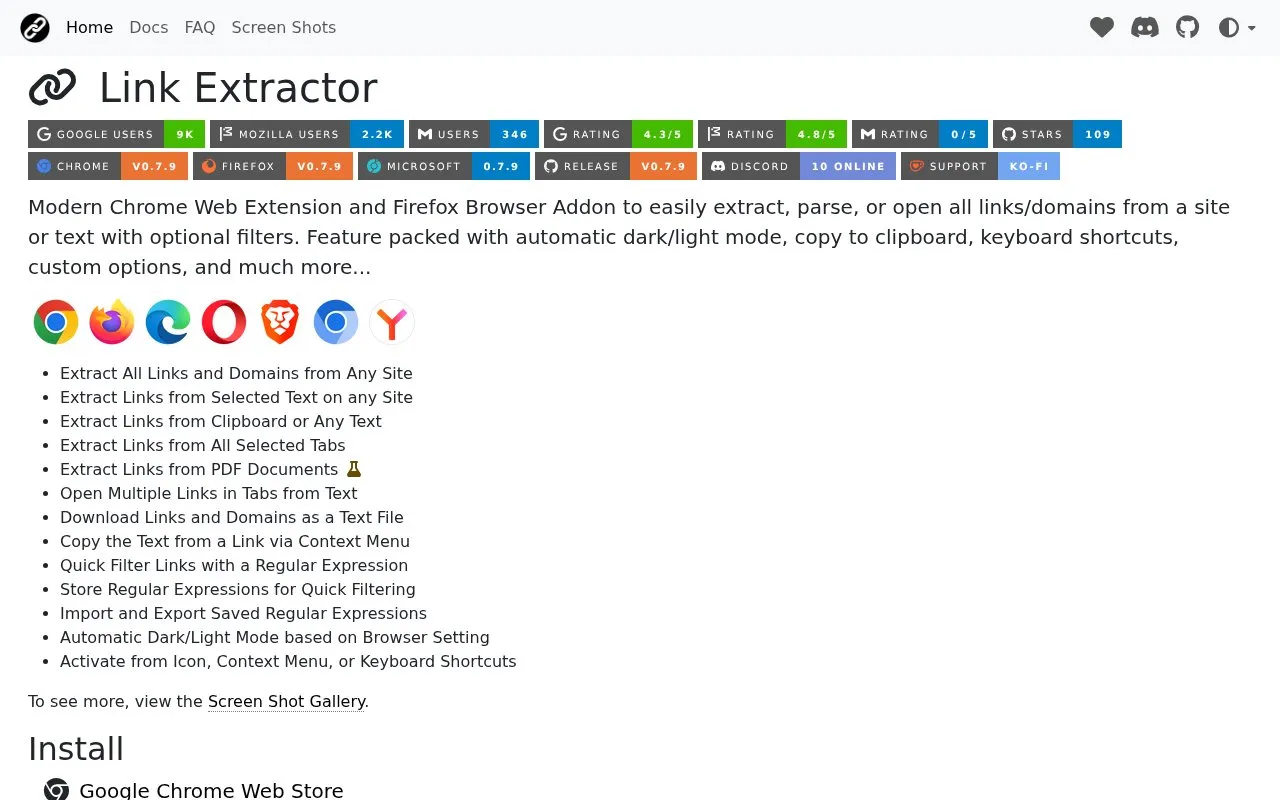
Link Extractor is a browser extension for Chrome, Firefox, and Microsoft Edge, and it also works in other Chromium-based browsers through the Chrome Web Store. It pulls links and domains from a web page, from selected text, from the clipboard, from other pasted text, from all selected tabs, and from PDF documents. Extracted links can be filtered with regular expressions, opened as multiple browser tabs, copied, or downloaded as a text file.
The homepage lists mobile browser support only for Firefox and Yandex. It does not state pricing, and the project is not open source.
Key features
- Extracts all links and domains from a web page
- Extracts links from selected text, clipboard contents, or other text
- Extracts links from all selected browser tabs and PDF documents
- Filters links with regular expressions, which can be saved and imported or exported
- Opens multiple extracted links in browser tabs
- Downloads extracted links and domains as a text file
Best for: Users who often need to collect, filter, or open many links from web pages, text, or PDF documents in a desktop browser.
Good for
- Handles several input sources, including web pages, selected text, clipboard contents, and PDF documents
- Supports optional regular-expression filters that can be saved for reuse
Watch out for
- Mobile browser support is listed only for Firefox and Yandex
Link Extractor at a glance
- Website
- link-extractor.cssnr.com
- Category
- Software & Utilities › Browser Extensions
- Type
- Website
- Pricing
- Not confirmed. Check the site
- Platforms
- Web
- Open source
- Not stated
- Language
- English
- Last checked
- Oct 6, 2026 · Online when checked
- Listed
- Oct 5, 2026
Guides for Browser Extensions
Link Extractor alternatives
Tools and sites you could use instead, ranked by how closely they match.

Link Gopher extracts links and domains from webpages, removes duplicates, and displays the results for copying.
Snap Links Plus lets users select multiple links, checkboxes, and other page elements, then open links or toggle selected boxes.
Distill monitors selected webpage content for changes and can send alerts through email, push notifications, or messaging apps.

Copyfish is OCR software for extracting, copying, and translating text from images, video, and PDF files.

Google Hit Hider by Domain is a search-filtering userscript listed on Greasy Fork; the supplied page does not detail its current behavior.

Releases Insights parses sources such as Mercurial logs, APIs, and crash data to examine past software releases.
Open source
24 alternativesPopular in Browser Extensions
Well-known listings from the same topic.
Popupblocker by Joofthanaddons.mozilla.org/firefox/addon/popupblockerallEnhancementscplx.appViolentmonkeyviolentmonkey.github.ioMomentummomentumdash.comMission Controlmission-control.appSession Buddysessionbuddy.com


Link Extractor FAQ
Where can I find usage instructions?
The homepage links to a Documentation page for usage instructions and a Frequently Asked Questions page.
How do I report a bug or request a feature?
The homepage provides an Open an Issue link for bugs and a Feature Request link for ideas and suggestions. Support is also available on a Discord server.
Is something wrong or out of date?
Tell us and an editor will check it.
Own this website?
Claim this listing
Claim the listing and suggest updates yourself. An editor checks every claim first.