

CopyFish
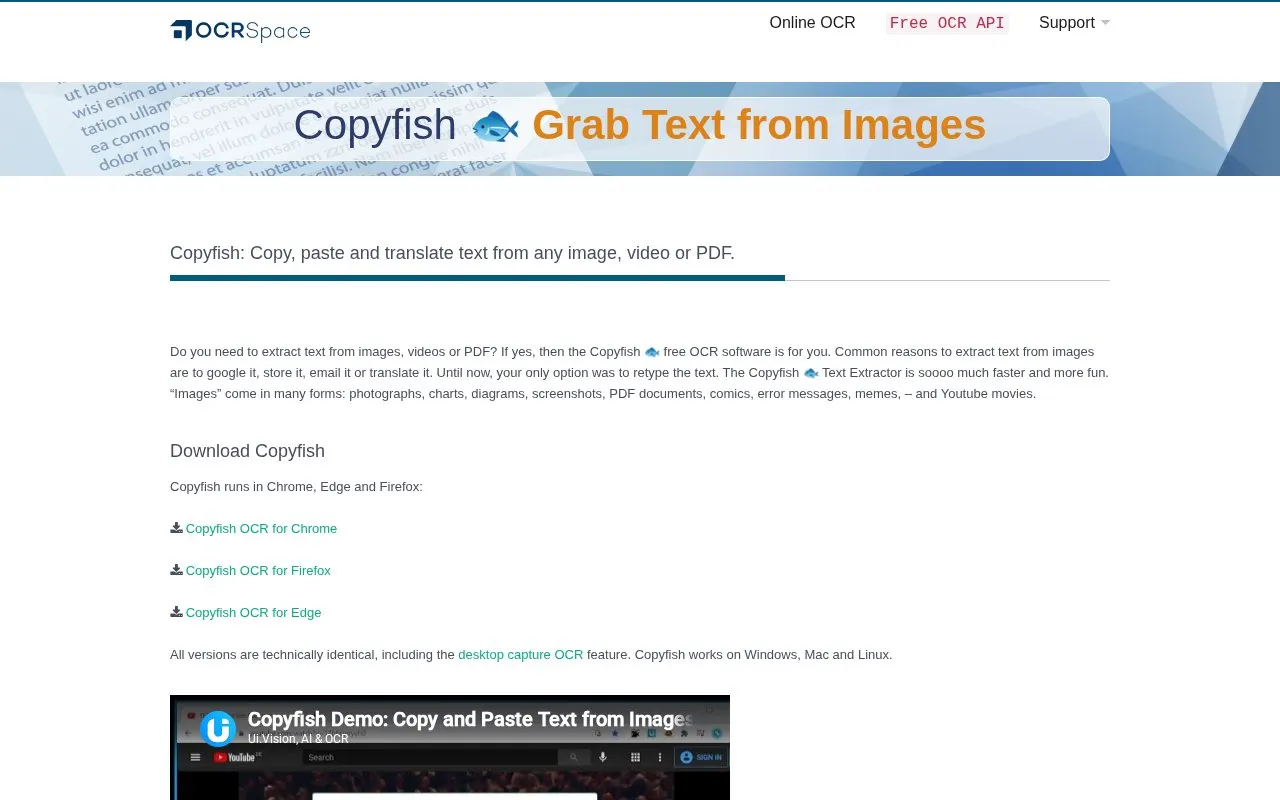
Copyfish is OCR software for extracting, copying, and translating text from images, video, and PDF files.
About CopyFish
Copyfish is a browser extension for Chrome, Edge and Firefox that extracts, copies and translates text from images, video and PDF files. It handles sources such as photographs, screenshots, charts, diagrams, comics, memes, error messages and YouTube movies, and converts captured screen text into editable text for use in documents, emails or reports.
Content inside regular web pages can be processed with the extension alone. Capturing text outside the browser, such as file menus, presentations, games or other desktop content, requires installing the separate UI.Vision XModule2 app for Windows, Mac or Linux.
Key features
- Extract text from images, videos, and PDF files
- Copy extracted text for search, storage, email, or translation
- Translate text captured from images and videos
- Capture desktop text outside the browser with XModule2
- Convert screenshots and graphics-only documents into editable text
- Offer two OCR engines with different language coverage
Best for: People who need to reuse or translate text from images, videos, or PDFs without retyping.
Good for
- Same functionality across Chrome, Edge, and Firefox versions
- Works on Windows, Mac, and Linux
- Handles varied sources such as screenshots, PDFs, comics, and YouTube movies
Watch out for
- Desktop text capture outside web pages requires installing the separate XModule2 app
CopyFish at a glance
- Website
- ocr.space/copyfish
- Category
- Software & Utilities › Browser Extensions
- Type
- Website
- Pricing
- Not confirmed. Check the site
- Platforms
- Linux, Web, Windows
- Open source
- Not stated
- Last checked
- Oct 5, 2026 · Online when checked
- Listed
- Oct 5, 2026
Guides for Browser Extensions
CopyFish alternatives
Tools and sites you could use instead, ranked by how closely they match.

Link Gopher extracts links and domains from webpages, removes duplicates, and displays the results for copying.

Link Extractor extracts, parses, and opens links or domains from websites, selected text, clipboard contents, or other text.

Open Multiple URLs is a browser extension for opening lists of URLs and extracting URLs from text, with Chrome and Firefox support.
Open source
24 alternatives
The Quick Copy browser extension helps users copy text from webpages, with the project page linking to its Chrome listing.
Open source
24 alternatives
Allow Right Click re-enables context menus, copying, pasting, and text selection on sites that block those actions, through a browser extension.
Open source
24 alternatives
Save a complete web page as a single HTML file with SingleFile, a browser extension for keeping a copy of the page.
Open source
24 alternativesPopular in Browser Extensions
Well-known listings from the same topic.
Popupblocker by Joofthanaddons.mozilla.org/firefox/addon/popupblockerallEnhancementscplx.appViolentmonkeyviolentmonkey.github.ioMomentummomentumdash.comMission Controlmission-control.appSession Buddysessionbuddy.com


CopyFish FAQ
How do I start a desktop text capture?
Right-click the Copyfish icon and select Desktop Text Capture.
Do I need the XModule2 app?
It is required for desktop OCR outside the browser, but not required to OCR content inside regular web pages.
Is something wrong or out of date?
Tell us and an editor will check it.
Own this website?
Claim this listing
Claim the listing and suggest updates yourself. An editor checks every claim first.