

Just the Browser
Configuration files and documentation from Just the Browser remove AI features, telemetry reporting, sponsored content, and product integrations from desktop browsers.
About Just the Browser
Just the Browser is a configuration project for desktop web browsers. It applies hidden settings intended for companies and other organizations to remove AI features, telemetry reporting, sponsored content, product integrations, and other features from Google Chrome, Microsoft Edge, Firefox, and Brave. The project provides configuration files, installation guides, and a setup script for Windows, macOS, and Linux.
The settings can be installed with the setup script or applied manually using the guides. Users can review each setting in the guides, change or remove the configuration files before installing them, and check active policy settings at about:policies in Firefox or chrome://policy in Chrome, Edge, and Brave. Some features are intentionally kept. Firefox page translation is kept as the main exception to the AI removal, and Firefox crash reporting stays enabled where the browser offers it as a separate option.
Key features
- Removes most generative AI features, such as Copilot in Microsoft Edge
- Turns off telemetry data collection by supported desktop browsers
- Removes shopping features such as price tracking and coupon codes
- Hides sponsored content and suggested articles on the New Tab Page
- Stops default browser reminders, feature prompts, and first-run import prompts
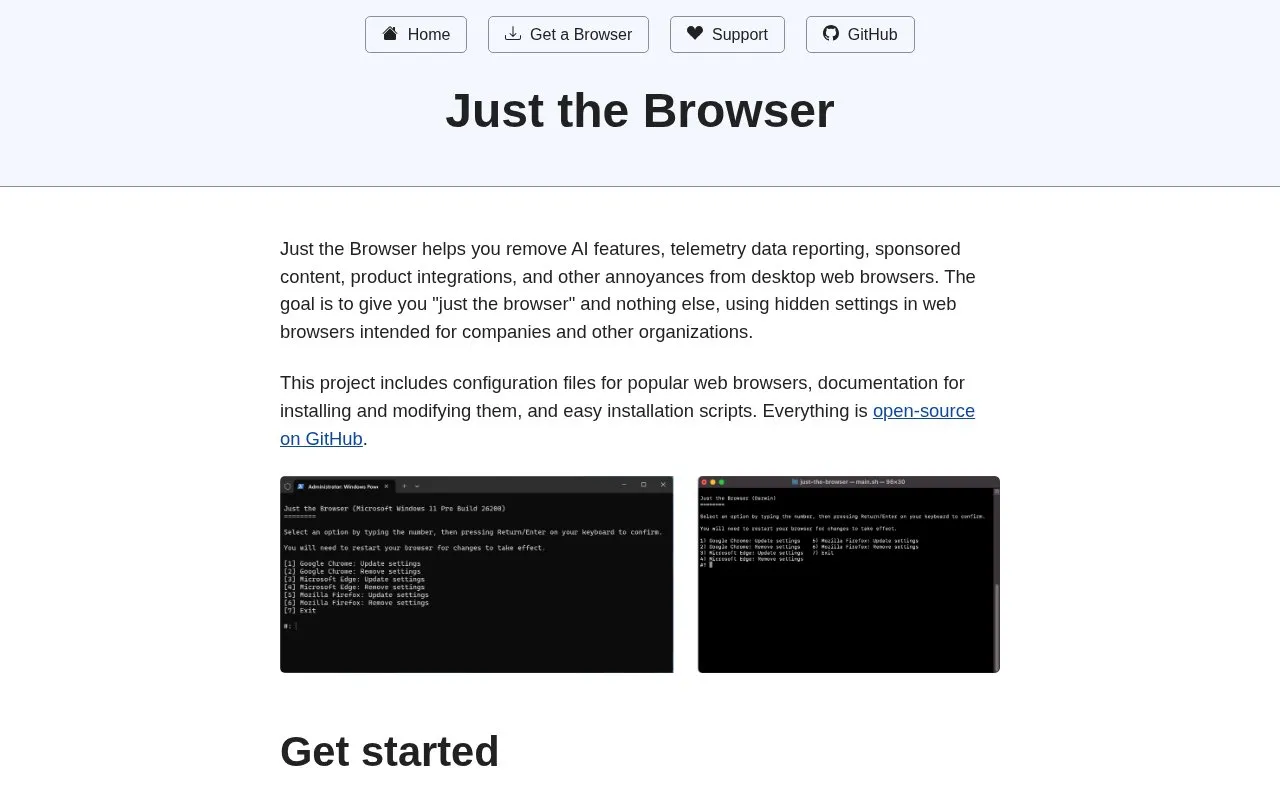
- Installs configuration through a setup script or manual browser guides
Best for: People who want to use Google Chrome, Microsoft Edge, Firefox, or Brave on a desktop without AI features, telemetry, or sponsored content, and who are comfortable applying browser policy settings.
Good for
- Each setting is explained in the browser guides, and the configuration files can be edited or removed.
- Manual guides are available for users who prefer not to run a script with administrator or root access.
- Active settings can be checked on the browser's built-in policy page.
Watch out for
- The setup script requires administrator or root access, and the guides are offered as an alternative for that reason.
- Firefox page translation is not removed, and Firefox crash reporting remains enabled where available.
- Older Windows versions may need an additional command to run before the setup script works.
Just the Browser at a glance
- Website
- justthebrowser.com
- Category
- Software & Utilities › Browser Extensions
- Type
- Website
- Pricing
- Not confirmed. Check the site
- Platforms
- Linux, Web, Windows
- Open source
- Not stated
- Language
- English
- Last checked
- Oct 6, 2026 · Online when checked
- Listed
- Oct 5, 2026
Guides for Browser Extensions
Just the Browser alternatives
Tools and sites you could use instead, ranked by how closely they match.

Just the Browser provides configuration files to remove AI features, telemetry reporting, sponsored content, and product integrations from desktop browsers.
Open source
24 alternatives
MyBrowserAddon hosts documentation, tutorials, FAQs, and bug reports for open-source browser projects.

Skip sponsored segments, opening animations, and prompts in Bilibili videos with this browser extension.

Copyfish is OCR software for extracting, copying, and translating text from images, video, and PDF files.

CRX Viewer opens browser extension packages or store pages and provides tools to inspect their images, code, markup, and locales.

Clippings saves frequently entered text for later pasting, and the site also lists separate browser tools for hiding windows and reading lists.
Popular in Browser Extensions
Well-known listings from the same topic.
Popupblocker by Joofthanaddons.mozilla.org/firefox/addon/popupblockerallEnhancementscplx.appViolentmonkeyviolentmonkey.github.ioMomentummomentumdash.comMission Controlmission-control.appSession Buddysessionbuddy.com


Just the Browser FAQ
Can I change or remove the settings?
Yes. The browser guides include steps for removing the configurations, and the automated script can also remove them. The guides explain each setting, so files can be added, removed, or modified before installation.
How do I know the settings are applied?
Open about:policies in Firefox, or chrome://policy in Chrome, Edge, and Brave, to see a list of active group policy settings.
Why is CompatTelRunner.exe constantly running?
The source describes a Windows bug that causes a CPU loop when Just the Browser's uninstall shortcuts are present in the Installed apps section. The current install scripts and registry files do not add those shortcuts, and running the Windows install script or the current install.reg or uninstall.reg files deletes existing ones.
Is something wrong or out of date?
Tell us and an editor will check it.
Own this website?
Claim this listing
Claim the listing and suggest updates yourself. An editor checks every claim first.