

MyBrowserAddon
MyBrowserAddon hosts documentation, tutorials, FAQs, and bug reports for open-source browser projects.
About MyBrowserAddon
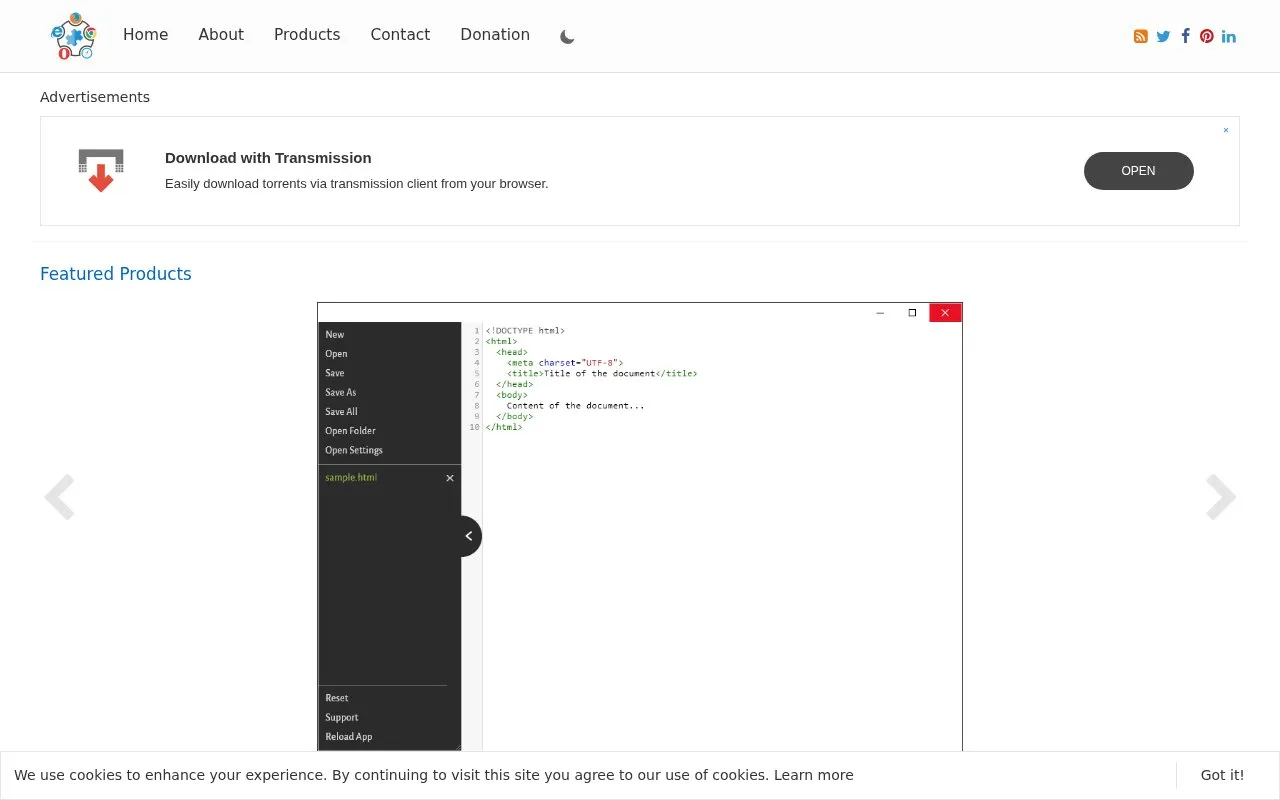
MyBrowserAddon is a community site for open-source browser projects. It houses documentation, tutorials, FAQs and bug report forms, and lists projects across categories such as productivity, privacy and security, and AI tools.
It does not host add-ons directly; download links direct to the official Chrome, Firefox, Opera and Edge stores. Its current scope is browser-based add-ons and plug-ins, with code usually kept in public Git repositories that can be forked.
Key features
- Download Chrome extension source as ZIP or CRX via toolbar popup
- Beautify JavaScript, CSS and HTML code in the browser
- Minify JavaScript, CSS and HTML code in the browser
- Draw on any website and print the result
- Edit webpages as content-editable documents via toolbar popup
- Generate images from text prompts using AI in the browser
Best for: Developers interested in learning about open-source and contributing to browser add-on projects.
Good for
- Centralizes documentation, tutorials, FAQs and bug reporting for listed projects
- Project code is usually in public Git repositories that anyone can fork
- Download links point to official browser stores rather than hosting files
Watch out for
- Does not host add-ons; users must go to official browser stores to install
- Current coverage is limited to browser-based add-ons and plug-ins
MyBrowserAddon at a glance
- Website
- mybrowseraddon.com
- Category
- Software & Utilities › Browser Extensions
- Type
- Website
- Pricing
- Not confirmed. Check the site
- Platforms
- Web
- Open source
- Not stated
- Language
- English
- Last checked
- Oct 5, 2026 · Online when checked
- Listed
- Oct 5, 2026
Guides for Browser Extensions
MyBrowserAddon alternatives
Tools and sites you could use instead, ranked by how closely they match.

Configuration files and documentation from Just the Browser remove AI features, telemetry reporting, sponsored content, and product integrations from desktop browsers.

WebExtension.org provides hosting and services for browser extension developers and is migrating from add0n.com.

Web Oasis presents a start page and web portal with listed sections for currency and file conversion, weather, hosting, chat, and other tools.

Just the Browser provides configuration files to remove AI features, telemetry reporting, sponsored content, and product integrations from desktop browsers.
Open source
24 alternatives
ExportCookies adds a browser action for exporting cookies to the Netscape cookies.txt format, including cookies for the current host.
Open source
24 alternatives
Custom Dark Mode applies customized dark styles to webpages through a browser add-on.
Popular in Browser Extensions
Well-known listings from the same topic.
Popupblocker by Joofthanaddons.mozilla.org/firefox/addon/popupblockerallEnhancementscplx.appViolentmonkeyviolentmonkey.github.ioMomentummomentumdash.comMission Controlmission-control.appSession Buddysessionbuddy.com


MyBrowserAddon FAQ
Where do I download an add-on listed on the site?
Visit the official store for Chrome, Firefox, Opera or Edge using the provided download links, as the site does not host add-ons.
How can I contribute to a project?
Supported add-ons are usually stored in a public Git repository on GitHub, GitLab or BitBucket, which anyone can fork.
What kind of projects does the site cover?
It currently focuses on browser-based projects such as add-ons and plug-ins.
Is something wrong or out of date?
Tell us and an editor will check it.
Own this website?
Claim this listing
Claim the listing and suggest updates yourself. An editor checks every claim first.