

Page Edit
Page Edit lets users make a webpage content-editable and modify it through a toolbar popup before saving or printing changes.
About Page Edit
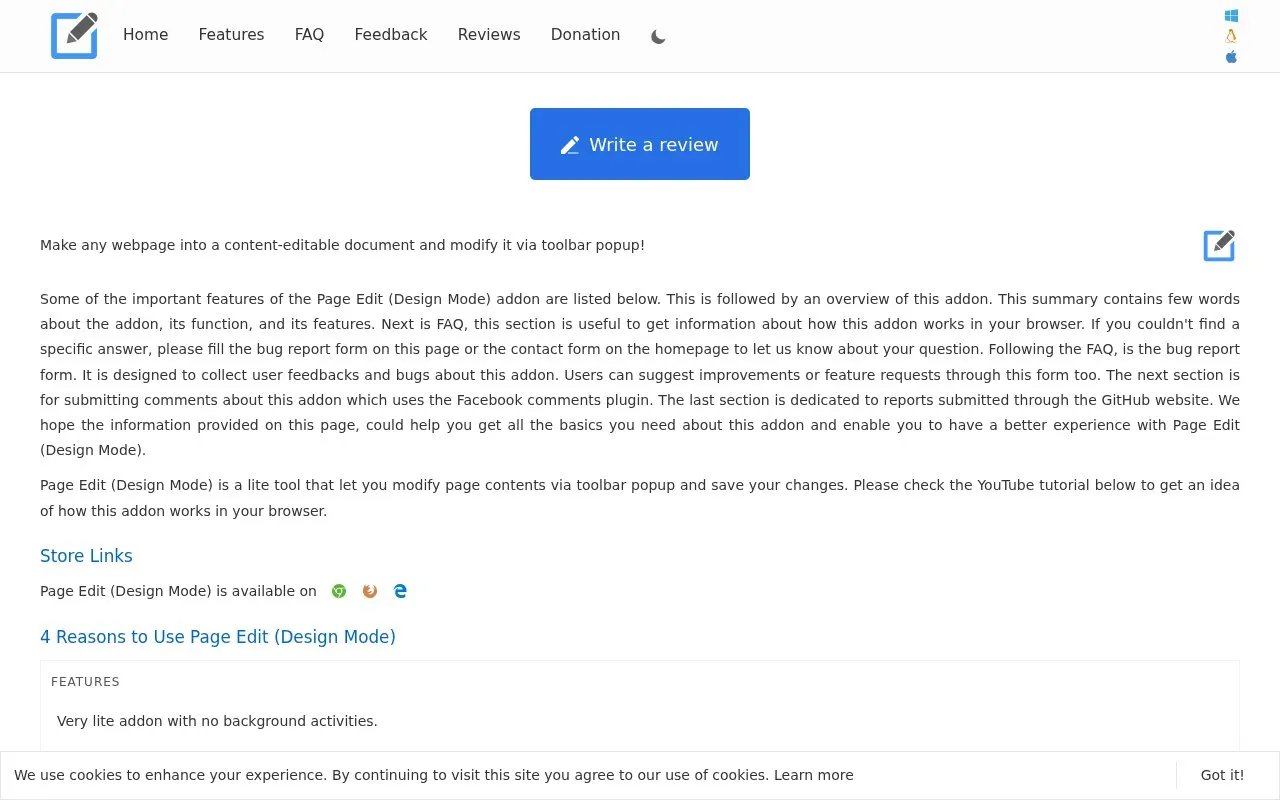
Page Edit makes an HTML webpage editable so its contents can be changed through a toolbar popup. Users turn on editing with a toggle button, select text, apply editing functions, then turn editing off to save or print the page.
Edits apply only to the current tab and are temporary. Reloading the page or restarting the browser discards all changes.
Key features
- Toggle button turns editing mode on or off for current tab
- Provides 22 text editing functions in toolbar popup
- Requires selecting text before applying editing function
- Shows Design Mode banner at top left during editing
- Icon turns blue when active, grey when disabled
- Allows printing or saving page after editing
Best for: People who need to temporarily edit webpage text before saving or printing it.
Good for
- No background activities when turned off
- ON/OFF switch to enable or disable editing
- Available for Chrome, Firefox and Opera on all operating systems
Watch out for
- Changes are temporary and lost on reload or browser restart
- Editing applies only to the current tab when active
- Text editing tools require selecting text first
Page Edit at a glance
- Category
- Software & Utilities › Browser Extensions
- Type
- Website
- Pricing
- Not confirmed. Check the site
- Platforms
- Web
- Open source
- Not stated
- Language
- English
- Last checked
- Oct 5, 2026 · Online when checked
- Listed
- Oct 5, 2026
Guides for Browser Extensions
Page Edit alternatives
Tools and sites you could use instead, ranked by how closely they match.
Distill monitors selected webpage content for changes and can send alerts through email, push notifications, or messaging apps.

Capture screens with Easy Screenshot, which presents capture options in a browser popup.

User-Agent Switcher and Manager lets users modify the browser User-Agent string that websites use to select delivered content.

Greasy Fork lists user scripts that can modify or add features to websites in a browser.

Magnifying Glass opens a magnifying-glass tool from the browser toolbar.

External Application Button adds a browser toolbar button and customizable context-menu items for launching external applications.
Popular in Browser Extensions
Well-known listings from the same topic.
Popupblocker by Joofthanaddons.mozilla.org/firefox/addon/popupblockerallEnhancementscplx.appViolentmonkeyviolentmonkey.github.ioMomentummomentumdash.comMission Controlmission-control.appSession Buddysessionbuddy.com


Page Edit FAQ
What happens to edits if I reload the page?
Edits are temporary. Reloading the page or restarting the browser discards all changes.
How do I know Page Edit is active?
The toolbar icon turns blue and a Design Mode banner appears at the top left of the current tab.
How do I use the text editing functions?
When the add-on is active, first select text on the page, then click the desired function in the toolbar popup.
Is something wrong or out of date?
Tell us and an editor will check it.
Own this website?
Claim this listing
Claim the listing and suggest updates yourself. An editor checks every claim first.