

Link Gopher
Link Gopher extracts links and domains from webpages, removes duplicates, and displays the results for copying.
About Link Gopher
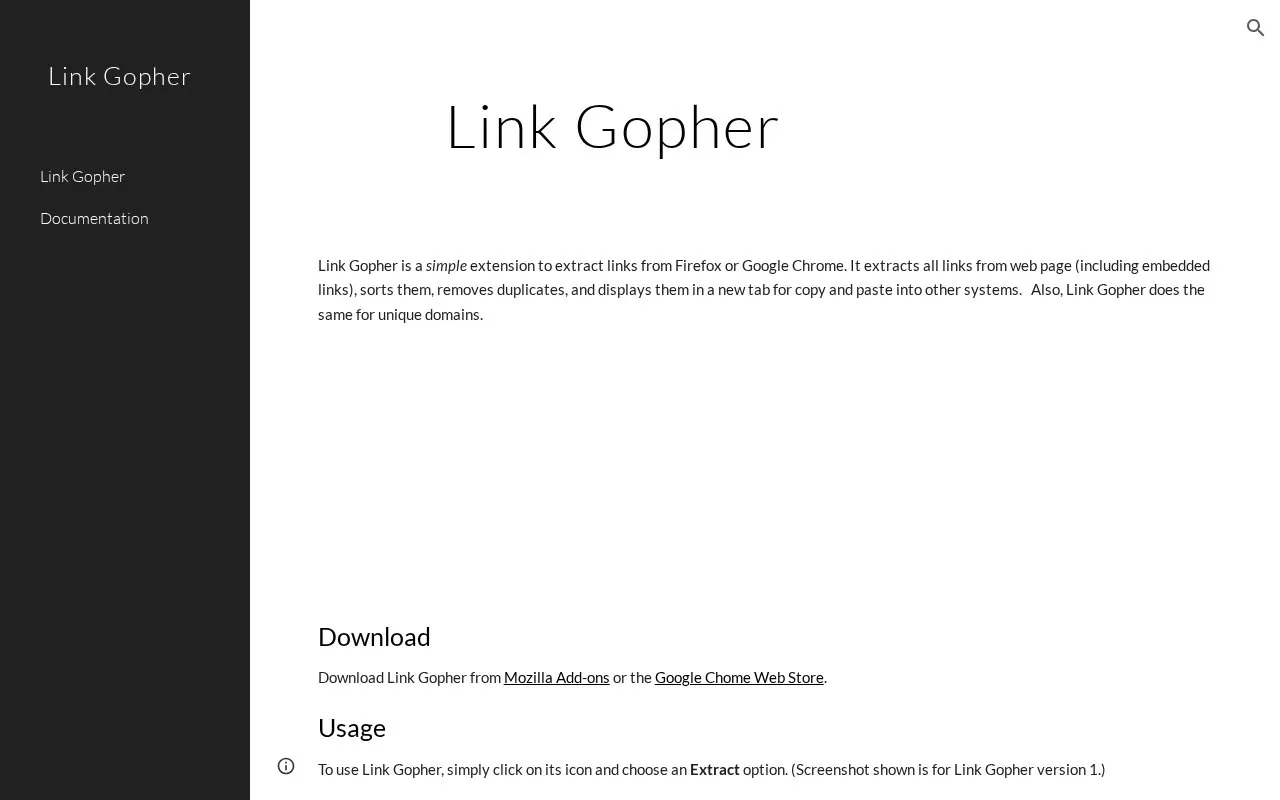
Link Gopher is an extension for Firefox and Google Chrome that extracts links from a web page, including embedded links. It sorts the links, removes duplicates, and displays the results in a new tab so they can be copied and pasted into other systems. It also produces a sorted list of unique domain names.
To use it, click the extension icon and choose an Extract option. The homepage lists several improvements for a planned version 3, including filtering by regular expressions, searching all tabs, extracting links from images, and remembering recent filters. The homepage describes these as planned, not as available features. The site asks for donations to support future development. No pricing is listed.
Key features
- Extracts all links from a web page, including embedded links
- Sorts extracted links and removes duplicate entries
- Extracts a sorted list of unique domain names
- Displays results in a new tab for copying and pasting
Best for: People who need to collect the links or unique domains from a web page and copy them into another tool.
Good for
- Starting an extraction takes a single click on the extension icon and choosing an Extract option.
- Results are shown in a new tab in a form that can be copied into other systems.
Watch out for
- The extension is available only for Firefox and Google Chrome.
- Filtering by regular expressions, searching all tabs, and extracting links from images are listed as planned for version 3, not as current features.
- The homepage directs users with problems to open an issue ticket on GitHub and does not describe other support channels.
Link Gopher at a glance
- Category
- Software & Utilities › Browser Extensions
- Type
- Website
- Pricing
- Not confirmed. Check the site
- Platforms
- Web
- Open source
- Not stated
- Language
- English
- Last checked
- Oct 6, 2026 · Online when checked
- Listed
- Oct 5, 2026
Guides for Browser Extensions
Link Gopher alternatives
Tools and sites you could use instead, ranked by how closely they match.

Link Extractor extracts, parses, and opens links or domains from websites, selected text, clipboard contents, or other text.

The Quick Copy browser extension helps users copy text from webpages, with the project page linking to its Chrome listing.
Open source
24 alternatives
Copyfish is OCR software for extracting, copying, and translating text from images, video, and PDF files.

Custom Dark Mode applies customized dark styles to webpages through a browser add-on.

Google Hit Hider by Domain is a search-filtering userscript listed on Greasy Fork; the supplied page does not detail its current behavior.

Re-Start provides a terminal-style browser start page with a task list, quick links, weather summary, and customizable display options.
Open source
24 alternativesPopular in Browser Extensions
Well-known listings from the same topic.
Popupblocker by Joofthanaddons.mozilla.org/firefox/addon/popupblockerallEnhancementscplx.appViolentmonkeyviolentmonkey.github.ioMomentummomentumdash.comMission Controlmission-control.appSession Buddysessionbuddy.com


Link Gopher FAQ
How do I start an extraction?
Click the Link Gopher icon and choose an Extract option. After you click Extract Links, a new tab opens with a sorted list of unique links and unique domain names.
Can Link Gopher filter results by regular expressions?
The homepage does not list this as a current feature. Filtering by regular expressions is described as a planned improvement for version 3.
Is something wrong or out of date?
Tell us and an editor will check it.
Own this website?
Claim this listing
Claim the listing and suggest updates yourself. An editor checks every claim first.