

Re-Start
Re-Start provides a terminal-style browser start page with a task list, quick links, weather summary, and customizable display options.
About Re-Start
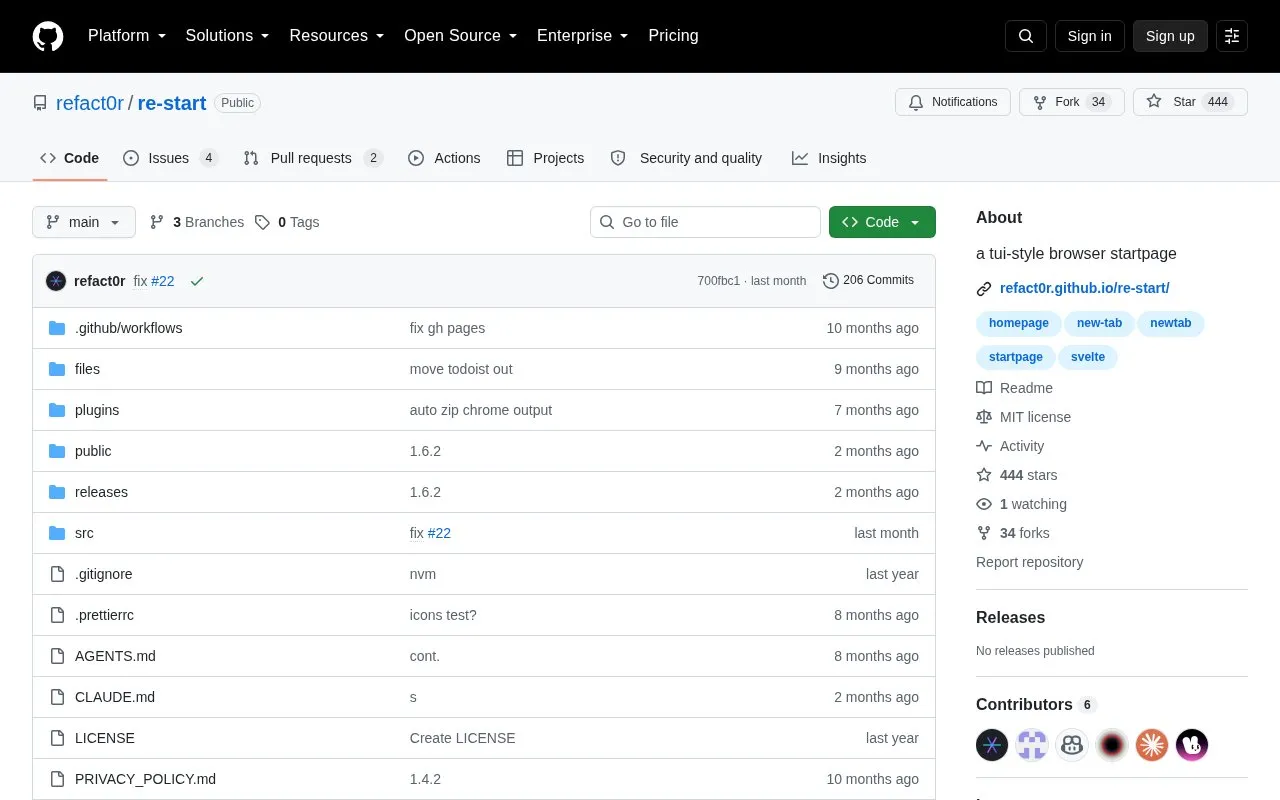
Re-Start is a terminal-style browser start page built with Svelte. It shows a task list, customizable quick links with icons, a weather summary from Open-Meteo, and stats for load time, ping, fps, and viewport size.
Tasks can use local storage, Todoist, or Google Tasks, with Google Tasks listed as Chrome only. Todoist use requires an API token, and appearance can be changed with multiple color themes and custom CSS.
Key features
- Task list with local, Todoist, or Google Tasks backends (Google Tasks Chrome only)
- Natural date parsing for due dates such as tmrw or friday
- Project assignment by typing #projectname in task input
- Weather summary sourced from Open-Meteo
- Customizable quick links with icons and drag reordering
- Display stats for load time, ping, fps, and viewport size
Best for: People who prefer a text-style start page that shows tasks, links, and weather in one place.
Good for
- Open-source code under MIT license.
- Supports local tasks, Todoist, and Google Tasks backends.
- Includes multiple color themes and custom CSS support.
Watch out for
- Google Tasks backend is listed as Chrome only.
- Todoist backend requires manually adding an API token.
- Ping figure measures a request to google.com/generate_204 and is described as approximate.
Re-Start at a glance
- Website
- github.com/refact0r/re-start
- Category
- Software & Utilities › Browser Extensions
- Type
- Open-source project
- Pricing
- Not confirmed. Check the site
- Open source
- Yes · Source code
- Language
- English
- Last checked
- Oct 5, 2026 · Online when checked
- Listed
- Oct 5, 2026
Guides for Browser Extensions
Re-Start alternatives
Tools and sites you could use instead, ranked by how closely they match.

Mue provides a customizable new-tab page through a browser extension, with widgets such as weather, notes, and bookmarks.
Open source
24 alternatives
hexagonTab provides a customizable start page with hexagon-shaped bookmarks and adjustable colors, layout, and background.
Open source
24 alternatives
Build a custom new-tab page with Anori, a browser extension offering folders, color schemes, and widgets such as tasks, notes, and weather.

mtab offers a configurable browser new-tab page with a lightweight design and adjustable layout.
Open source
24 alternatives
MaterialYouNewTab provides a browser new-tab page inspired by Google Material You design.
Open source
24 alternatives
MONKNOW combines favorite sites, search, weather, to-dos, and wallpapers in a customizable new-tab browser extension.
Popular in Browser Extensions
Well-known listings from the same topic.
Popupblocker by Joofthanaddons.mozilla.org/firefox/addon/popupblockerallEnhancementscplx.appViolentmonkeyviolentmonkey.github.ioMomentummomentumdash.comMission Controlmission-control.appSession Buddysessionbuddy.com


Re-Start FAQ
How do I set a due date when adding a task?
Type dates naturally in the task input, such as "tmrw," "friday," "dec 25," or "jan 1 3pm."
How do I assign a task to a project or list?
Include #projectname anywhere in the task input.
How can I refresh the task or weather display?
Click the top-left panel labels to force a refresh.
Is something wrong or out of date?
Tell us and an editor will check it.
Own this website?
Claim this listing
Claim the listing and suggest updates yourself. An editor checks every claim first.