

hexagonTab
hexagonTab provides a customizable start page with hexagon-shaped bookmarks and adjustable colors, layout, and background.
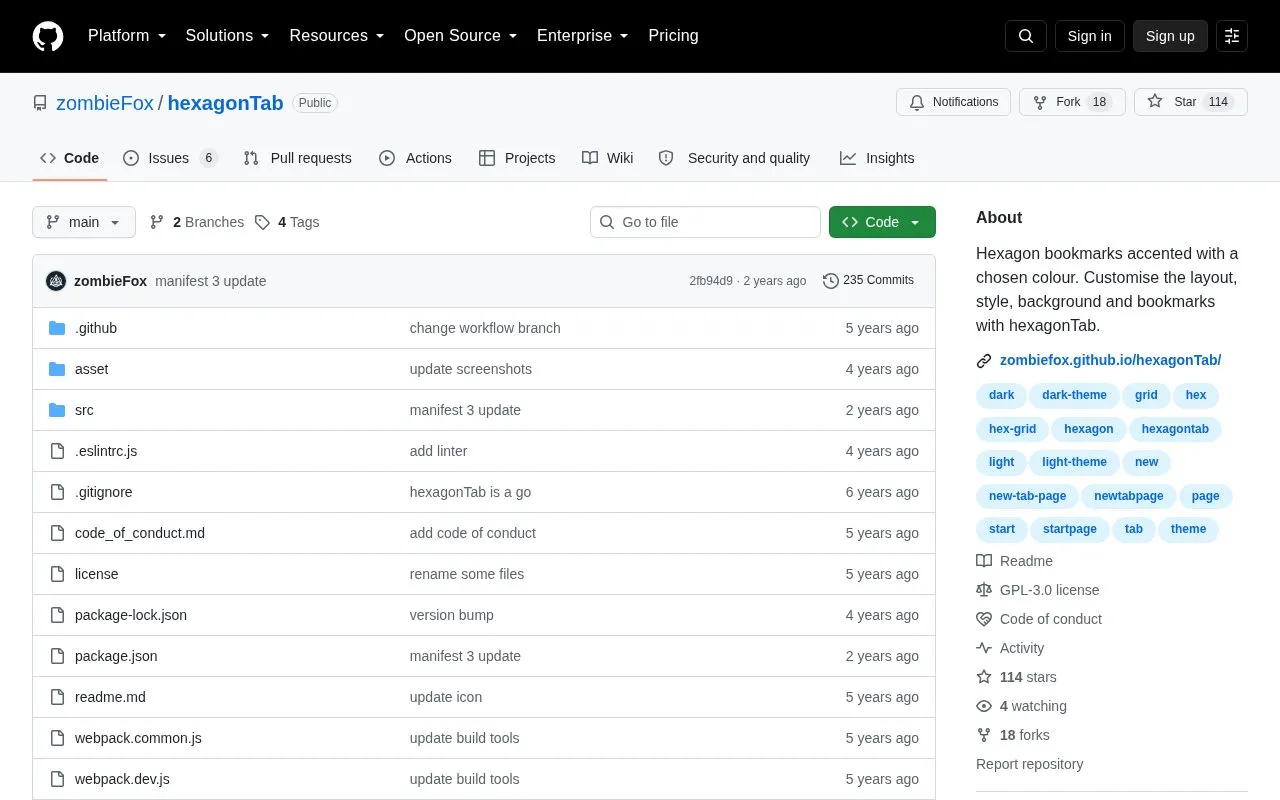
About hexagonTab
hexagonTab is an open-source custom start page, listed here as a GitHub repository. It shows bookmarks as hexagon shapes on a hexagonal grid, accented with a chosen colour. Users can adjust the layout, style, background, and bookmarks. The project is installed as a browser extension or add-on, and the homepage describes it as keeping the new tab page clean and simple, with a focus on links to the sites a user visits most often.
The repository also includes development instructions. Running npm start opens a local development server, and npm run build creates a web-ready folder and a browser extension zip. The project is licensed under GPL-3.0. The source does not state pricing, so the known pricing is unknown.
Key features
- Bookmarks displayed as hexagon shapes on a unique hexagonal grid
- Bookmark accent colour chosen by the user
- Adjustable layout, style, background, and bookmarks
- Background can be set to a video or an image
- Data backup and restore for settings and bookmarks
- Can be set as the Firefox homepage
- Build step produces a web folder and an extension zip
Best for: People who want a visually customizable new tab or start page for quick access to frequently visited sites, and developers who want to build or modify the open-source project.
Good for
- Open source under the GPL-3.0 license
- Stated focus on a clean, simple new tab page with links to frequently visited sites
hexagonTab at a glance
- Category
- Software & Utilities › Browser Extensions
- Type
- Open-source project
- Pricing
- Not confirmed. Check the site
- Open source
- Yes · Source code
- Language
- English
- Last checked
- Oct 6, 2026 · Online when checked
- Listed
- Oct 5, 2026
Guides for Browser Extensions
hexagonTab alternatives
Tools and sites you could use instead, ranked by how closely they match.

mtab offers a configurable browser new-tab page with a lightweight design and adjustable layout.
Open source
24 alternatives
Re-Start provides a terminal-style browser start page with a task list, quick links, weather summary, and customizable display options.
Open source
24 alternatives
Mue provides a customizable new-tab page through a browser extension, with widgets such as weather, notes, and bookmarks.
Open source
24 alternatives
Customize a new-tab page with nightTab, including its layout, style, background, and displayed bookmarks.
Open source
24 alternatives
MaterialYouNewTab provides a browser new-tab page inspired by Google Material You design.
Open source
24 alternatives
Build a custom new-tab page with Anori, a browser extension offering folders, color schemes, and widgets such as tasks, notes, and weather.
Popular in Browser Extensions
Well-known listings from the same topic.
Popupblocker by Joofthanaddons.mozilla.org/firefox/addon/popupblockerallEnhancementscplx.appViolentmonkeyviolentmonkey.github.ioMomentummomentumdash.comGreasy Forkgreasyfork.orgMission Controlmission-control.app


hexagonTab FAQ
How do I build hexagonTab from the source code?
Run npm start to open a development server, normally at http://localhost:8080. Run npm run build to create a web-ready folder in /dist/web/ and a browser extension zip in /dist/extension/.
Does hexagonTab include a way to back up settings and bookmarks?
The project's support topics include Data backup and restore and Recovering settings and bookmarks. The homepage does not describe the steps in detail.
Is something wrong or out of date?
Tell us and an editor will check it.
Own this website?
Claim this listing
Claim the listing and suggest updates yourself. An editor checks every claim first.