
Snap Links Plus
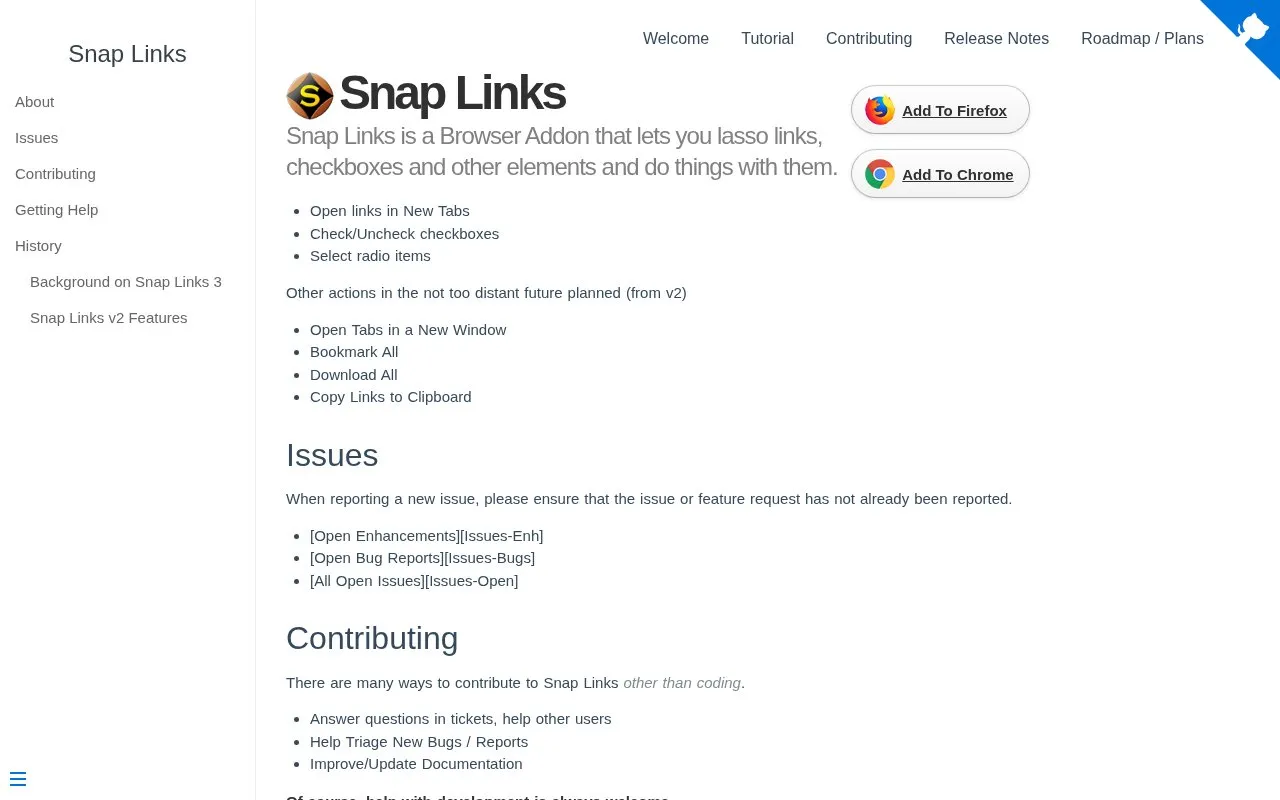
Snap Links Plus lets users select multiple links, checkboxes, and other page elements, then open links or toggle selected boxes.
About Snap Links Plus
Snap Links Plus lets users select multiple links, checkboxes, and other page elements, then open links or toggle selected boxes.
Snap Links Plus is a website in our Browser Extensions collection, part of the Software & Utilities directory. It runs in your web browser, so there's nothing to install.
People usually find Snap Links Plus when they’re looking for browser extension and tabs.
Not quite what you need? Close alternatives include Bonjourr, Auto Tab Discard, and New Tab Override — compare them below.
Snap Links Plus at a glance
- Category
- Software & Utilities › Browser Extensions
- Type
- Website
- Pricing
- Not confirmed. Check the site
- Platforms
- Web
- Open source
- Not stated
- Language
- English
- Last checked
- Oct 6, 2026 · Online when checked
- Listed
- Oct 5, 2026
Guides for Browser Extensions
Snap Links Plus alternatives
Tools and sites you could use instead, ranked by how closely they match.

Bonjourr provides a customizable browser start page for new tabs, with a minimalist layout and background options.

Auto Tab Discard unloads inactive browser tabs after a specified time to reduce memory use and background activity.

New Tab Override lets Firefox users choose which webpage opens when they open a new tab.

Session Buddy helps manage browser tabs and bookmarks, with options to save open tabs and restore saved browsing sessions later.
Customize the new-tab page with Mue, an open-source browser extension offering backgrounds, quotes, and widgets.

Popup Tab Switcher helps users switch between tabs and remembers the order in which tabs were active.
Popular in Browser Extensions
Well-known listings from the same topic.
Popupblocker by Joofthanaddons.mozilla.org/firefox/addon/popupblockerallEnhancementscplx.appViolentmonkeyviolentmonkey.github.ioMomentummomentumdash.comMission Controlmission-control.appIndie Wiki Buddygetindie.wiki


Snap Links Plus FAQ
What is Snap Links Plus?
Snap Links Plus lets users select multiple links, checkboxes, and other page elements, then open links or toggle selected boxes.
Can I use Snap Links Plus in my browser?
Yes. Snap Links Plus works on the web, so you can use it from any modern browser without installing anything.
What is Snap Links Plus used for?
People use Snap Links Plus for browser extension and tabs, within our browser extensions category.
Is Snap Links Plus working?
cpriest.github.io responded when checked on Oct 6, 2026. Its current availability has not been confirmed.
What are the best alternatives to Snap Links Plus?
Popular alternatives to Snap Links Plus include Bonjourr, Auto Tab Discard, New Tab Override, and Session Buddy. We list 12+ options matched by topic, tags and features.
Is something wrong or out of date?
Tell us and an editor will check it.
Own this website?
Claim this listing
Claim the listing and suggest updates yourself. An editor checks every claim first.