

Auto Tab Discard
Auto Tab Discard unloads inactive browser tabs after a specified time to reduce memory use and background activity.
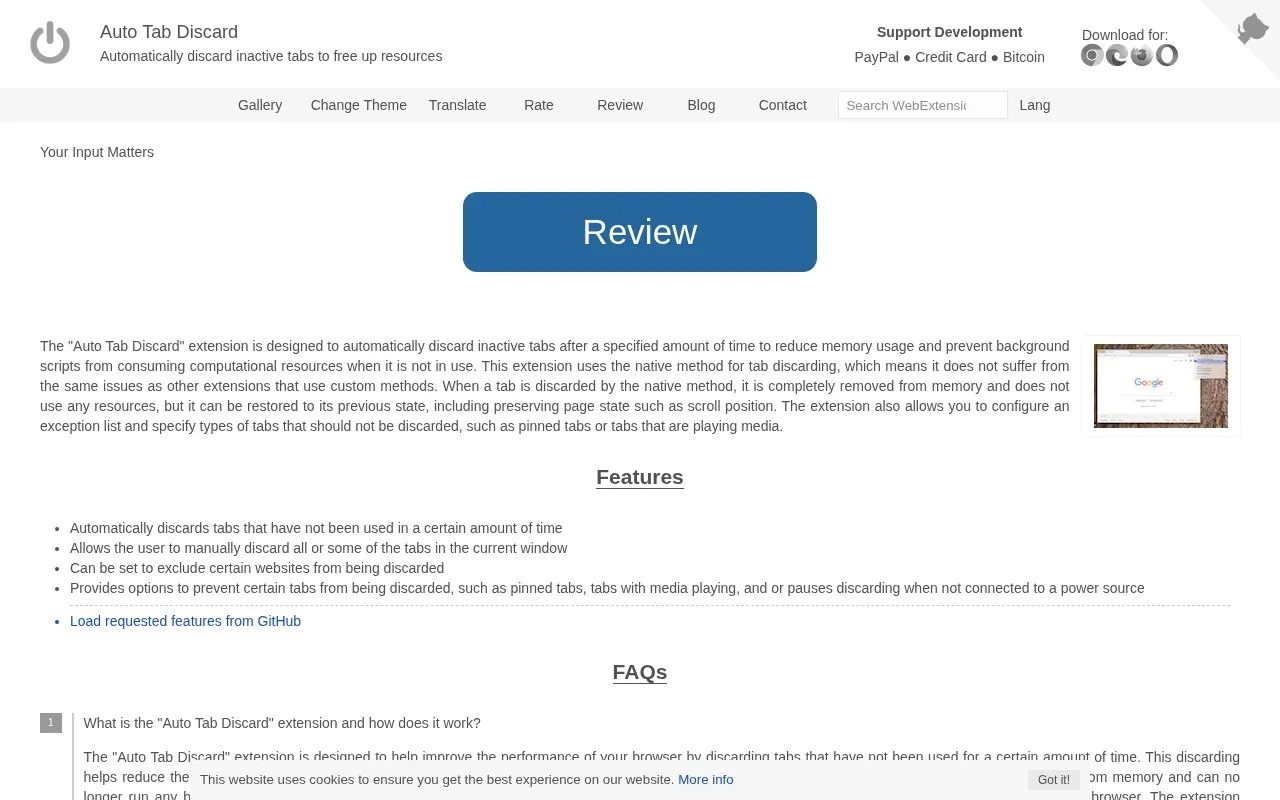
About Auto Tab Discard
Auto Tab Discard automatically discards browser tabs that have not been used for a set time to reduce memory and CPU use. It uses the browser's native discarding method, which removes tab content from memory and stops background scripts, while the tab remains in the tab bar and can be reopened with state such as scroll position preserved.
It supports manual discarding of tabs in the current window and an exception list for specific hostnames. Default and configurable conditions can skip pinned tabs, tabs with playing or paused media, tabs with unsaved form changes, and tabs based on power, idle, connection, or notification status.
Key features
- Automatically discards tabs unused for a set time
- Manually discards all or selected tabs in current window
- Excludes specific hostnames from discarding
- Skips pinned tabs when enabled
- Skips tabs with playing or paused media
- Skips tabs with unsaved form changes
Best for: People who keep many tabs open and want to lower memory and background activity.
Good for
- Uses native discarding to remove tab content from memory and stop background scripts
- Discarded tabs stay in the tab bar and reopen with scroll position preserved
- Supports hostname exceptions and conditions for pinned, media, and form-entry tabs
Watch out for
- Default conditions skip some tabs, so manual discard may leave tabs active
- Discarded tab content is removed from memory and not visible until reopened
Auto Tab Discard at a glance
- Category
- Software & Utilities › Browser Extensions
- Type
- Website
- Pricing
- Not confirmed. Check the site
- Platforms
- Web
- Open source
- Not stated
- Language
- English
- Last checked
- Oct 5, 2026 · Online when checked
- Listed
- Oct 5, 2026
Guides for Browser Extensions
Auto Tab Discard alternatives
Tools and sites you could use instead, ranked by how closely they match.

Auto Tab Discard uses native tab discarding to reduce memory use by inactive browser tabs.
Open source
24 alternatives
Bonjourr provides a customizable browser start page for new tabs, with a minimalist layout and background options.
Customize the new-tab page with Mue, an open-source browser extension offering backgrounds, quotes, and widgets.

Session Buddy helps manage browser tabs and bookmarks, with options to save open tabs and restore saved browsing sessions later.

Automatically close unused tabs with Tab Wrangler, a browser extension intended to keep attention on the tabs currently in use.
Open source
24 alternatives
Manage browser tabs with Prune, an extension listed for Chrome, Firefox, and Safari.
Open source
24 alternativesPopular in Browser Extensions
Well-known listings from the same topic.
Popupblocker by Joofthanaddons.mozilla.org/firefox/addon/popupblockerallEnhancementscplx.appViolentmonkeyviolentmonkey.github.ioMomentummomentumdash.comGreasy Forkgreasyfork.orgMission Controlmission-control.app


Auto Tab Discard FAQ
How can I prevent a specific website from being discarded?
Add its hostname with the right-click menu on the toolbar button, or manage the list in the options page. Tabs playing media or with unsaved form data are skipped by default.
Why didn't all tabs discard when I used "Discard all inactive tabs"?
Hover over the toolbar button on a tab to see the reason. Default settings skip tabs with unsaved form data or playing media, and other conditions can be changed in the options page.
What happens to a discarded tab?
Its content is removed from memory, it stops running background scripts, it stays in the tab bar, and clicking it reopens it with state such as scroll position preserved.
Is something wrong or out of date?
Tell us and an editor will check it.
Own this website?
Claim this listing
Claim the listing and suggest updates yourself. An editor checks every claim first.