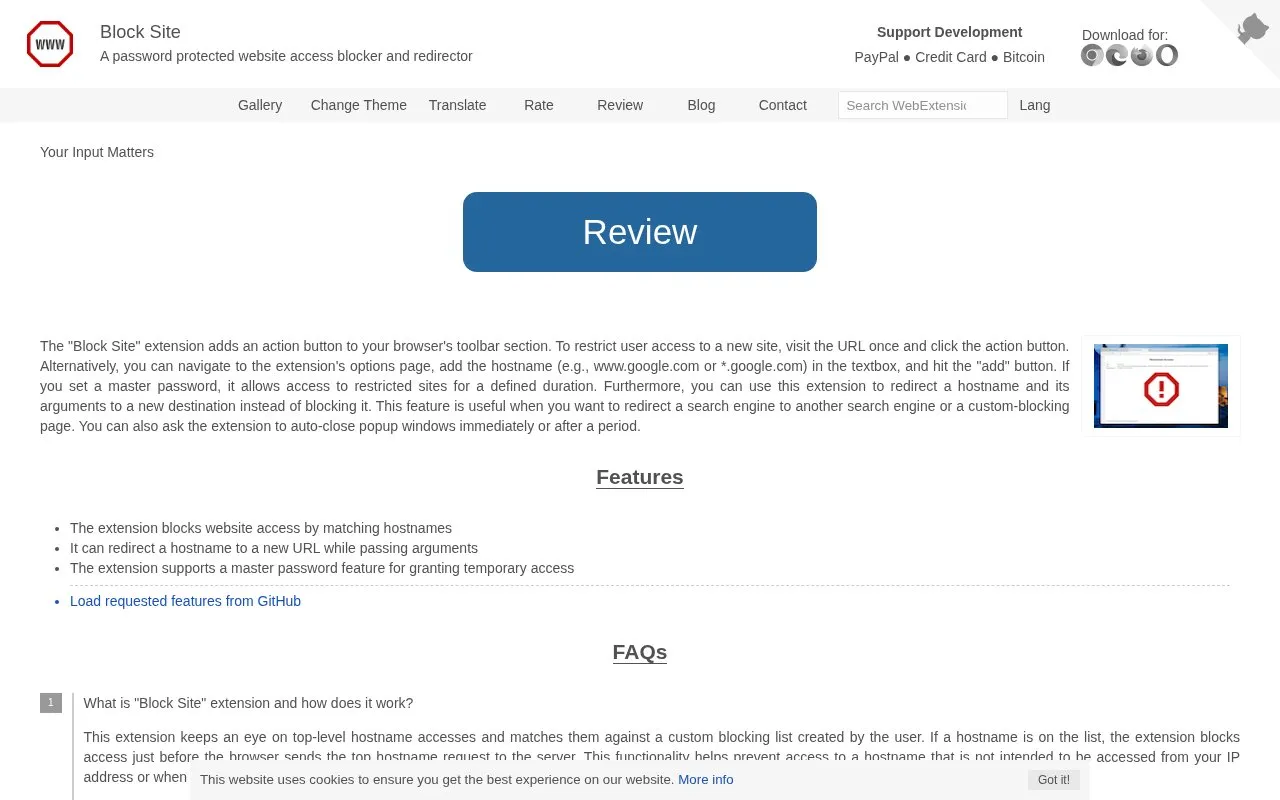
Block Site is a browser extension that adds a toolbar action for restricting access to selected websites. It monitors top-level hostname accesses and matches them against a user-created blocking list, blocking the request before the browser sends it to the server. Hostnames can be added by visiting a site and clicking the action button, or by entering a hostname such as www.google.com or *.google.com on the options page.
Instead of blocking, a hostname can be redirected to another full URL, with the original URL's arguments passed to the destination. The extension can also auto-close popup windows immediately or after a period. A master password, set on the options page, is required to change options and allows temporary access to restricted sites for a defined duration; since version 0.6.0 temporary unblocking can use a custom period, the browser session, or while tabs of the site stay open. The publisher provides no pricing information on the page.
Key features
Blocks top-level hostname requests before the browser contacts the server
Redirects a blocked hostname to another URL, passing original arguments
Master password gates options changes and grants temporary access
Temporary unblock for a custom period, a session, or open tabs
Popup overview of active blocking rules with optional toggle mode
Auto-closes popup windows immediately or after a set period
Best for: People who want to restrict their own browser access to specific sites, or redirect one hostname to another.
Good for
Blocking happens before the browser sends the top hostname request
Unchecking the blocked-hostname title display prevents requests to blocked servers
With a master password set, other users cannot modify the extension's preferences
Watch out for
The blocking list must be created and maintained by the user
Enabling the blocked-hostname title display sends requests to those servers
Options changes require the master password once it is set
What is the Block Site extension and how does it work?
It watches top-level hostname accesses and matches them against a custom blocking list you create. If a hostname is on the list, access is blocked just before the browser sends the top hostname request to the server.
What is the master password and how do I set it?
Set it on the options page. With a master password set, changing options such as removing a hostname or adjusting the temporary-access interval requires the password, and you can temporarily unblock a hostname by entering the password on the block page for a predetermined time.
How do I redirect a hostname instead of blocking it?
Add the hostname to the blocking list on the options page and enter the full destination URL, including the scheme, in the redirect box, then save. The extension extracts the original URL's arguments and passes them to the destination.
Is something wrong or out of date?
Tell us and an editor will check it.
Own this website?
Claim the listing and suggest updates yourself. An editor checks every claim first.